Prefect
Connect Prefect step by step: install the plugin, issue its key, attach the hooks, and check it reports.
Connect it
- Choose the deployment: which environment this is: production, staging.
- Install the plugin: add convalesce-emit-prefect where your flows run.
- Issue the key and set it: point flow runs at Convalesce.
- Attach the hooks: emit_flow_run on flows, emit_task_run on tasks.
- Turn on retries, if you want them: optional: let Prefect run a flow again once somebody approves it.
- Check it reports: run something and watch the first event arrive.
convalesce-emit-prefect tells Convalesce about your Prefect flow runs and task runs: started, finished, failed, and why.
It works through state hooks that you attach to your flows and tasks.
Convalesce is a hosted service. The plugin sends out to it over HTTPS, and nothing has to be opened inbound on your side.
Before you start
- Somewhere to add a Python package to the environment your flows run in.
- A way to set two environment variables in that same environment.
Connect it
In Convalesce, open Integrations, choose Prefect, and follow the steps. Each one is shown below as it looks on screen, with what to copy and run.
Set the key in the environment the flow run itself executes in. On a work pool that is the job's environment, set through its job variables.
The steps depend on one choice: Where it runs. Pick yours here, and every step, picture and script below follows it.
Flows served or run from a virtualenv.
Step 1 of 6: Choose the deployment
Which environment this is: production, staging.
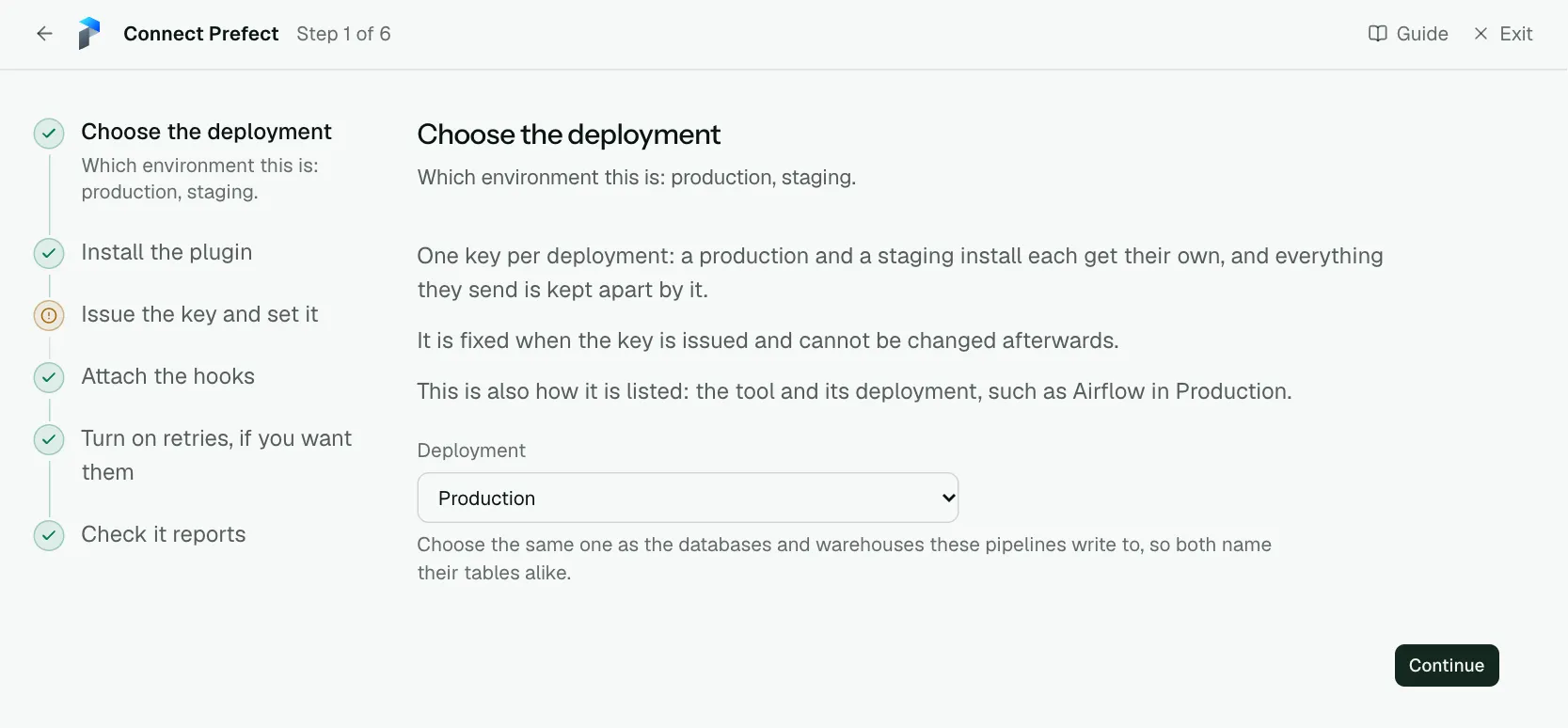
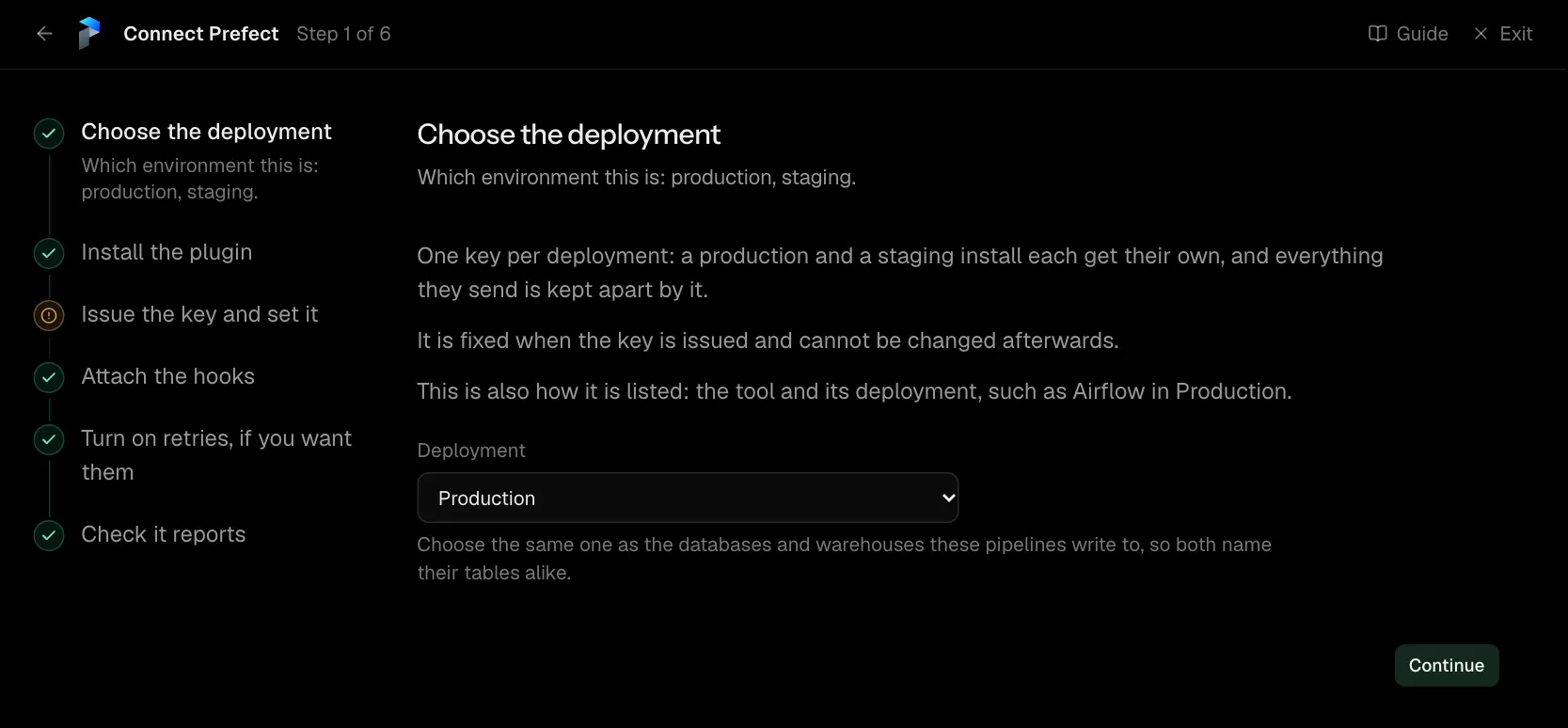
One key per deployment: a production and a staging install each get their own, and everything they send is kept apart by it.
It is fixed when the key is issued and cannot be changed afterwards.
This is also how it is listed: the tool and its deployment, such as Airflow in Production.
| What it asks for | Needed | What to enter |
|---|---|---|
| Deployment | Yes | Choose the same one as the databases and warehouses these pipelines write to, so both name their tables alike. Choose one of: Production, Staging, Development, Test, Quality assurance, User acceptance, Pre-production, Sandbox. |
Step 2 of 6: Install the plugin
Add convalesce-emit-prefect where your flows run.
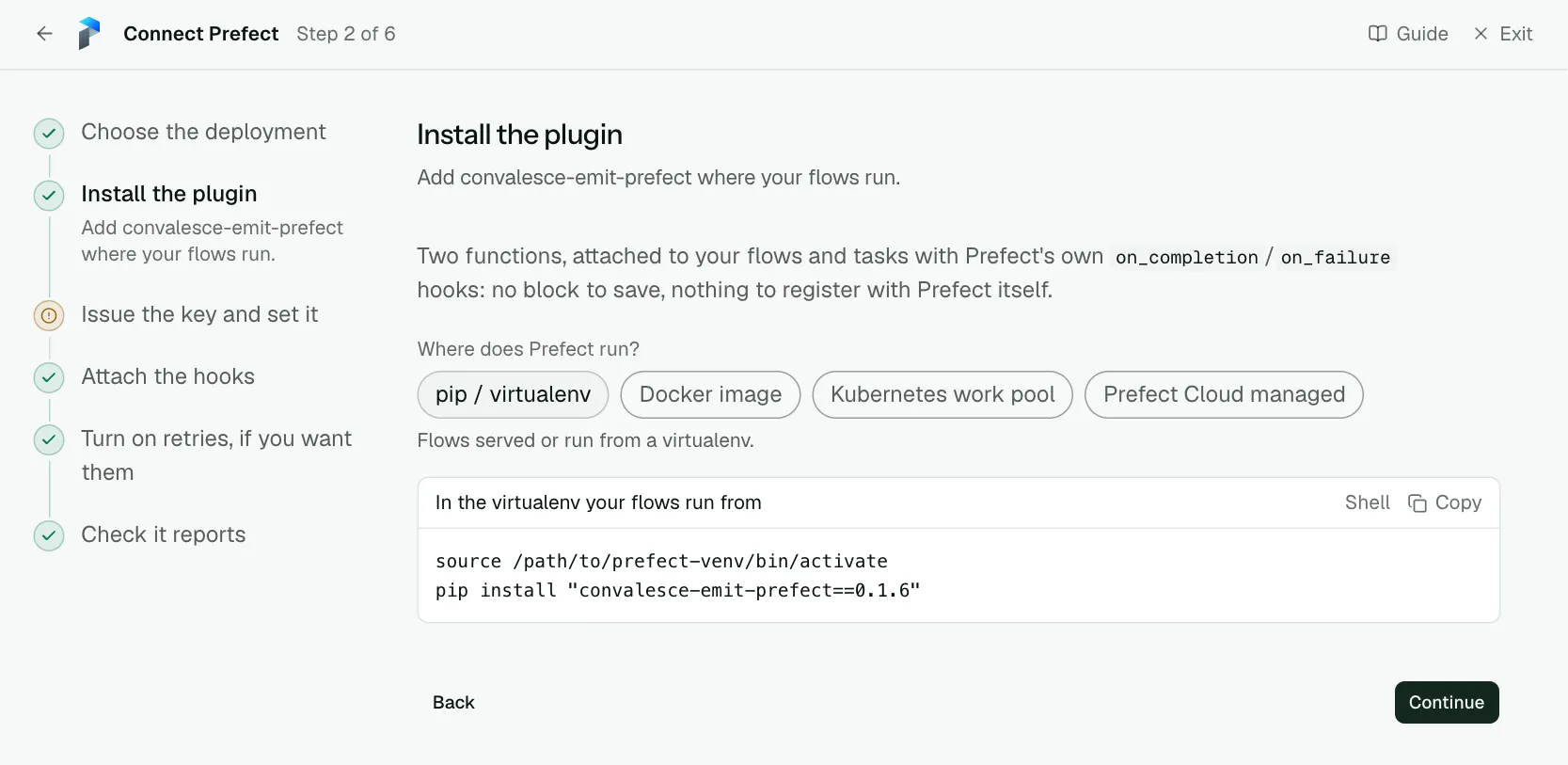
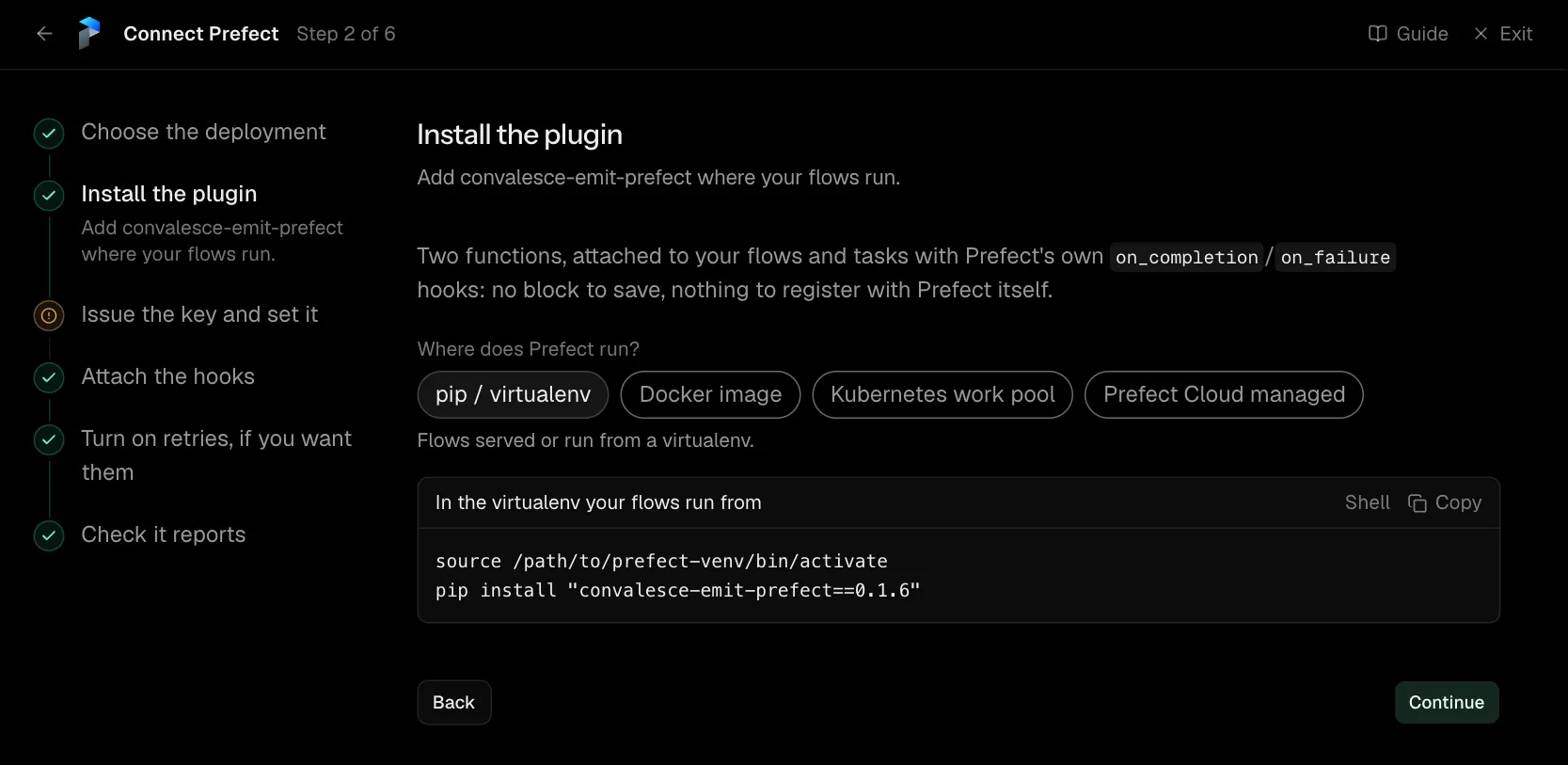
Two functions, attached to your flows and tasks with Prefect's own on_completion/on_failure hooks: no block to save, nothing to register with Prefect itself.
source /path/to/prefect-venv/bin/activate
pip install "convalesce-emit-prefect==0.2.1"
Step 3 of 6: Issue the key and set it
Point flow runs at Convalesce.
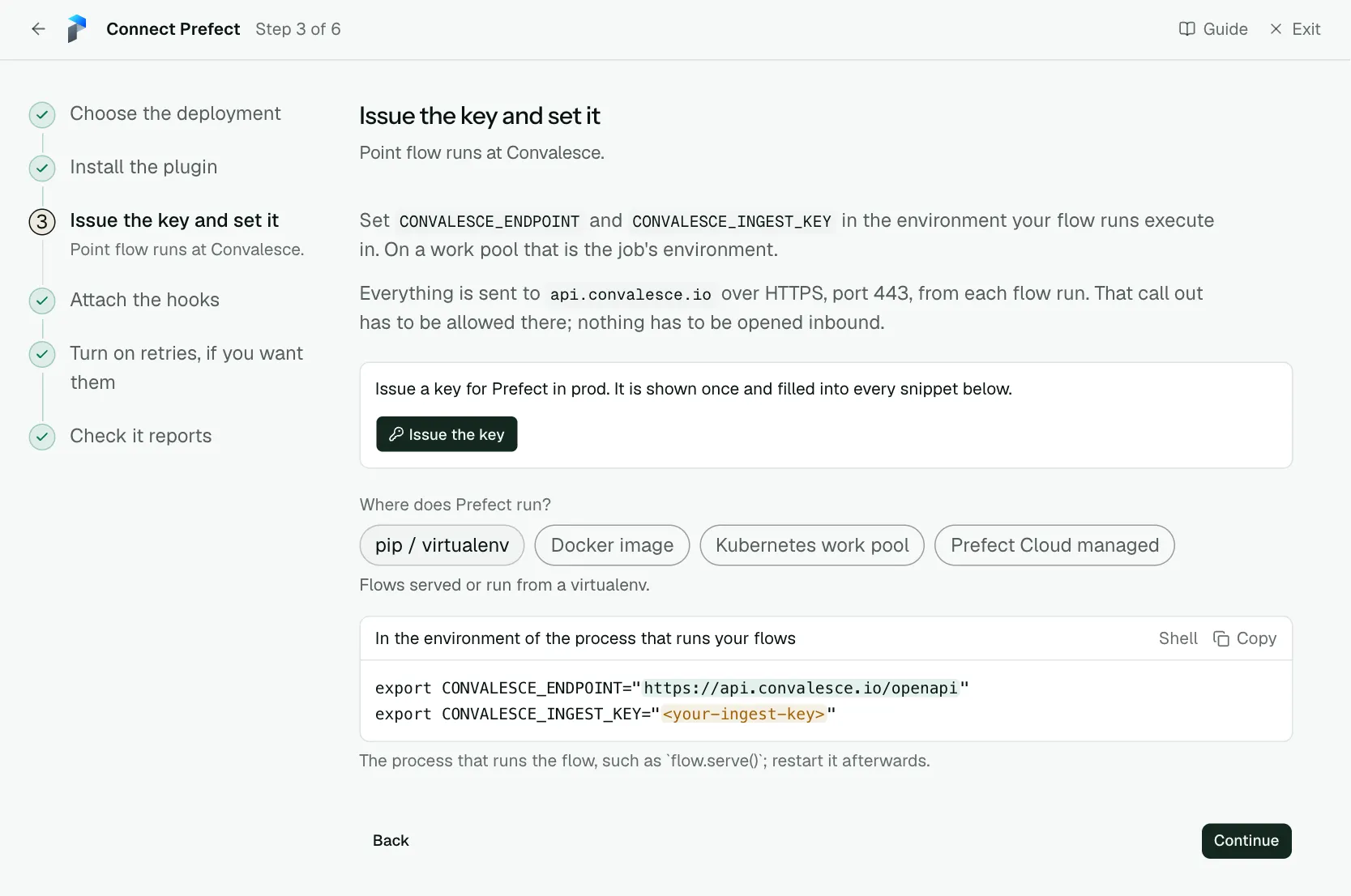
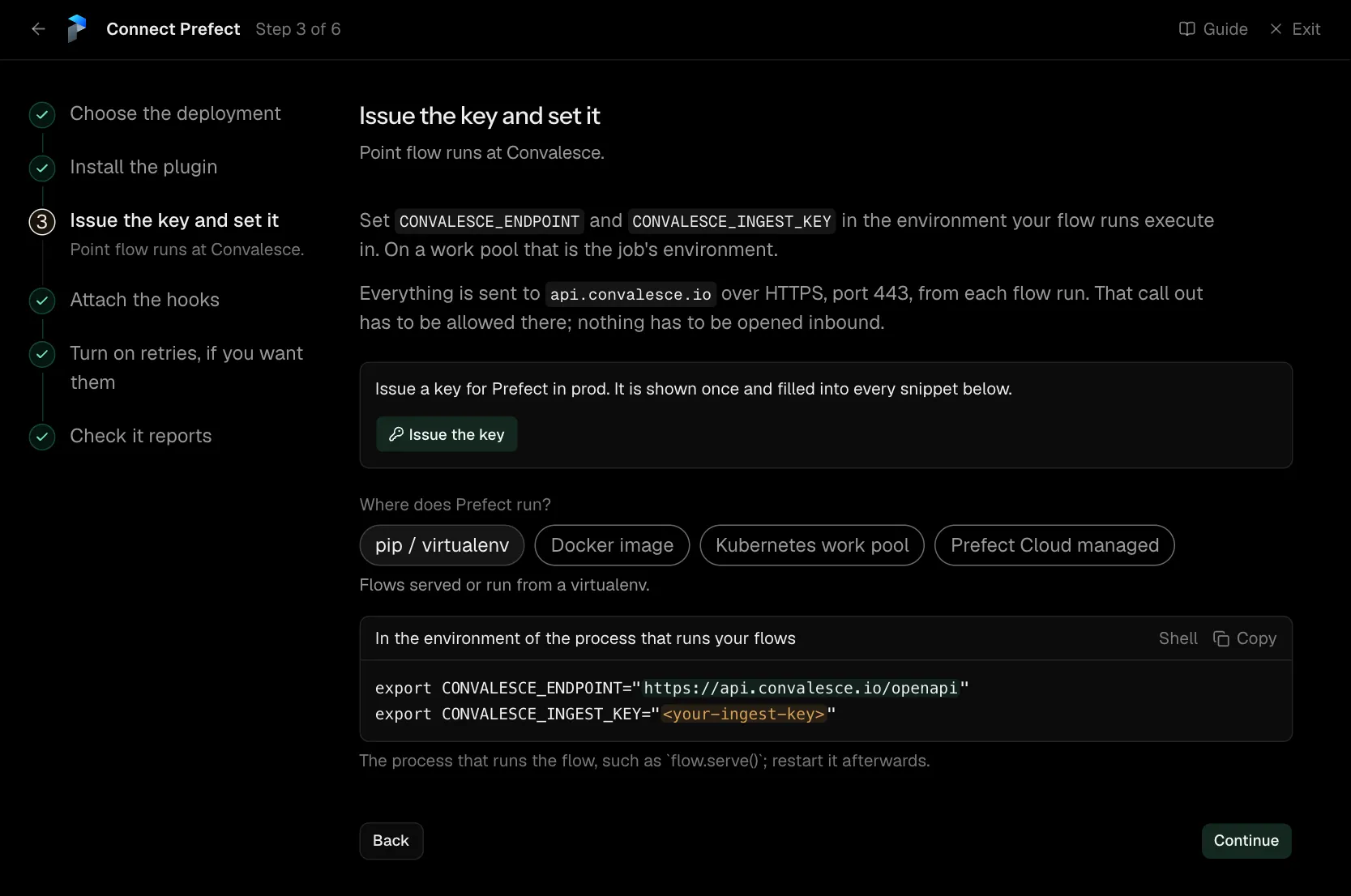
Set CONVALESCE_ENDPOINT and CONVALESCE_INGEST_KEY in the environment your flow runs execute in. On a work pool that is the job's environment.
With each run it sends the code of the flow and of each task, the SQL each task ran (the statement text, never the values bound to it) and the values each was called with, with secrets masked. CONVALESCE_SEND_SOURCE, CONVALESCE_SQL_CAPTURE and CONVALESCE_SEND_ARGUMENTS each turn one of those off when set to false.
Everything is sent to api.convalesce.io over HTTPS, port 443, from each flow run. That call out has to be allowed there; nothing has to be opened inbound.
export CONVALESCE_ENDPOINT="https://api.convalesce.io/openapi"
export CONVALESCE_INGEST_KEY="<your-ingest-key>"
The process that runs the flow, such as flow.serve(); restart it afterwards.
Step 4 of 6: Attach the hooks
emit_flow_run on flows, emit_task_run on tasks.
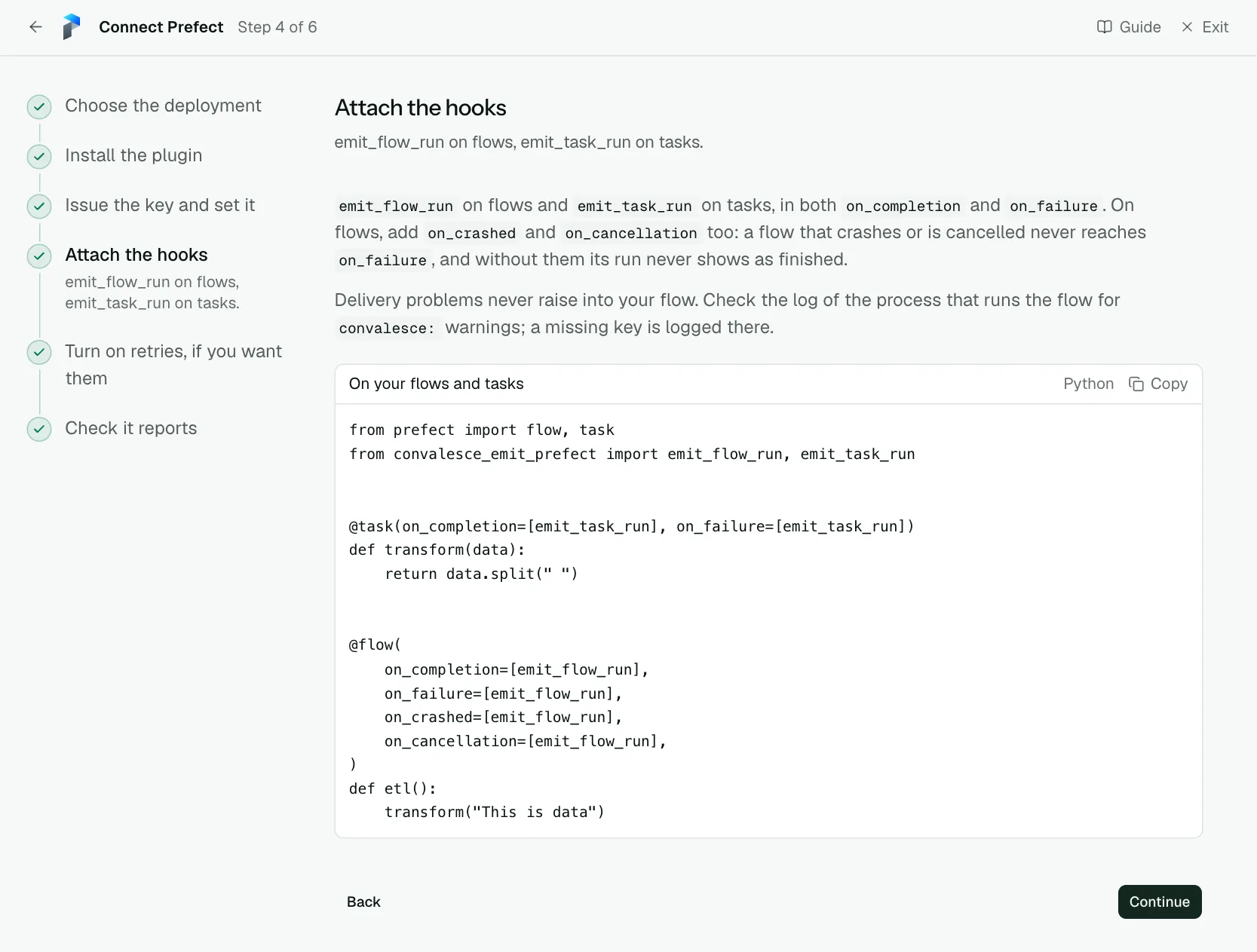
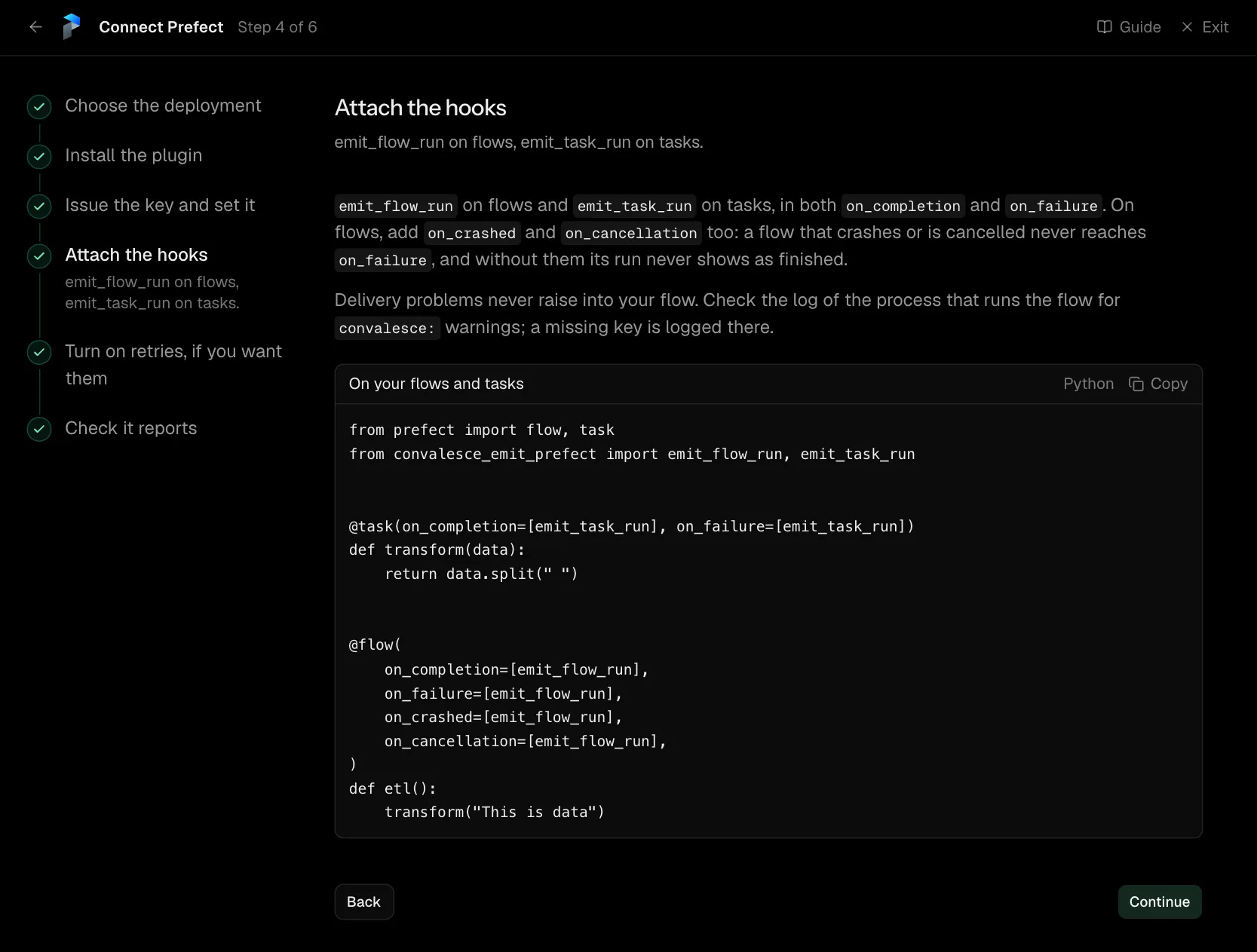
emit_flow_run on flows and emit_task_run on tasks, in both on_completion and on_failure. On flows, add on_crashed and on_cancellation too: a flow that crashes or is cancelled never reaches on_failure, and without them its run never shows as finished.
Import convalesce_emit_prefect before the flow opens its database connections, so the SQL each task runs is seen.
Delivery problems never raise into your flow. Check the log of the process that runs the flow for convalesce: warnings; a missing key is logged there.
from prefect import flow, task
from convalesce_emit_prefect import emit_flow_run, emit_task_run


@task(on_completion=[emit_task_run], on_failure=[emit_task_run])
def transform(data):
    return data.split(" ")


@flow(
    on_completion=[emit_flow_run],
    on_failure=[emit_flow_run],
    on_crashed=[emit_flow_run],
    on_cancellation=[emit_flow_run],
)
def etl():
    transform("This is data")
Step 5 of 6: Turn on retries, if you want them (optional)
Optional: let Prefect run a flow again once somebody approves it.
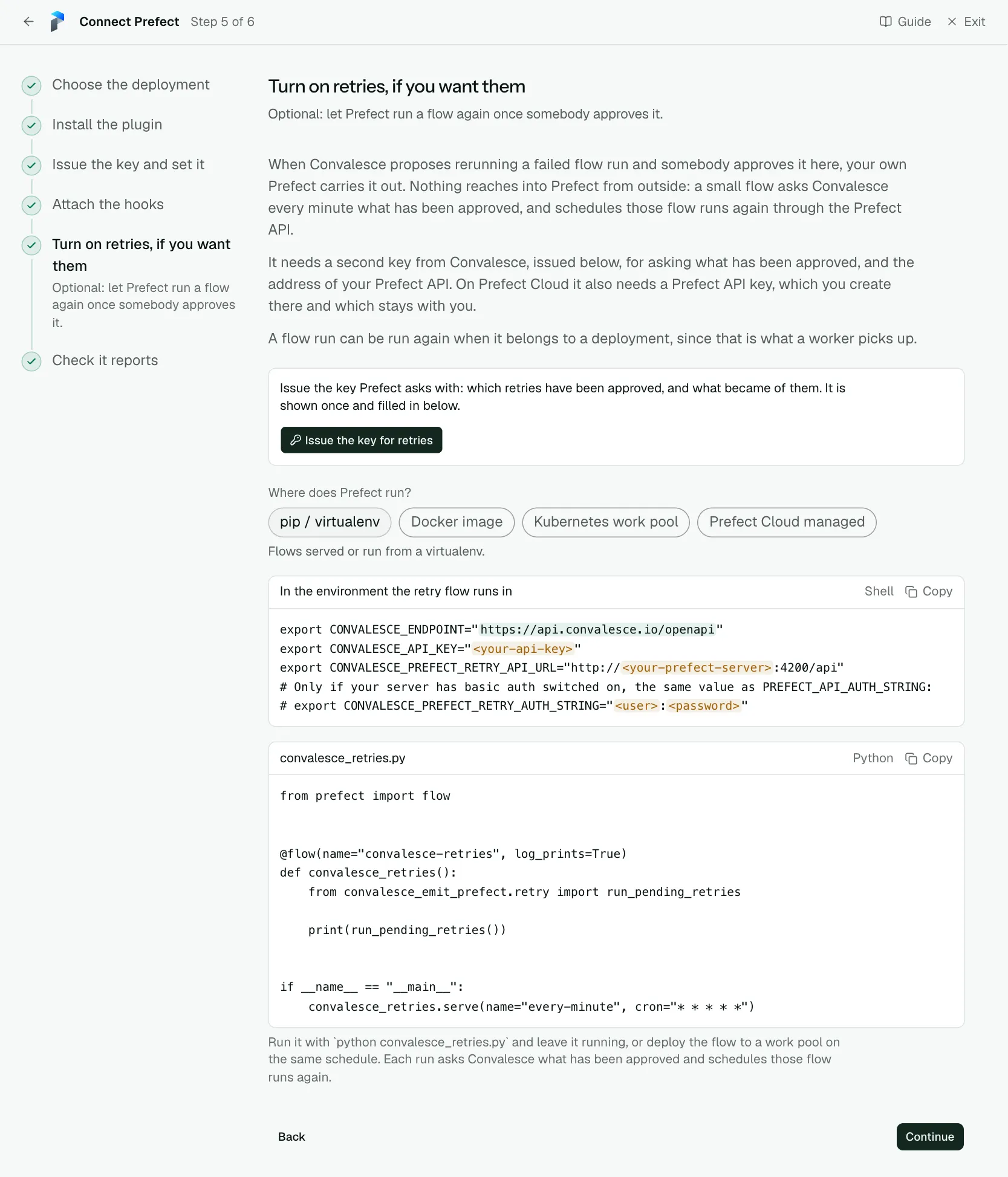
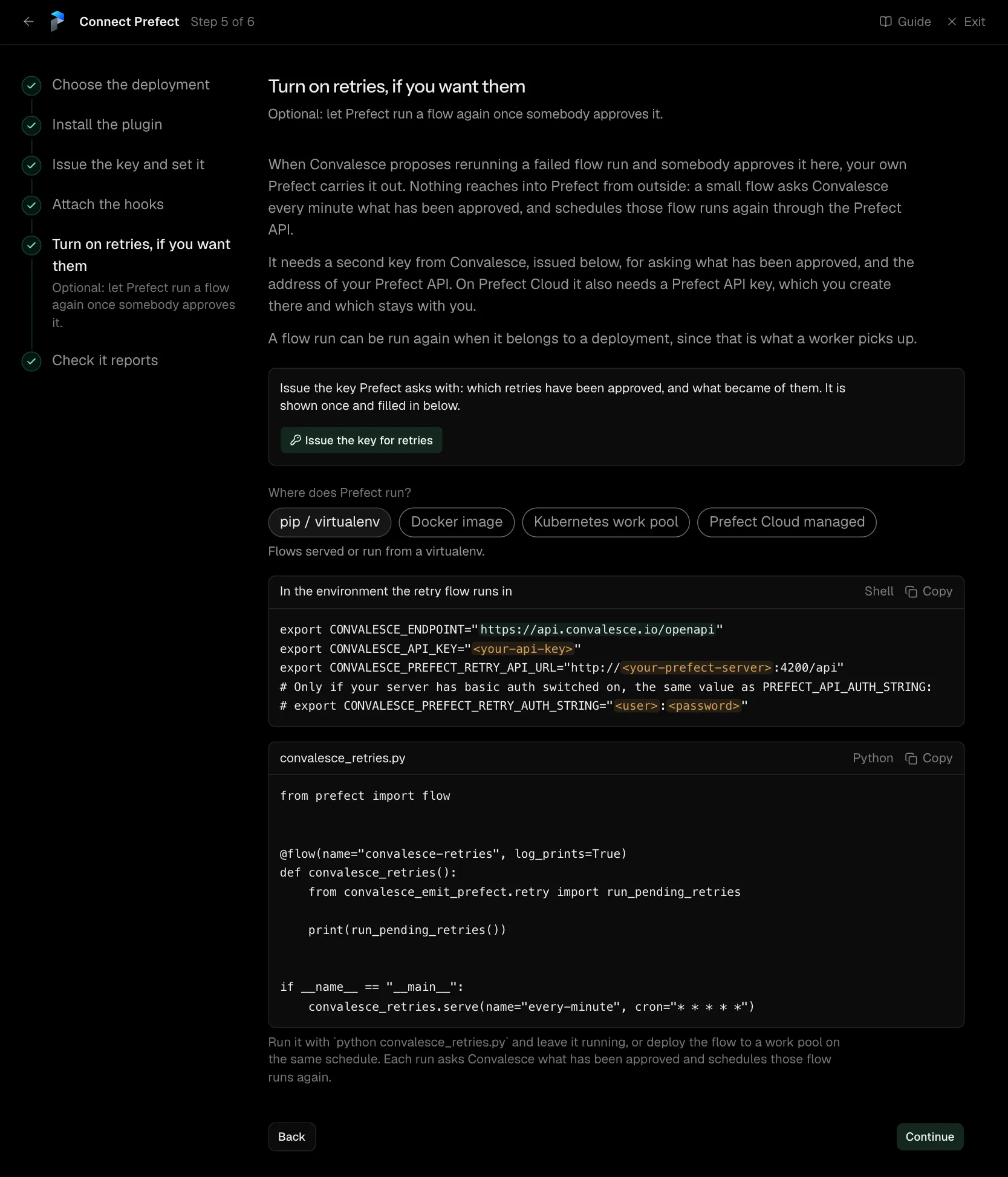
When Convalesce proposes rerunning a failed flow run and somebody approves it here, your own Prefect carries it out. Nothing reaches into Prefect from outside: a small flow asks Convalesce every minute what has been approved for this deployment, with the key you have already set, and schedules those flow runs again through the Prefect API.
The flow below is all it takes.
A flow run can be run again when it belongs to a deployment, since that is what a worker picks up.
from prefect import flow


@flow(name="convalesce-retries", log_prints=True)
def convalesce_retries():
    from convalesce_emit_prefect.retry import run_pending_retries

    print(run_pending_retries())


if __name__ == "__main__":
    convalesce_retries.serve(name="every-minute", cron="* * * * *")
Run it with python convalesce_retries.py and leave it running, or deploy the flow to a work pool on the same schedule, in the same environment as your other flows: it uses the two Convalesce variables already set there and Prefect's own address. Each run asks Convalesce what has been approved for this deployment and schedules those flow runs again.
Step 6 of 6: Check it reports
Run something and watch the first event arrive.
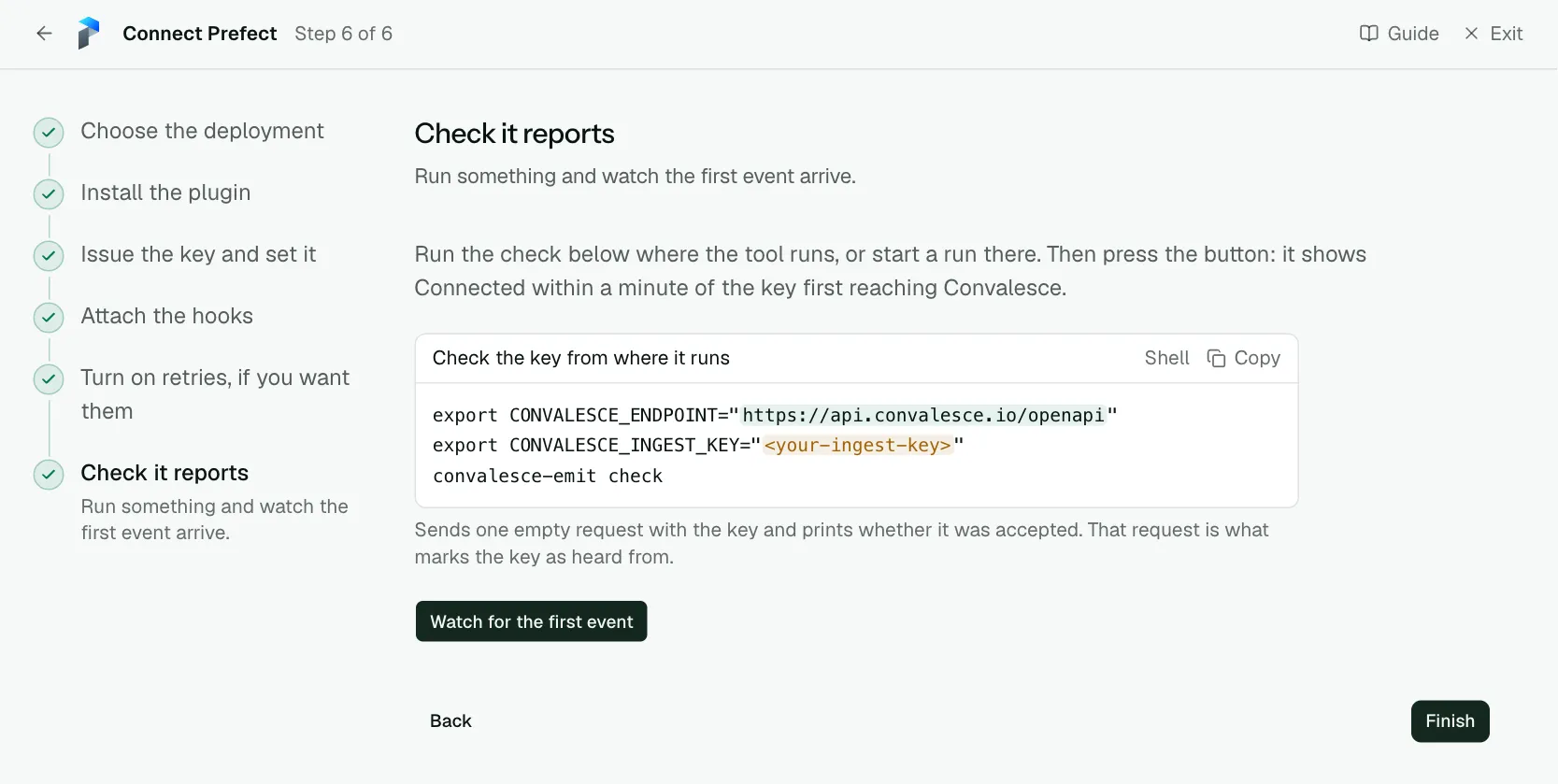
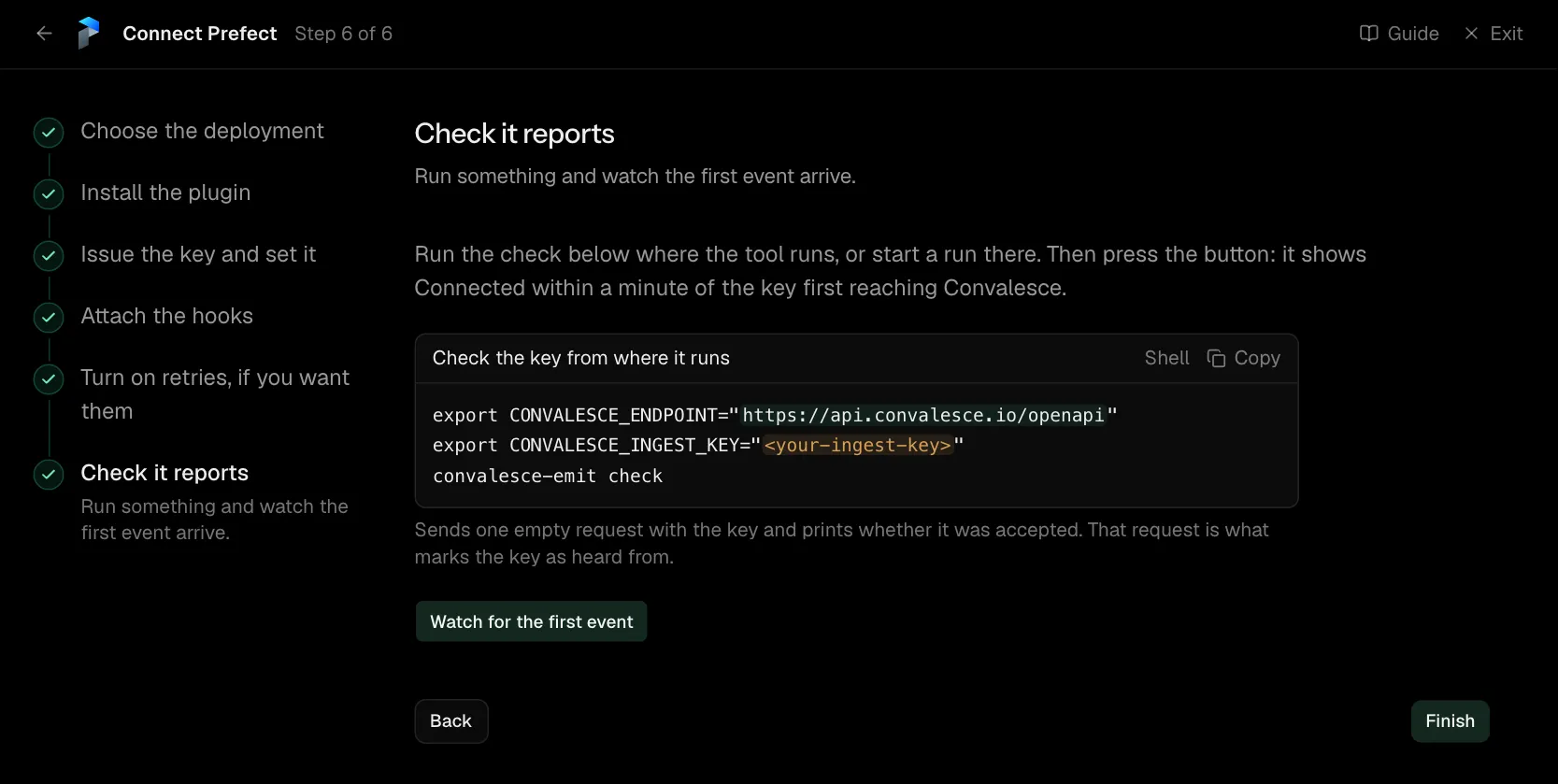
Run the check below where the tool runs, or start a run there. Then press the button: it shows Connected within a minute of the key first reaching Convalesce.
Network
Everything is sent to api.convalesce.io over HTTPS, port 443, from each flow run. That call out has to be allowed there; nothing has to be opened inbound.
Retries
The convalesce-retries flow is all a retry takes. It runs in the same environment as your other flows, so it uses the two Convalesce variables already set there and the Prefect address and sign-in every flow run is given.
A flow run can be run again when it belongs to a deployment.
What is sent
With each run, the plugin sends what the flow and its tasks did:
- The code that ran: the source of the flow function and of each task function.
- The SQL it ran: the text of each statement a task sent to a database. The values bound to a statement and the rows it read or wrote stay with you.
- What it was called with: the flow run's parameter values and the values each task was called with. A list keeps its first 50 items, text its first 2,000 characters, and a data frame is named by its type and shape. Secrets are masked.
Each of the three is on by default and has its own switch in Settings. false, 0, no and off all turn a switch off.
Import convalesce_emit_prefect before the flow opens its database connections, so the SQL each task runs is seen.
Prefect Cloud
On Prefect Cloud, your flows are listed under the workspace's name. The plugin reads the name from Prefect Cloud once for each process, with the API key Prefect is already set up with. There is nothing to configure.
Settings
All of these are environment variables, read where the plugin runs.
| Variable | Default | What it does |
|---|---|---|
CONVALESCE_INGEST_KEY | required | The key the plugin presents. Issued on the connect screen and shown once. |
CONVALESCE_ENDPOINT | required | Where it sends: https://api.convalesce.io/openapi. The connect screen fills it into every snippet. |
CONVALESCE_ENABLED | true | Set false to pause sending without uninstalling. |
CONVALESCE_DRY_RUN | false | Set true to log what would be sent and send nothing. |
CONVALESCE_TIMEOUT | 10 | Seconds to wait on one request. |
CONVALESCE_MAX_RETRIES | 3 | Attempts after the first, when a request fails for a passing reason. |
CONVALESCE_BATCH_SIZE | 50 | The most observations sent in one request. |
CONVALESCE_MAX_BODY_BYTES | 1000000 | Largest request it sends. Up to 5000000. |
CONVALESCE_SPOOL_DIR | a folder under the system temp directory | Where anything that could not be delivered waits, to be sent on a later attempt. |
CONVALESCE_SPOOL_MAX_BYTES | 1000000000 | The most that folder holds. |
CONVALESCE_SEND_SOURCE | true | Set false to stop sending the code that ran. |
CONVALESCE_SQL_CAPTURE | true | Set false to stop sending the SQL that ran. |
CONVALESCE_SEND_ARGUMENTS | true | Set false to stop sending task arguments and flow parameter values. |
CONVALESCE_PREFECT_API_READS | true | Reads the deployment, work pool, task runs and, on Prefect Cloud, the workspace from the Prefect API. |
CONVALESCE_PREFECT_SEND_RESULT | true | Sends a task's result when it is a short plain value. |
CONVALESCE_PREFECT_SEND_PARAMETERS | follows CONVALESCE_SEND_ARGUMENTS | Decides for flow parameter values alone: true sends them and false sends their types only, whatever CONVALESCE_SEND_ARGUMENTS says. |
CONVALESCE_PREFECT_RETRY_API_URL | PREFECT_API_URL | The Prefect API retries are sent to, where it should differ from the one the flow runs with. |
CONVALESCE_PREFECT_RETRY_API_KEY | PREFECT_API_KEY | The Prefect API key retries sign in with, where it should differ. |
CONVALESCE_PREFECT_RETRY_AUTH_STRING | PREFECT_API_AUTH_STRING | user:password for a server with basic auth, where it should differ. |
Versions
Prefect 2.20 and 3.1 or later, on Python 3.9 and later. The latest release is convalesce-emit-prefect==0.2.1.
Troubleshooting
- The check step keeps waiting. Run
convalesce-emit checkin the environment your flows run in. It says whether the key is accepted and the address is reachable. - A crashed or cancelled flow never shows as finished. Attach
emit_flow_runtoon_crashedandon_cancellationas well ason_completionandon_failure, as the Attach the hooks step shows. - An approved retry is not carried out. The
convalesce-retriesflow has to be running, and its log says why it skipped one. - Nothing arrives from a work pool. The two variables go in the job's environment, through the pool's job variables.