Databricks
Connect Databricks Unity Catalog step by step: the credential, the grants, and what is read.
Connect it
- Name it: what to call this connection, and the deployment it belongs to.
- Name the workspace: workspace URL, warehouse and catalog.
- Choose how to sign in: a service principal or a personal access token.
- Add the service principal: its application ID and an OAuth secret.
- Grant the read access: catalog access and the warehouse.
- Grant lineage and usage: optional: the system tables.
- Choose what to read: lineage, usage, notebooks, models.
- Choose what is read: optional: narrow it to some tables.
- Test the connection: check Convalesce can reach it with what you entered.
- Choose how often: how often Convalesce reads it.
- Review and connect: check everything, then save the connection.
Convalesce reads Databricks through Unity Catalog, as a service principal or with a personal access token. The connect screen writes the grants for whichever you choose, for every catalog you list.
A SQL warehouse is optional and worth giving: with one, lineage and usage are read in a single query from the system tables.
Convalesce is a hosted service, so it connects to your tool over the internet. Nothing is installed on your side.
Before you start
Have these ready and the rest takes a few minutes:
- Your workspace URL, the catalogs you want read, and ideally a SQL warehouse ID.
- A service principal with an OAuth secret, or a personal access token.
- A metastore admin or account admin, to run the lineage and usage grants.
Connect it
In Convalesce, open Integrations, choose Databricks, and follow the steps. Each one is shown below as it looks on screen, with what it asks for and anything to copy and run.
The steps depend on one choice: Choose how to sign in. Pick yours here, and every step, picture and script below follows it.
The application ID as the client ID, and an OAuth secret generated for it. Recommended.
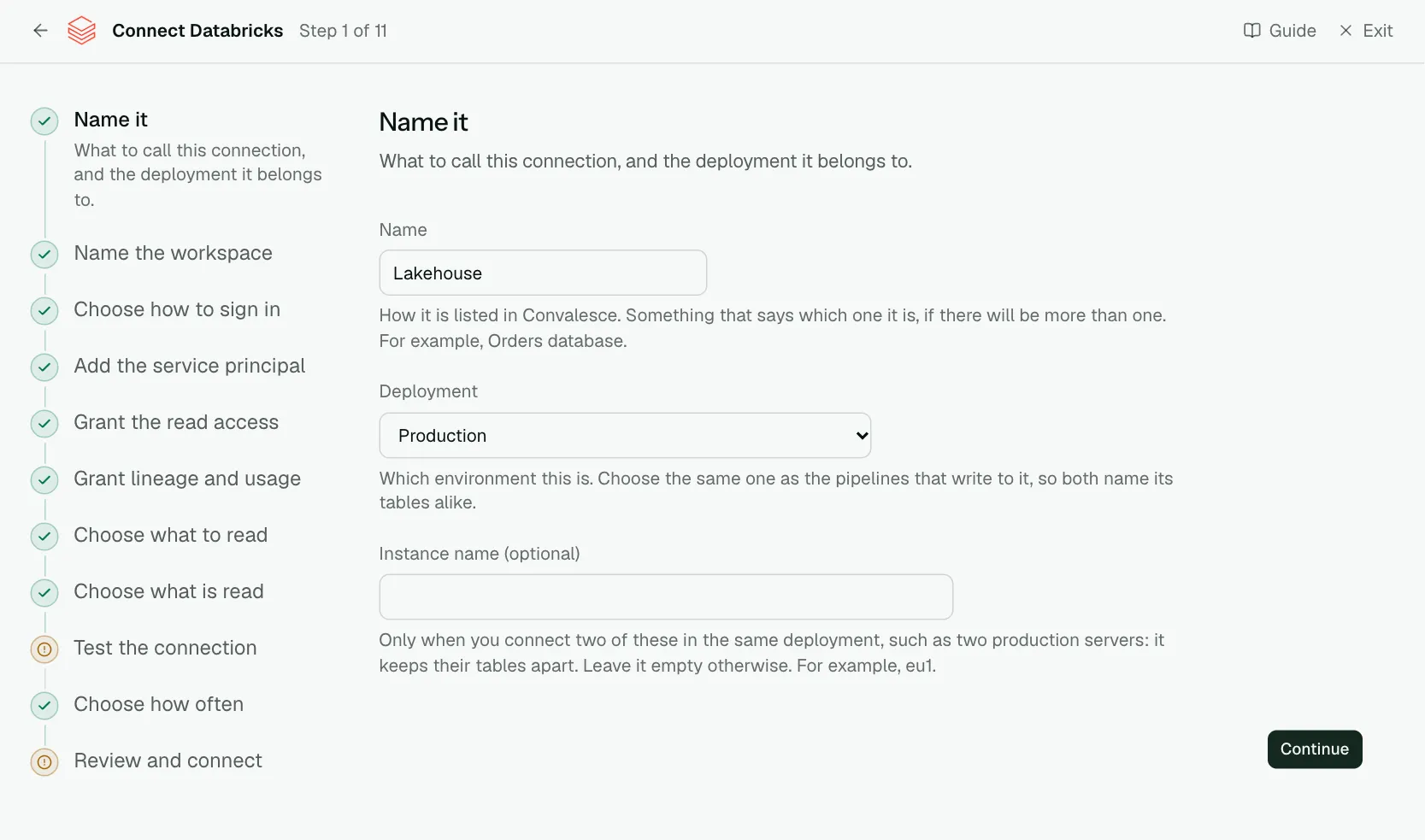
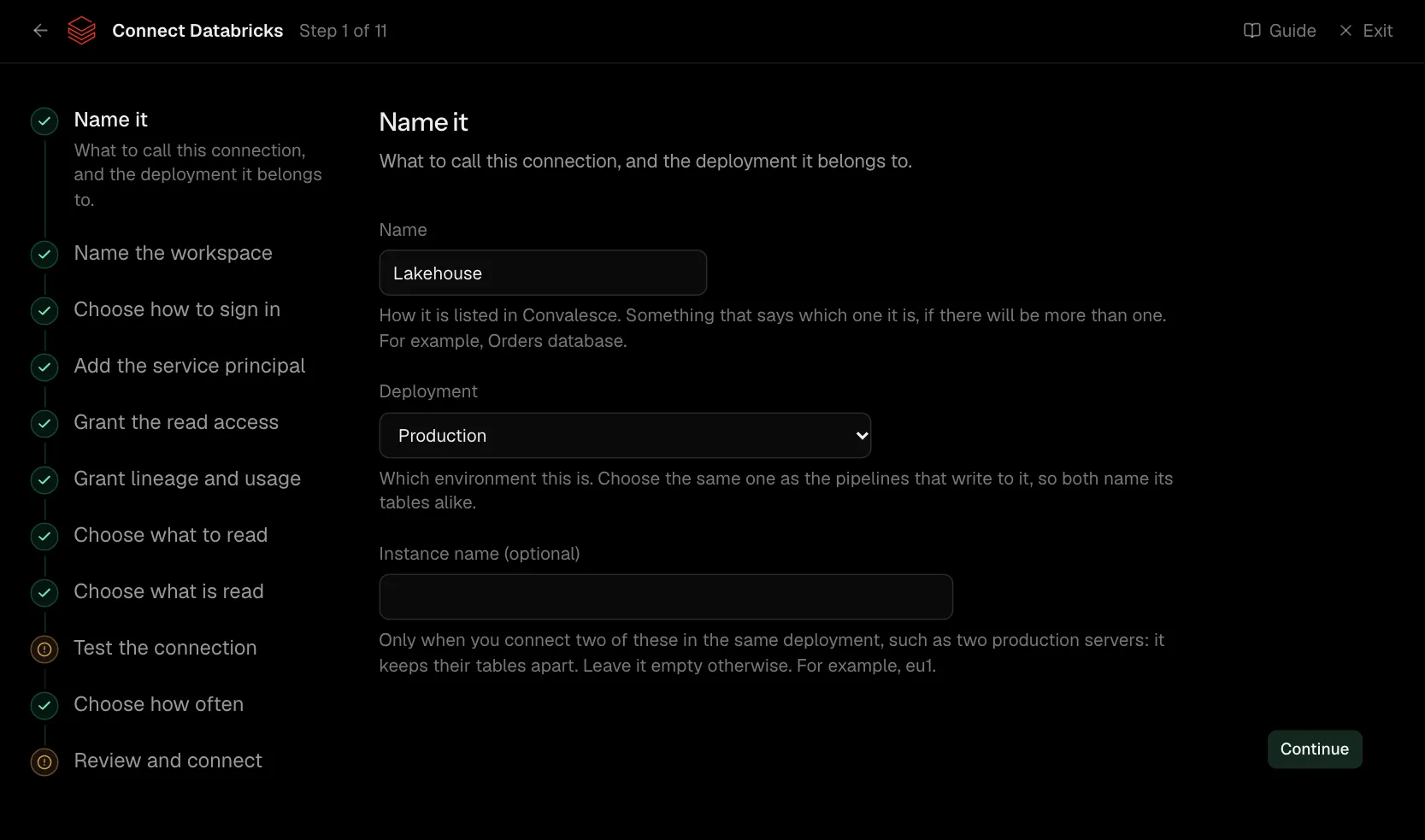
Step 1 of 11: Name it
What to call this connection, and the deployment it belongs to.
| What it asks for | Needed | What to enter |
|---|---|---|
| Name | Yes | How it is listed in Convalesce. Something that says which one it is, if there will be more than one. For example, Orders database. |
| Deployment | Yes | Which environment this is. Choose the same one as the pipelines that write to it, so both name its tables alike. Choose one of: Production, Staging, Development, Test, Quality assurance, User acceptance, Pre-production, Sandbox. |
| Instance name | Optional | Only when you connect two of these in the same deployment, such as two production servers: it keeps their tables apart. Leave it empty otherwise. For example, eu1. |
Step 2 of 11: Name the workspace
Workspace URL, warehouse and catalog.
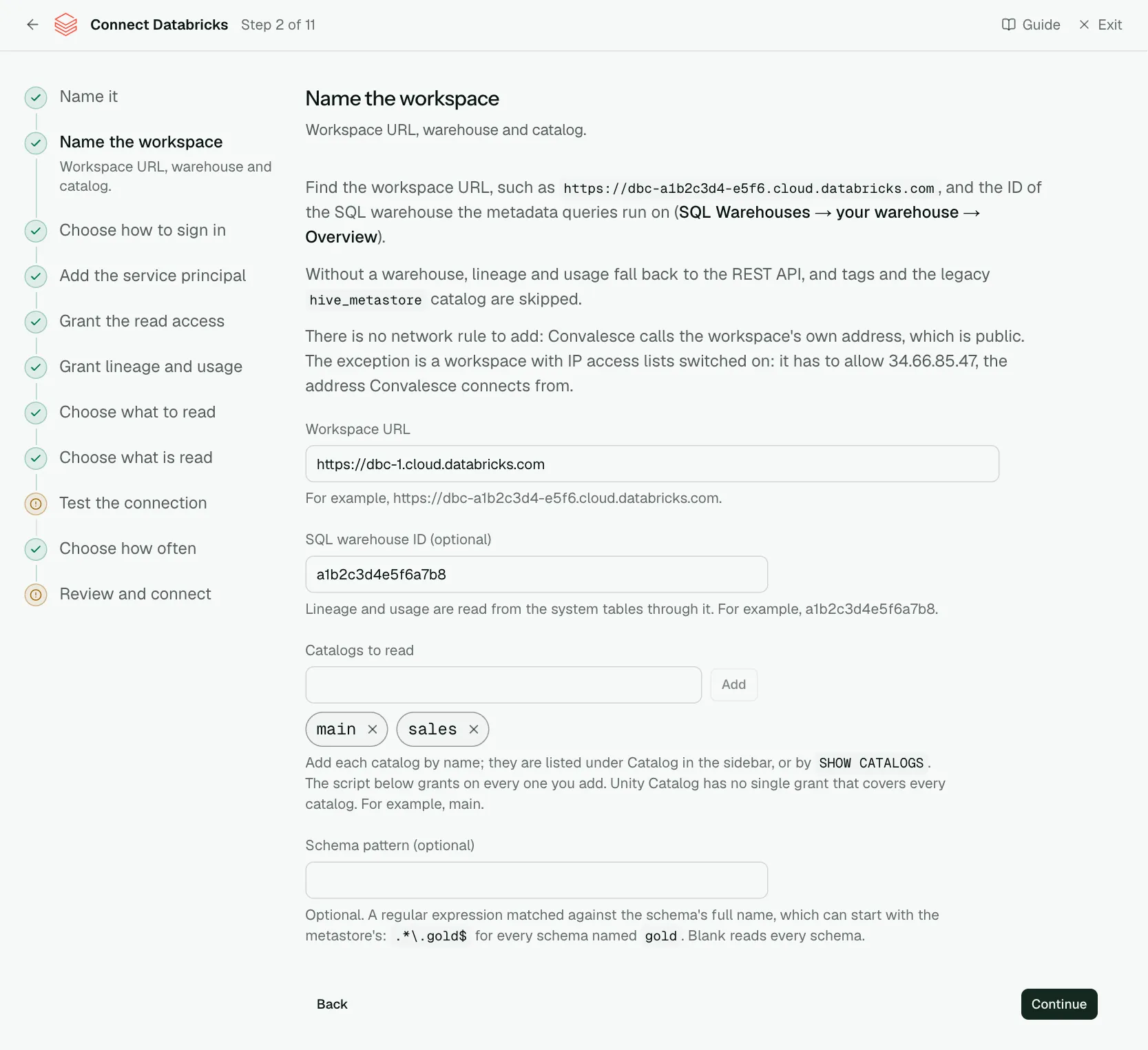
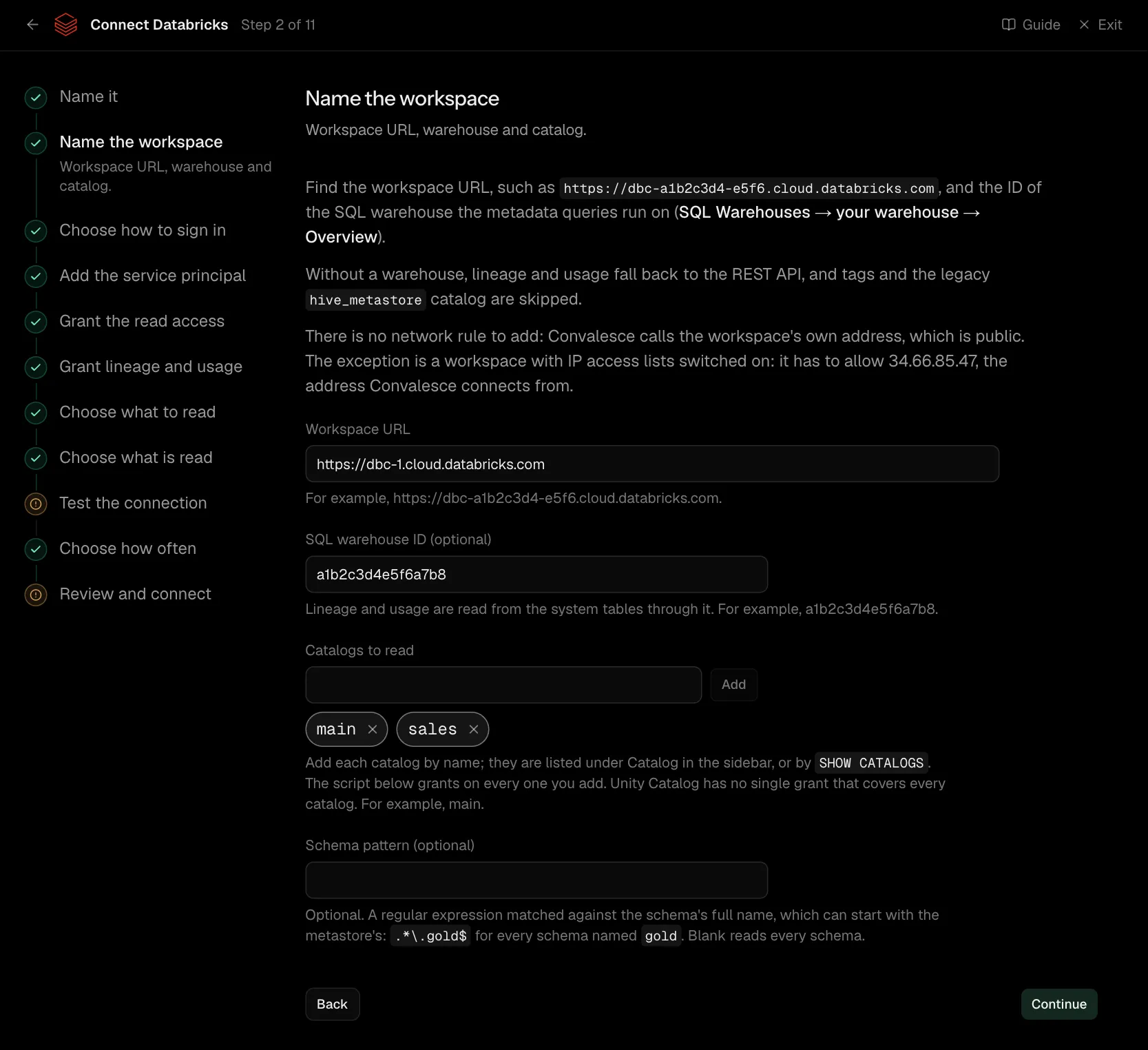
Find the workspace URL, such as https://dbc-a1b2c3d4-e5f6.cloud.databricks.com, and the ID of the SQL warehouse the metadata queries run on (SQL Warehouses → your warehouse → Overview).
Without a warehouse, lineage and usage fall back to the REST API, and tags and the legacy hive_metastore catalog are skipped.
There is no network rule to add: Convalesce calls the workspace's own address, which is public. The exception is a workspace with IP access lists switched on: it has to allow 34.66.85.47, the address Convalesce connects from.
| What it asks for | Needed | What to enter |
|---|---|---|
| Workspace URL | Yes | For example, https://dbc-a1b2c3d4-e5f6.cloud.databricks.com. |
| SQL warehouse ID | Optional | Lineage and usage are read from the system tables through it. For example, a1b2c3d4e5f6a7b8. |
| Catalogs to read | Yes | Add each catalog by name; they are listed under Catalog in the sidebar, or by SHOW CATALOGS. The script below grants on every one you add. Unity Catalog has no single grant that covers every catalog. For example, main. |
| Schema pattern | Optional | Optional. A regular expression matched against the schema's full name, which can start with the metastore's: .*\.gold$ for every schema named gold. Blank reads every schema. |
Step 3 of 11: Choose how to sign in
A service principal or a personal access token.
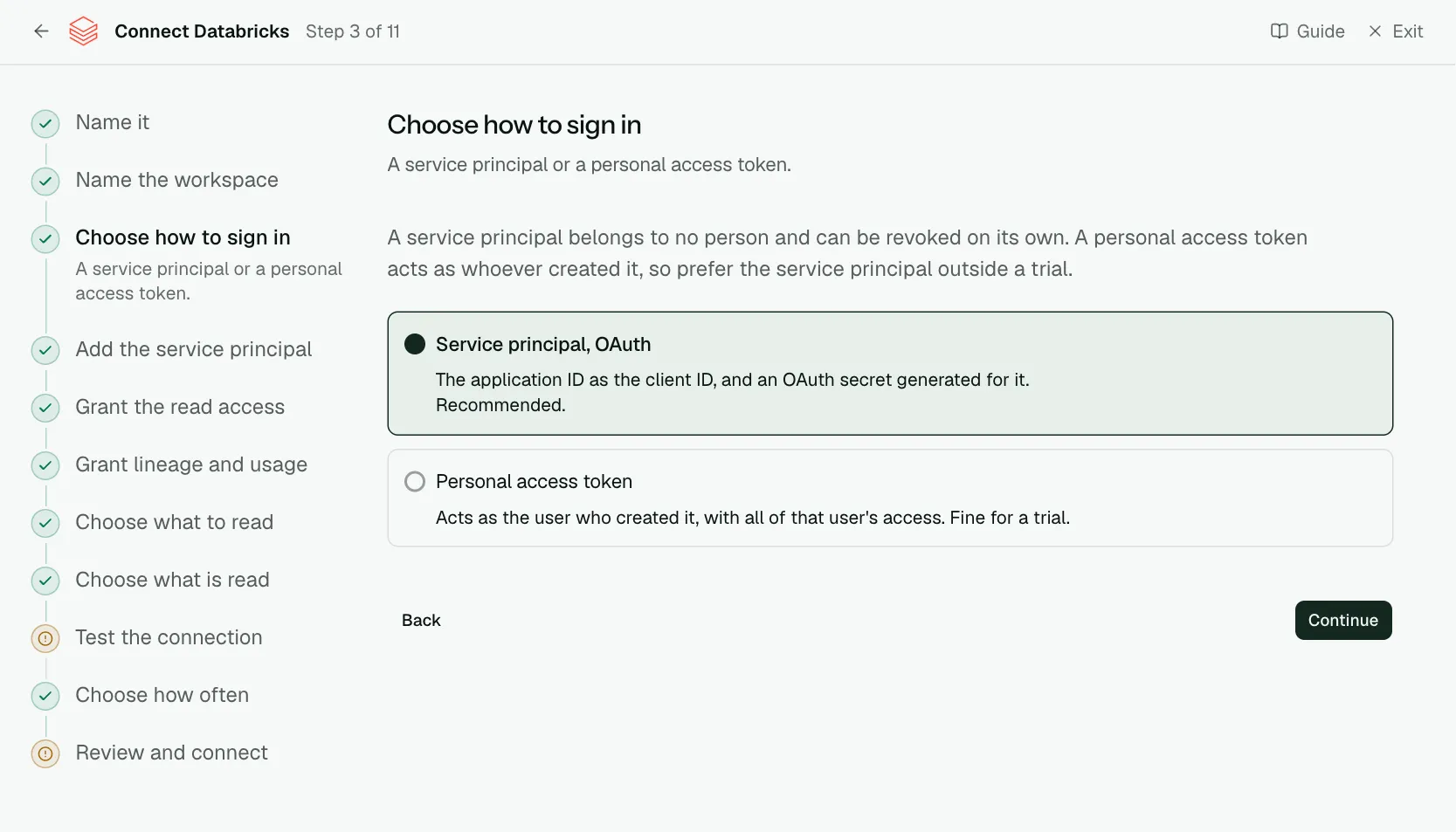
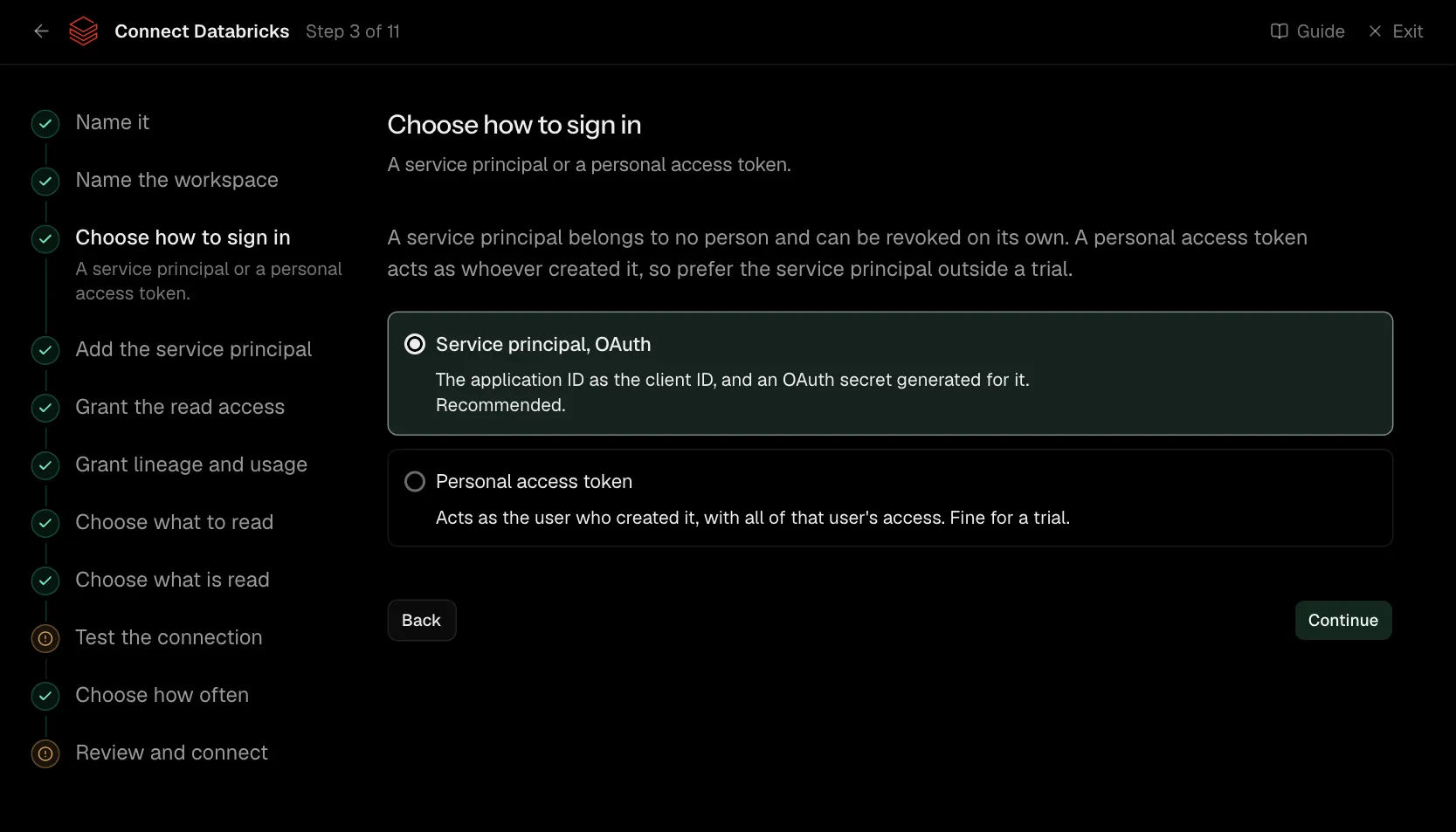
A service principal belongs to no person and can be revoked on its own. A personal access token acts as whoever created it, so prefer the service principal outside a trial.
Step 4 of 11: Add the service principal
Its application ID and an OAuth secret.
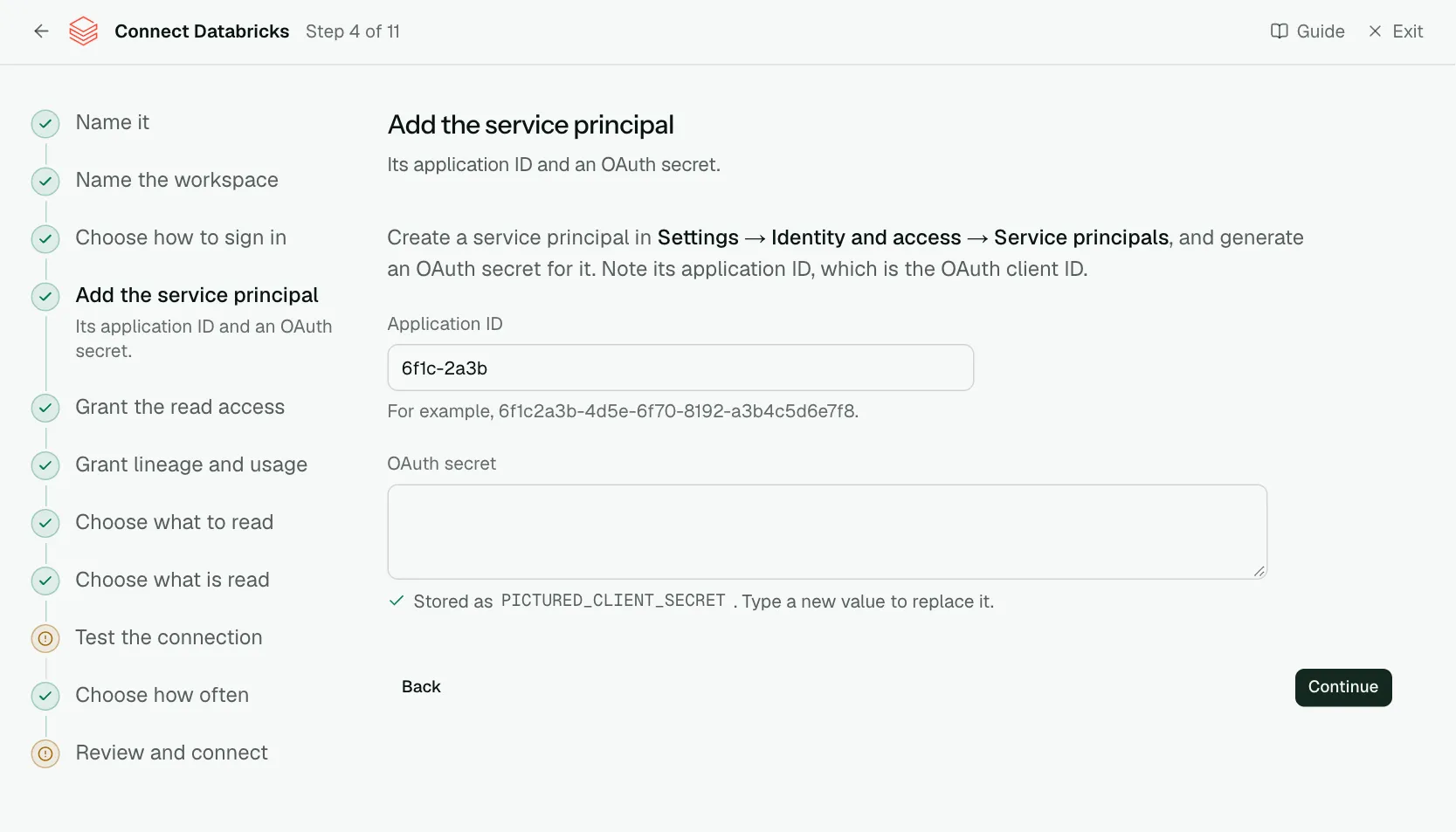
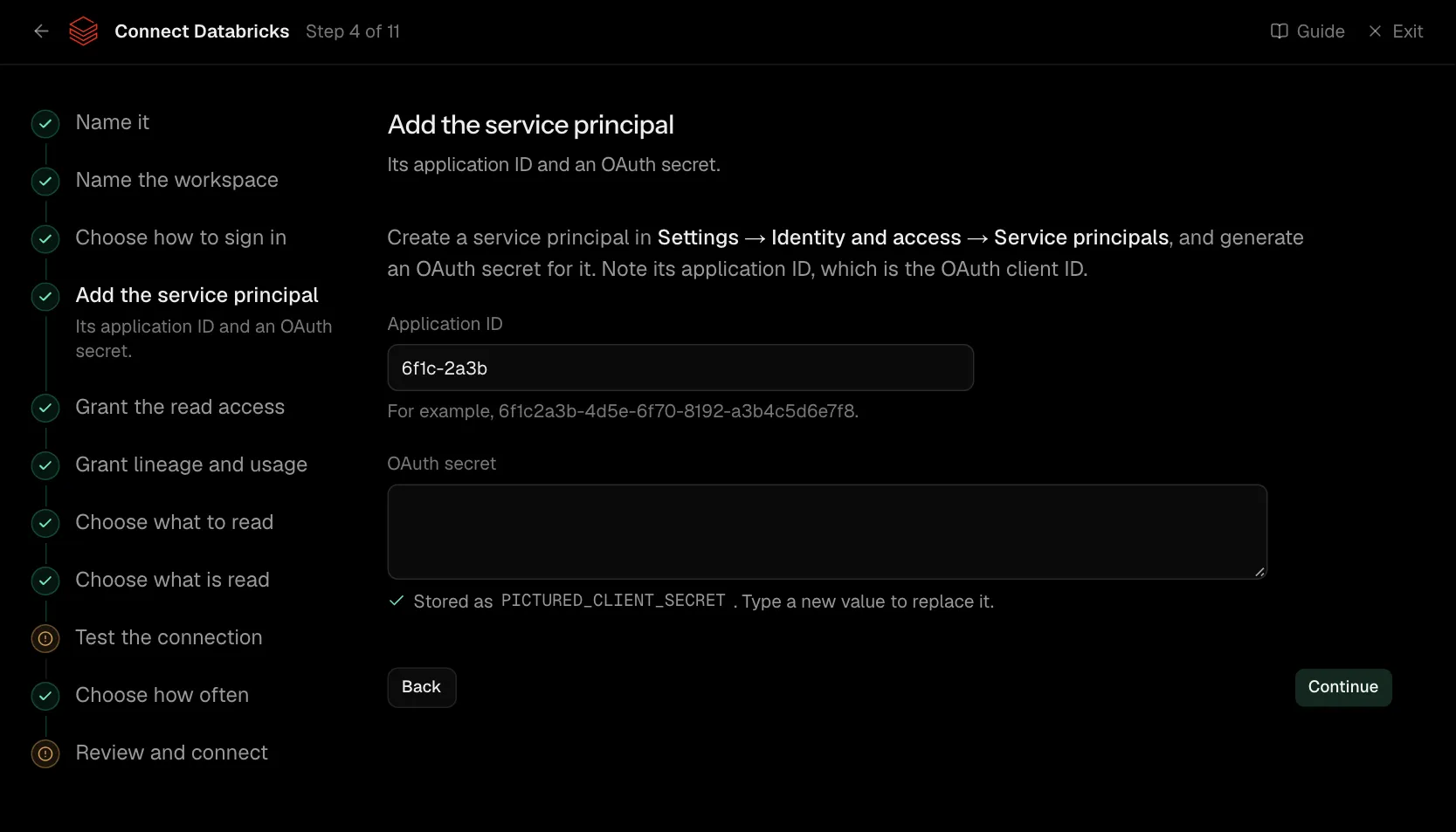
Create a service principal in Settings → Identity and access → Service principals, and generate an OAuth secret for it. Note its application ID, which is the OAuth client ID.
| What it asks for | Needed | What to enter |
|---|---|---|
| Application ID | Yes | For example, 6f1c2a3b-4d5e-6f70-8192-a3b4c5d6e7f8. |
| OAuth secret | Yes | Stored encrypted the moment you enter it, and shown to no one afterwards. |
Step 5 of 11: Grant the read access
Catalog access and the warehouse.
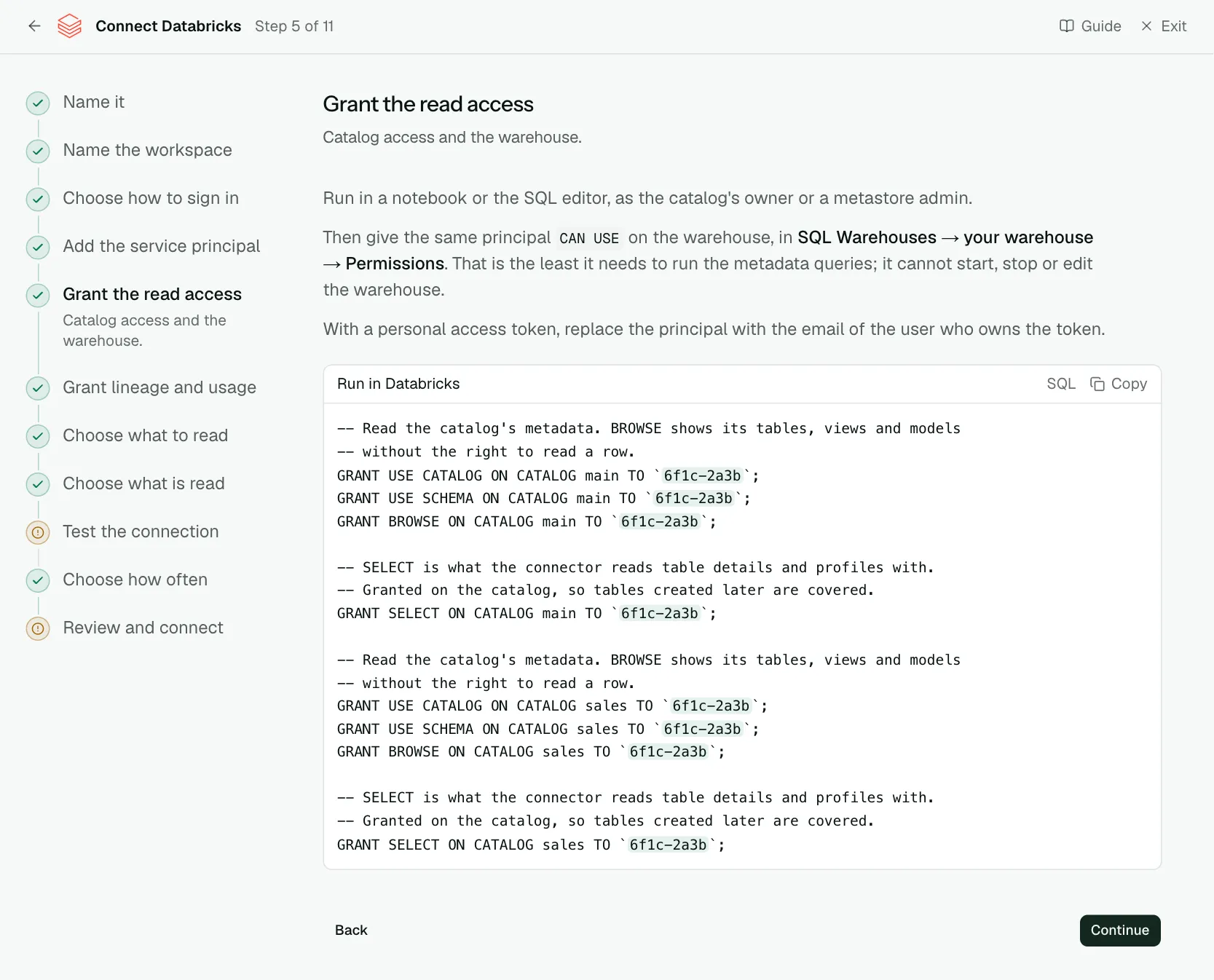
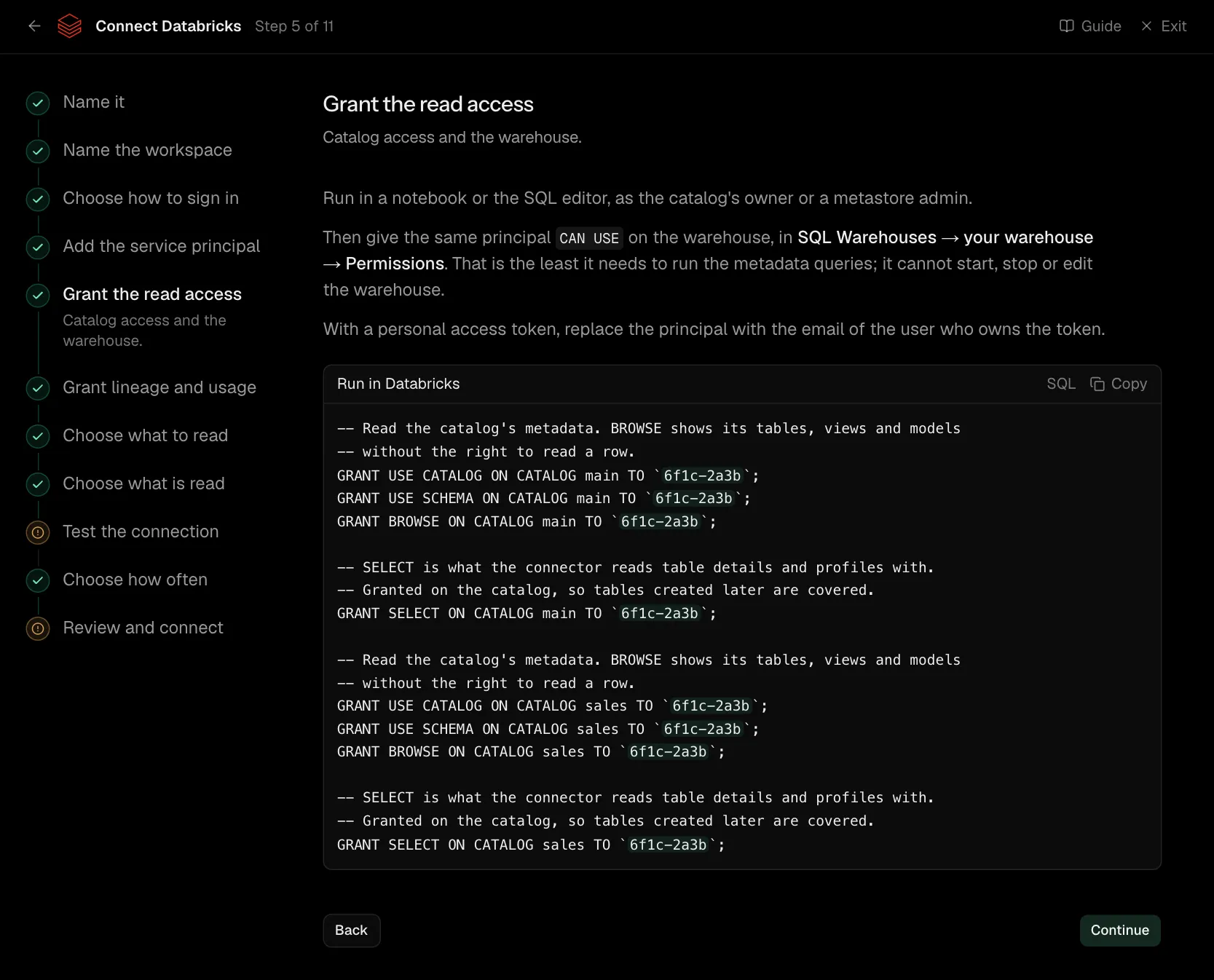
Run in a notebook or the SQL editor, as the catalog's owner or a metastore admin.
Then give the same principal CAN USE on the warehouse, in SQL Warehouses → your warehouse → Permissions. That is the least it needs to run the metadata queries; it cannot start, stop or edit the warehouse.
With a personal access token, replace the principal with the email of the user who owns the token.
-- Read the catalog's metadata. BROWSE shows its tables, views and models
-- without the right to read a row.
GRANT USE CATALOG ON CATALOG main TO `6f1c-2a3b`;
GRANT USE SCHEMA ON CATALOG main TO `6f1c-2a3b`;
GRANT BROWSE ON CATALOG main TO `6f1c-2a3b`;

-- SELECT is what the connector reads table details and profiles with.
-- Granted on the catalog, so tables created later are covered.
GRANT SELECT ON CATALOG main TO `6f1c-2a3b`;

-- Read the catalog's metadata. BROWSE shows its tables, views and models
-- without the right to read a row.
GRANT USE CATALOG ON CATALOG sales TO `6f1c-2a3b`;
GRANT USE SCHEMA ON CATALOG sales TO `6f1c-2a3b`;
GRANT BROWSE ON CATALOG sales TO `6f1c-2a3b`;

-- SELECT is what the connector reads table details and profiles with.
-- Granted on the catalog, so tables created later are covered.
GRANT SELECT ON CATALOG sales TO `6f1c-2a3b`;
Step 6 of 11: Grant lineage and usage (optional)
Optional: the system tables.
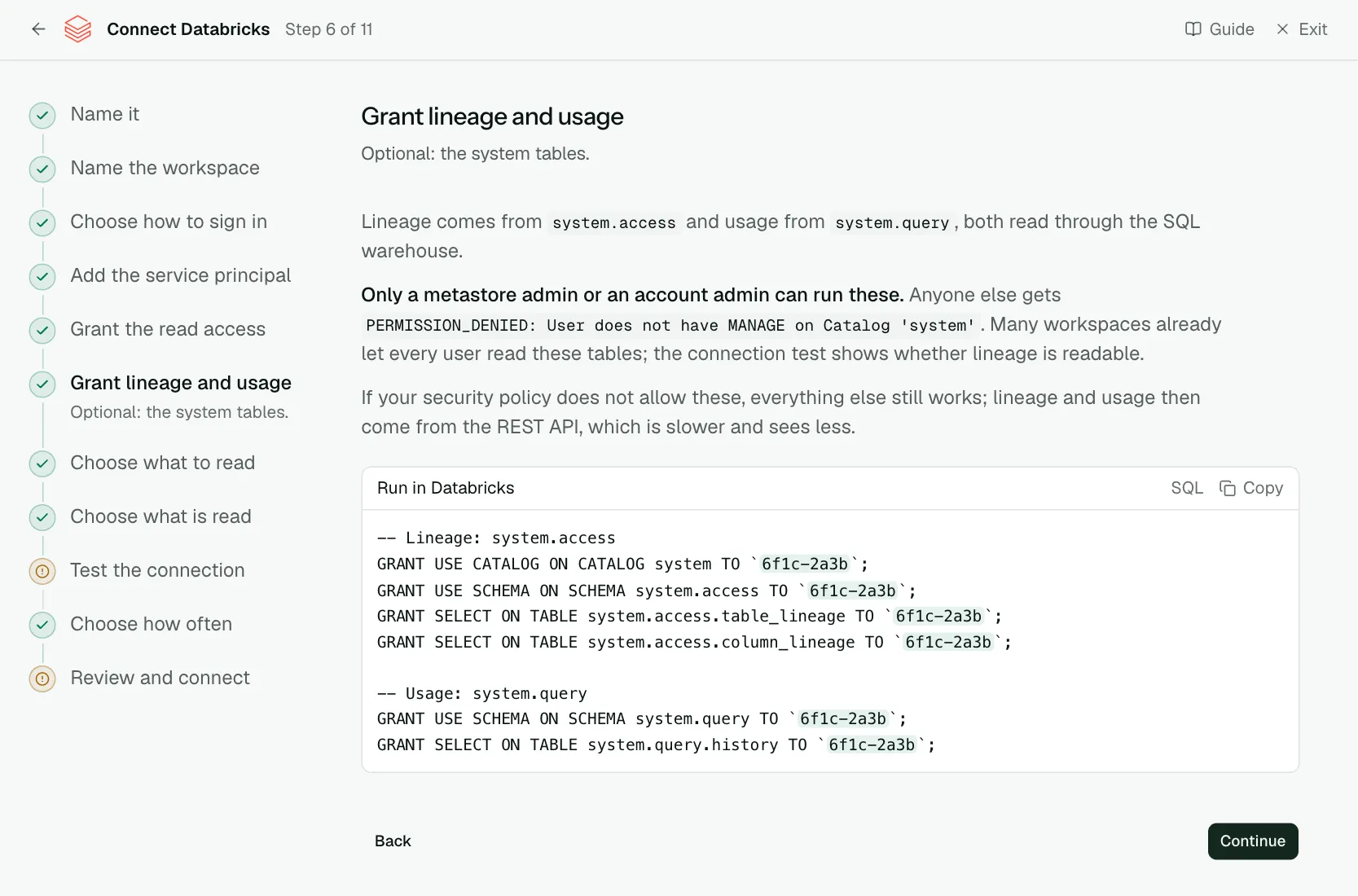
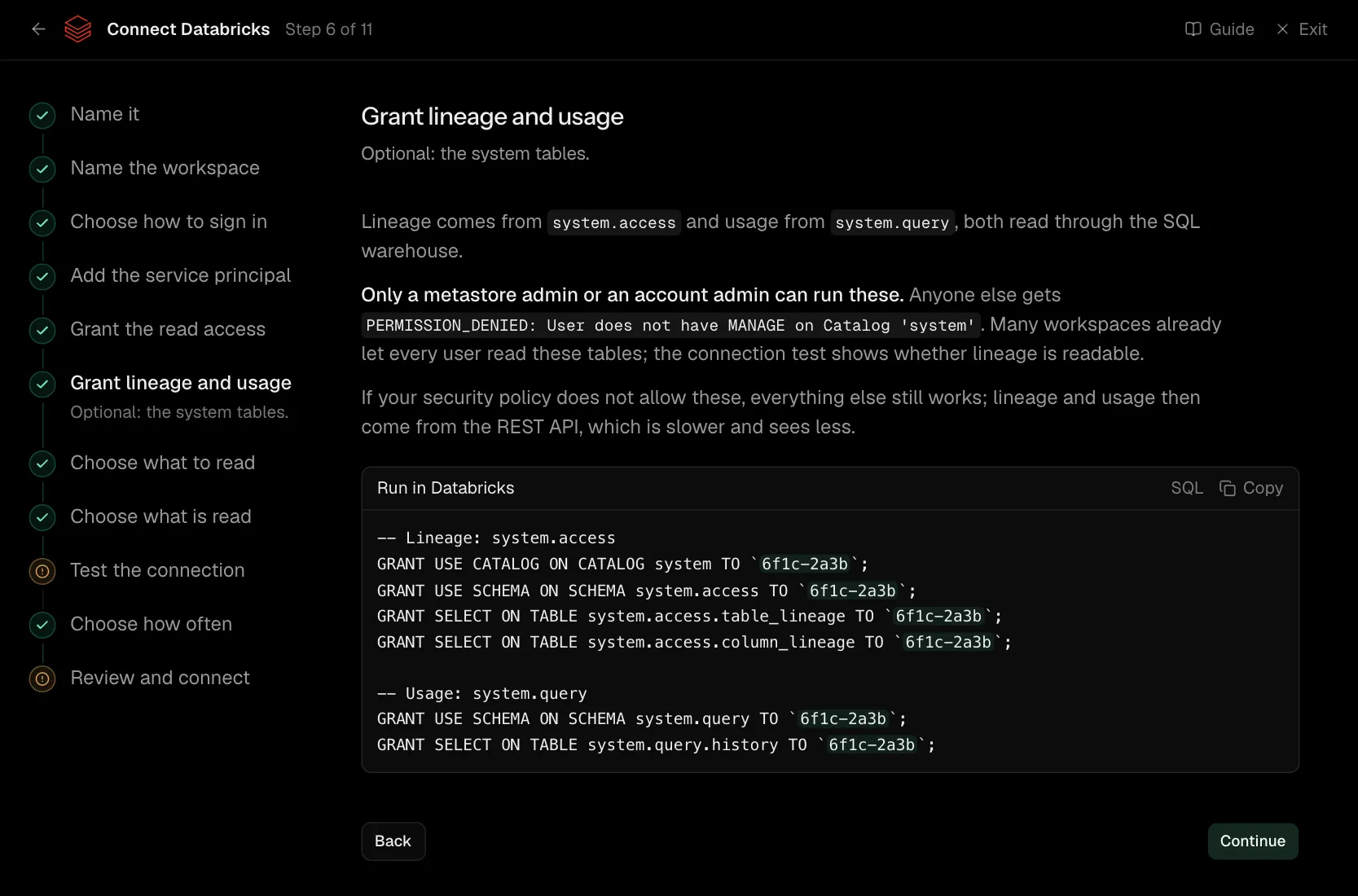
Lineage comes from system.access and usage from system.query, both read through the SQL warehouse.
Only a metastore admin or an account admin can run these. Anyone else gets PERMISSION_DENIED: User does not have MANAGE on Catalog 'system'. Many workspaces already let every user read these tables; the connection test shows whether lineage is readable.
If your security policy does not allow these, everything else still works; lineage and usage then come from the REST API, which is slower and sees less.
-- Lineage: system.access
GRANT USE CATALOG ON CATALOG system TO `6f1c-2a3b`;
GRANT USE SCHEMA ON SCHEMA system.access TO `6f1c-2a3b`;
GRANT SELECT ON TABLE system.access.table_lineage TO `6f1c-2a3b`;
GRANT SELECT ON TABLE system.access.column_lineage TO `6f1c-2a3b`;

-- Usage: system.query
GRANT USE SCHEMA ON SCHEMA system.query TO `6f1c-2a3b`;
GRANT SELECT ON TABLE system.query.history TO `6f1c-2a3b`;
Step 7 of 11: Choose what to read
Lineage, usage, notebooks, models.
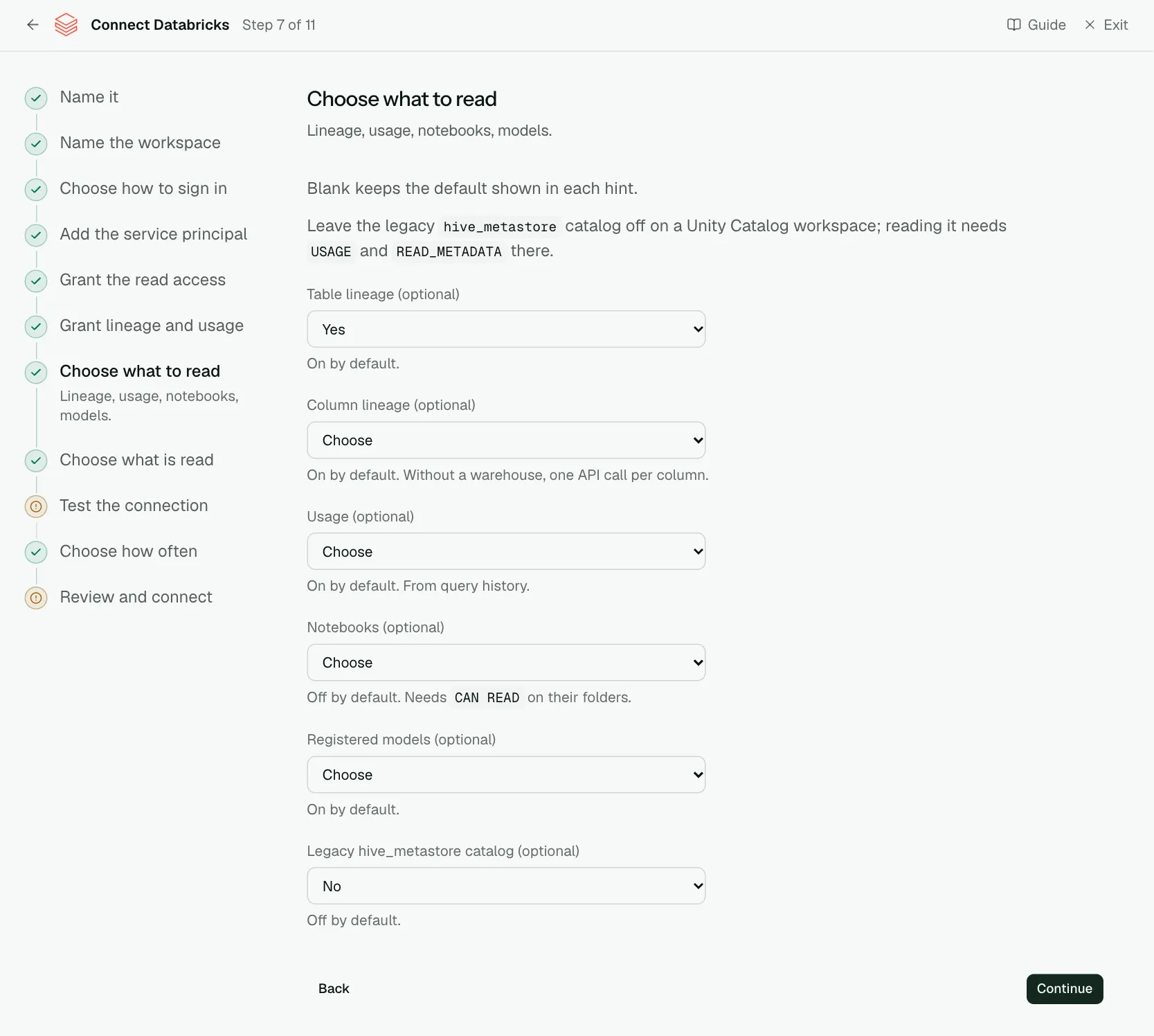
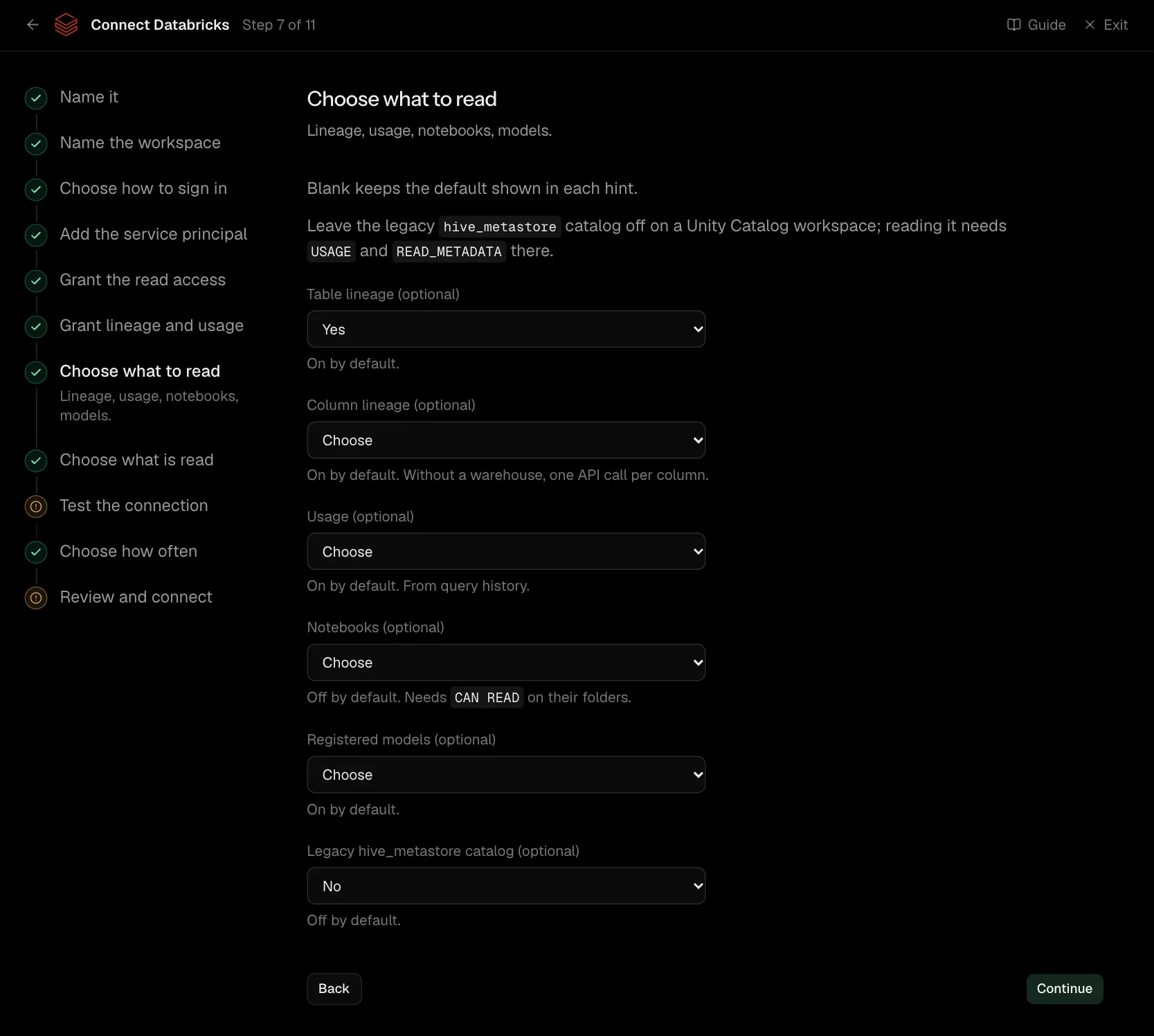
Blank keeps the default shown in each hint.
Leave the legacy hive_metastore catalog off on a Unity Catalog workspace; reading it needs USAGE and READ_METADATA there.
| What it asks for | Needed | What to enter |
|---|---|---|
| Table lineage | Optional | On by default. Choose one of: Yes, No. |
| Column lineage | Optional | On by default. Without a warehouse, one API call per column. Choose one of: Yes, No. |
| Usage | Optional | On by default. From query history. Choose one of: Yes, No. |
| Notebooks | Optional | Off by default. Needs CAN READ on their folders. Choose one of: Yes, No. |
| Registered models | Optional | On by default. Choose one of: Yes, No. |
| Legacy hive_metastore catalog | Optional | Off by default. Choose one of: Yes, No. |
Step 8 of 11: Choose what is read (optional)
Optional: narrow it to some tables.
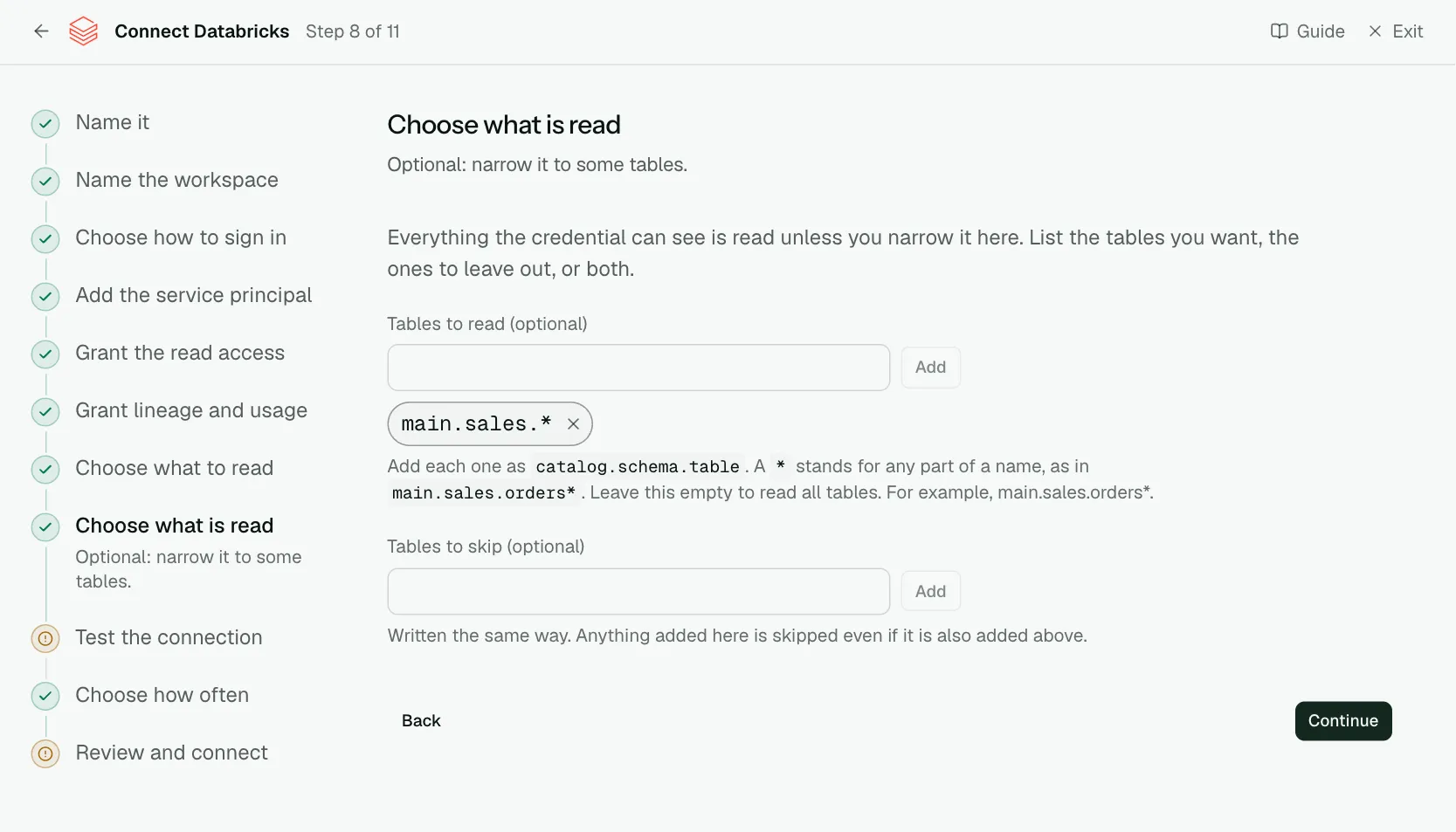
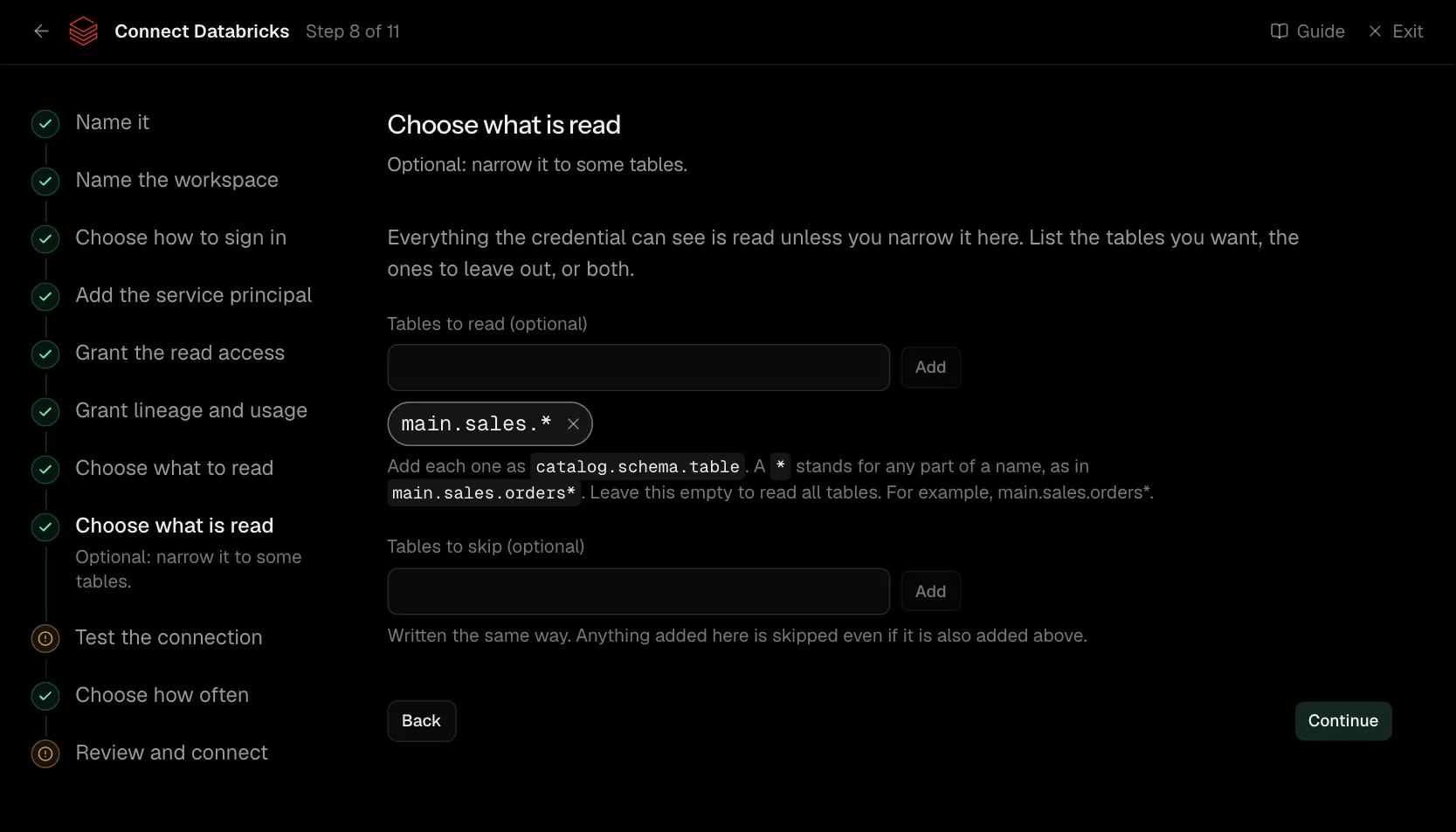
Everything the credential can see is read unless you narrow it here. List the tables you want, the ones to leave out, or both.
| What it asks for | Needed | What to enter |
|---|---|---|
| Tables to read | Optional | Add each one as catalog.schema.table. A * stands for any part of a name, as in main.sales.orders*. Leave this empty to read all tables. For example, main.sales.orders*. |
| Tables to skip | Optional | Written the same way. Anything added here is skipped even if it is also added above. |
Step 9 of 11: Test the connection
Check Convalesce can reach it with what you entered.
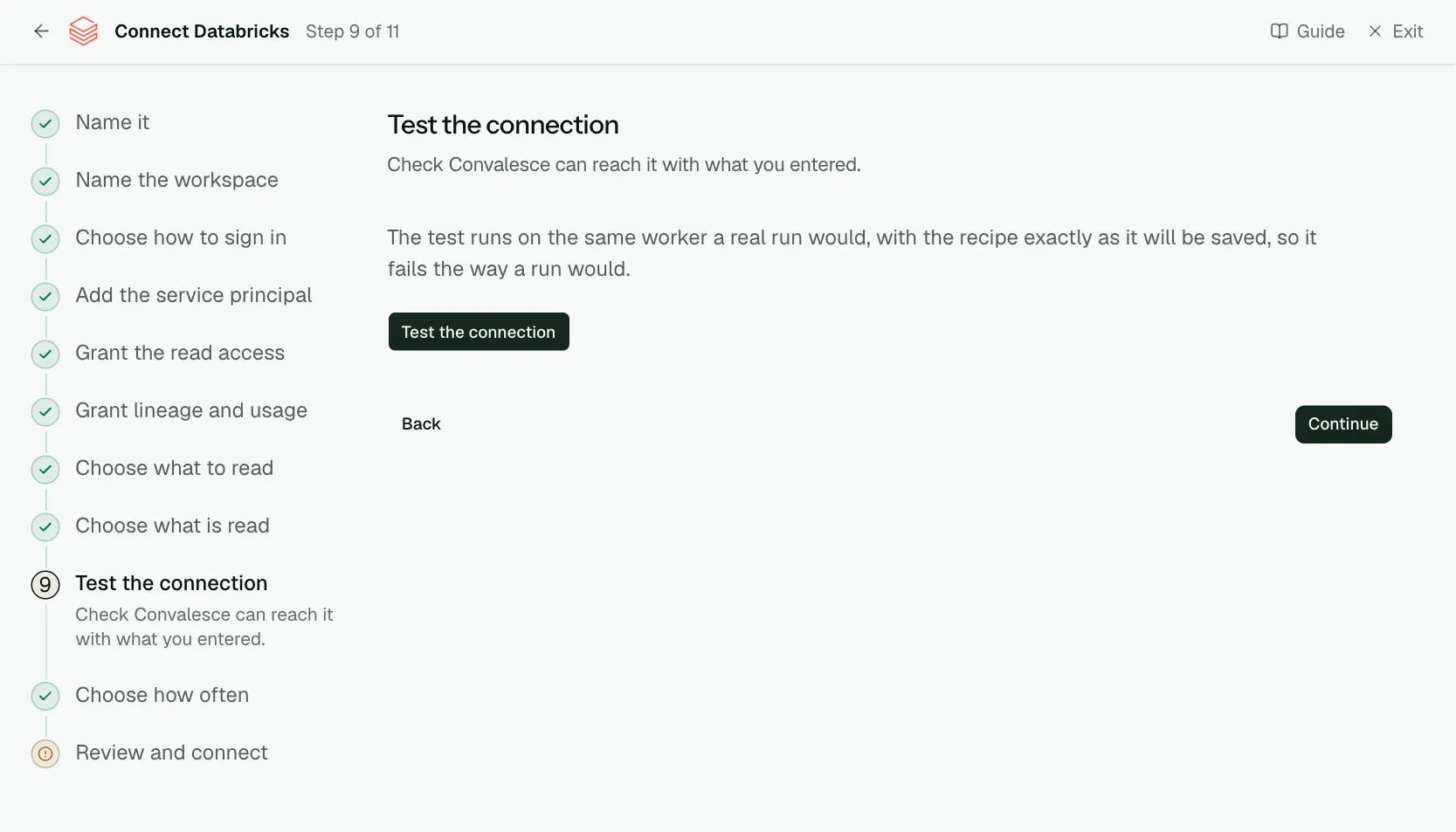
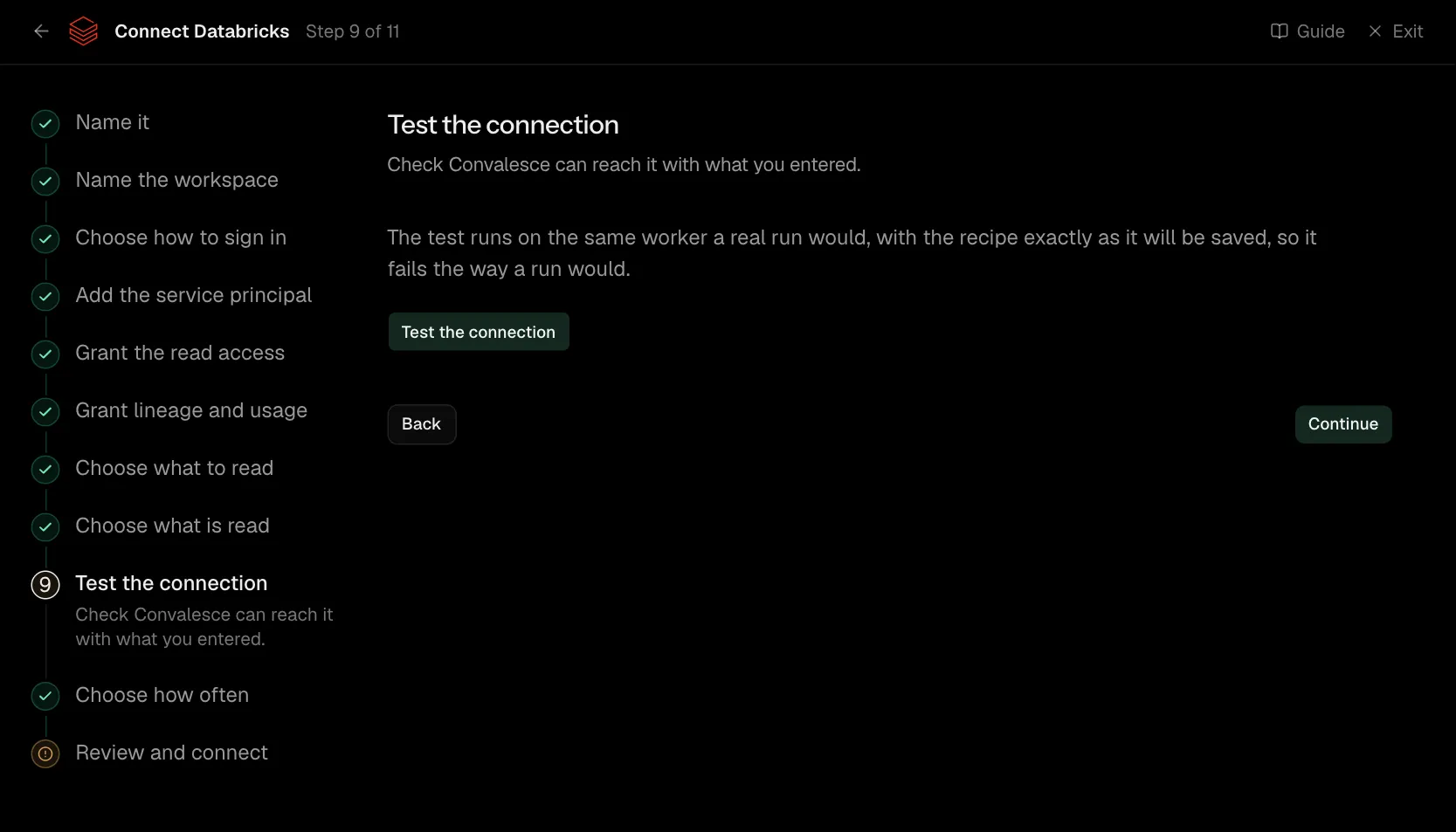
The test runs on the same worker a real run would, with the recipe exactly as it will be saved, so it fails the way a run would.
Step 10 of 11: Choose how often
How often Convalesce reads it.
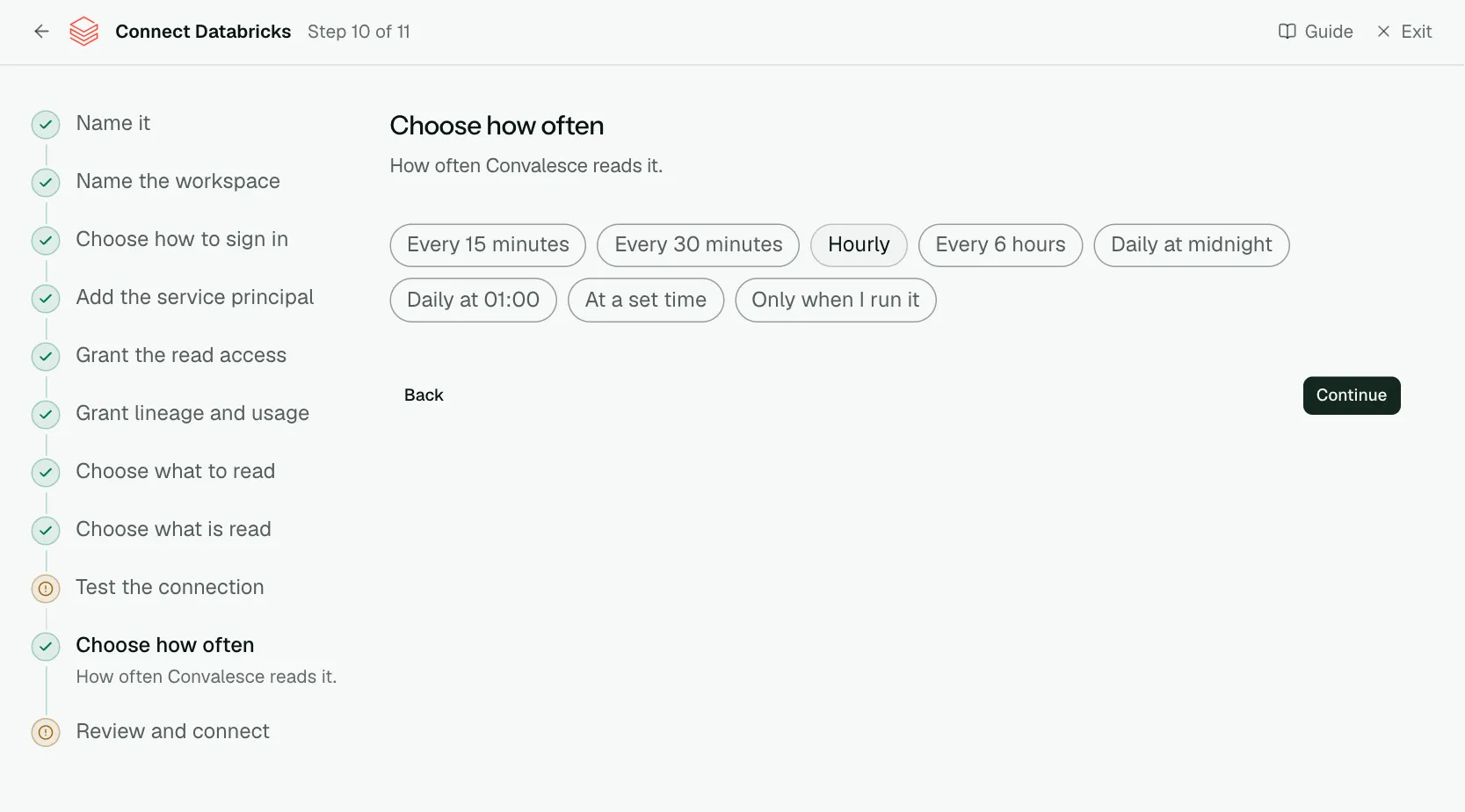
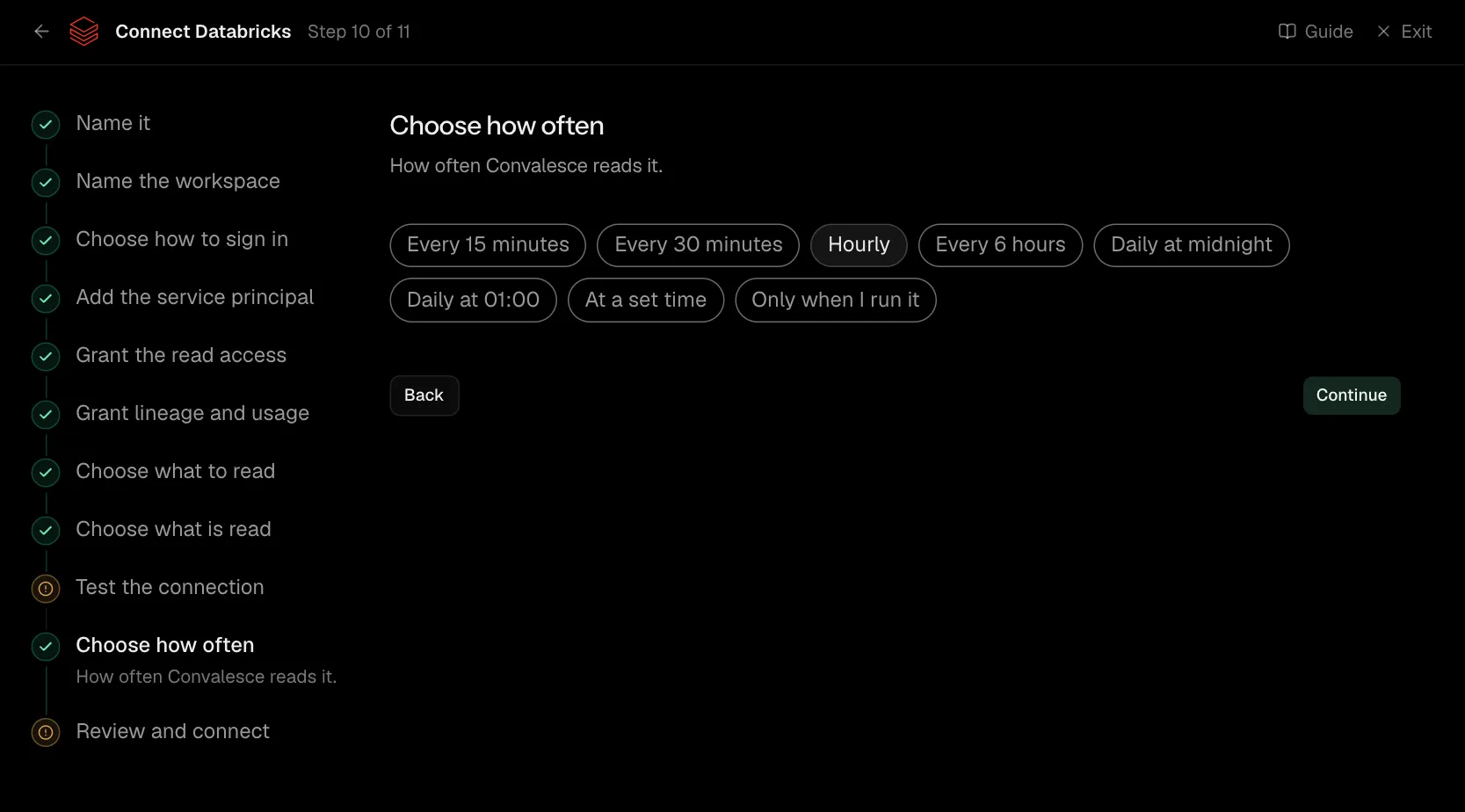
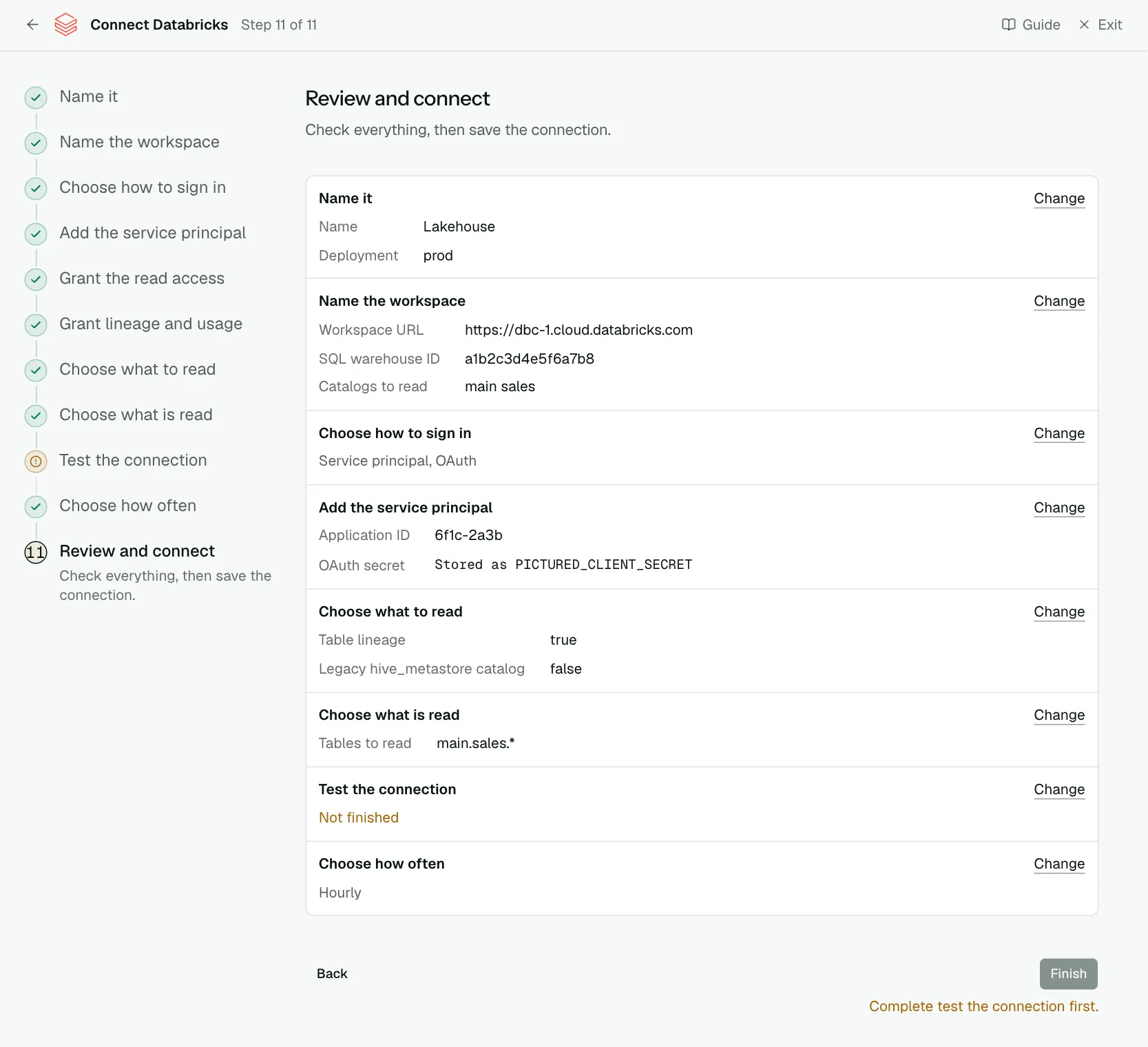
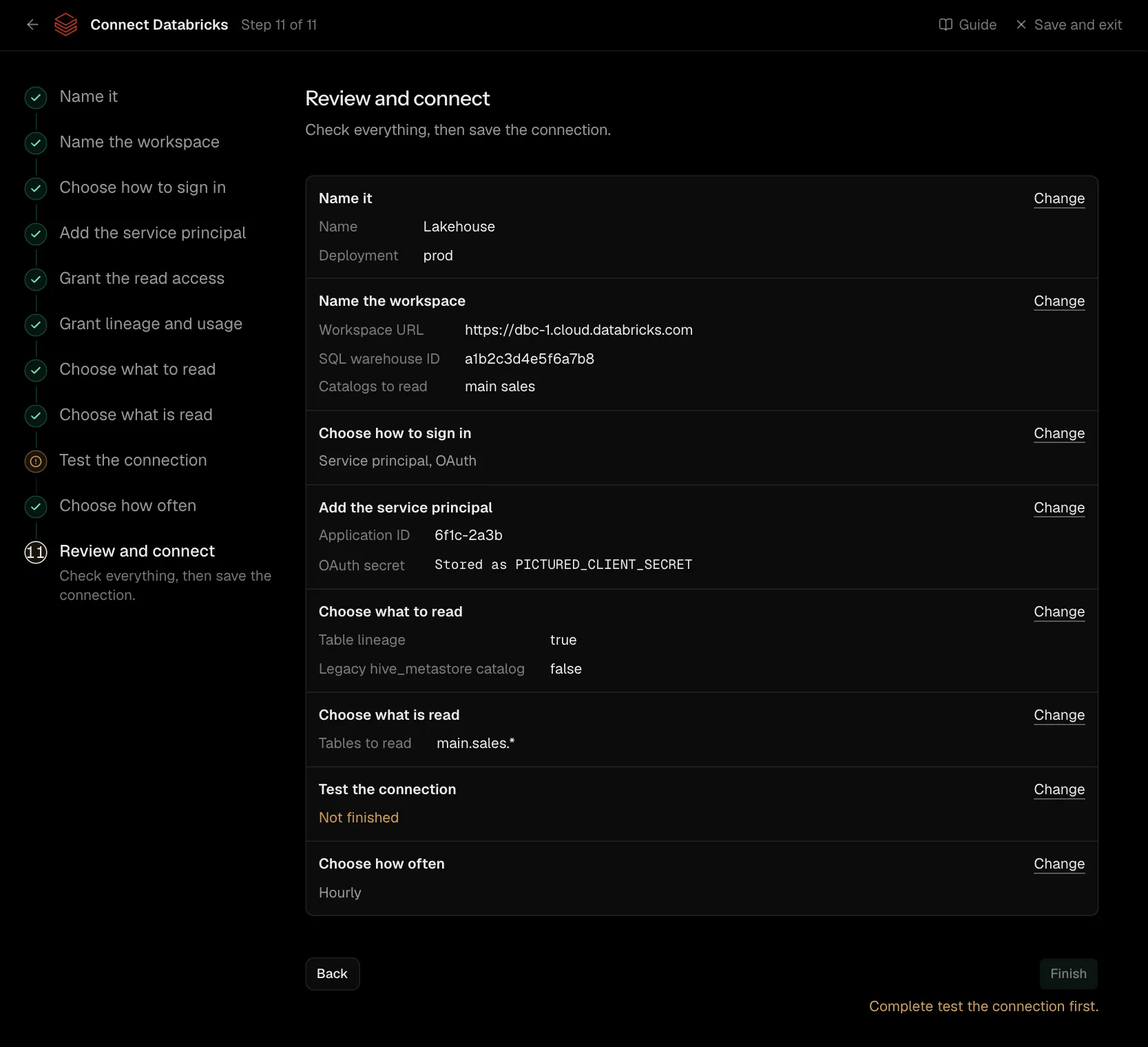
Step 11 of 11: Review and connect
Check everything, then save the connection.
Network
There is no network rule to add: Convalesce calls the workspace's own address, which is public. The exception is a workspace with IP access lists switched on: it has to allow 34.66.85.47, the address Convalesce connects from.
Settings
What the connect screen asks for
| Input | On the step | Needed |
|---|---|---|
| Name | Name it | Yes |
| Deployment | Name it | Yes |
| Instance name | Name it | Optional |
| Workspace URL | Name the workspace | Yes |
| SQL warehouse ID | Name the workspace | Optional |
| Catalogs to read | Name the workspace | Yes |
| Schema pattern | Name the workspace | Optional |
| Application ID | Add the service principal | Yes |
| OAuth secret | Add the service principal | Yes |
| Table lineage | Choose what to read | Optional |
| Column lineage | Choose what to read | Optional |
| Usage | Choose what to read | Optional |
| Notebooks | Choose what to read | Optional |
| Registered models | Choose what to read | Optional |
| Legacy hive_metastore catalog | Choose what to read | Optional |
| Tables to read | Choose what is read | Optional |
| Tables to skip | Choose what is read | Optional |
| Personal access token | Paste the token | Yes |
Set for you
These are the same on every connection. The connect screen does not ask for them.
| What it means | Setting |
|---|---|
| The system schema is left out. | schema_pattern.deny: .*information_schema$ |
| Something that is no longer there is marked as removed. | stateful_ingestion.enabled: true |
Troubleshooting
- The test says it could not reach it. If the workspace has IP access lists switched on, they have to allow
34.66.85.47. See Network access. PERMISSION_DENIEDon a system table. The lineage and usage grants have to be run by a metastore admin or an account admin.- A catalog is missing. Add it to Catalogs to read and run the new grant script.
- Column lineage is slow. Give a SQL warehouse ID on the first step, so it is read from the system tables.