dbt
Connect dbt Core step by step: producing the artifacts, pointing at them, and what is read from each.
Connect it
- Name it: what to call this connection, and the deployment it belongs to.
- Produce the artifacts: have dbt write its manifest, catalog and run results.
- Point at the artifacts: where each artifact file is.
- Name the warehouse dbt builds against: the warehouse the models are built in.
- Say where the artifacts live: a URL, S3 or GCS.
- Nothing to authenticate: a URL needs no credential.
- Choose what is read: optional: narrow it to some models.
- Test the connection: check Convalesce can reach it with what you entered.
- Choose how often: how often Convalesce reads it.
- Review and connect: check everything, then save the connection.
Convalesce reads the artifact files dbt writes when it runs: manifest.json, and if you provide them catalog.json, sources.json and run_results.json. It never runs dbt and never touches your warehouse through this connection.
Put the artifacts in S3, in Google Cloud Storage, or behind an HTTPS URL, and point the connect screen at them.
Convalesce is a hosted service, so it connects to AWS or your storage over the internet. Nothing is installed on your side.
Before you start
Have these ready and the rest takes a few minutes:
- A CI job that runs dbt and uploads its
target/artifacts to S3, GCS or an HTTPS address. - The name of the warehouse dbt builds in, such as
snowflake. - For S3: an AWS access key that can read the files. For GCS: an HMAC key.
Connect it
In Convalesce, open Integrations, choose dbt, and follow the steps. Each one is shown below as it looks on screen, with what it asks for and anything to copy and run.
The steps depend on one choice: Say where the artifacts live. Pick yours here, and every step, picture and script below follows it.
Nothing extra is needed for a URL Convalesce can reach.
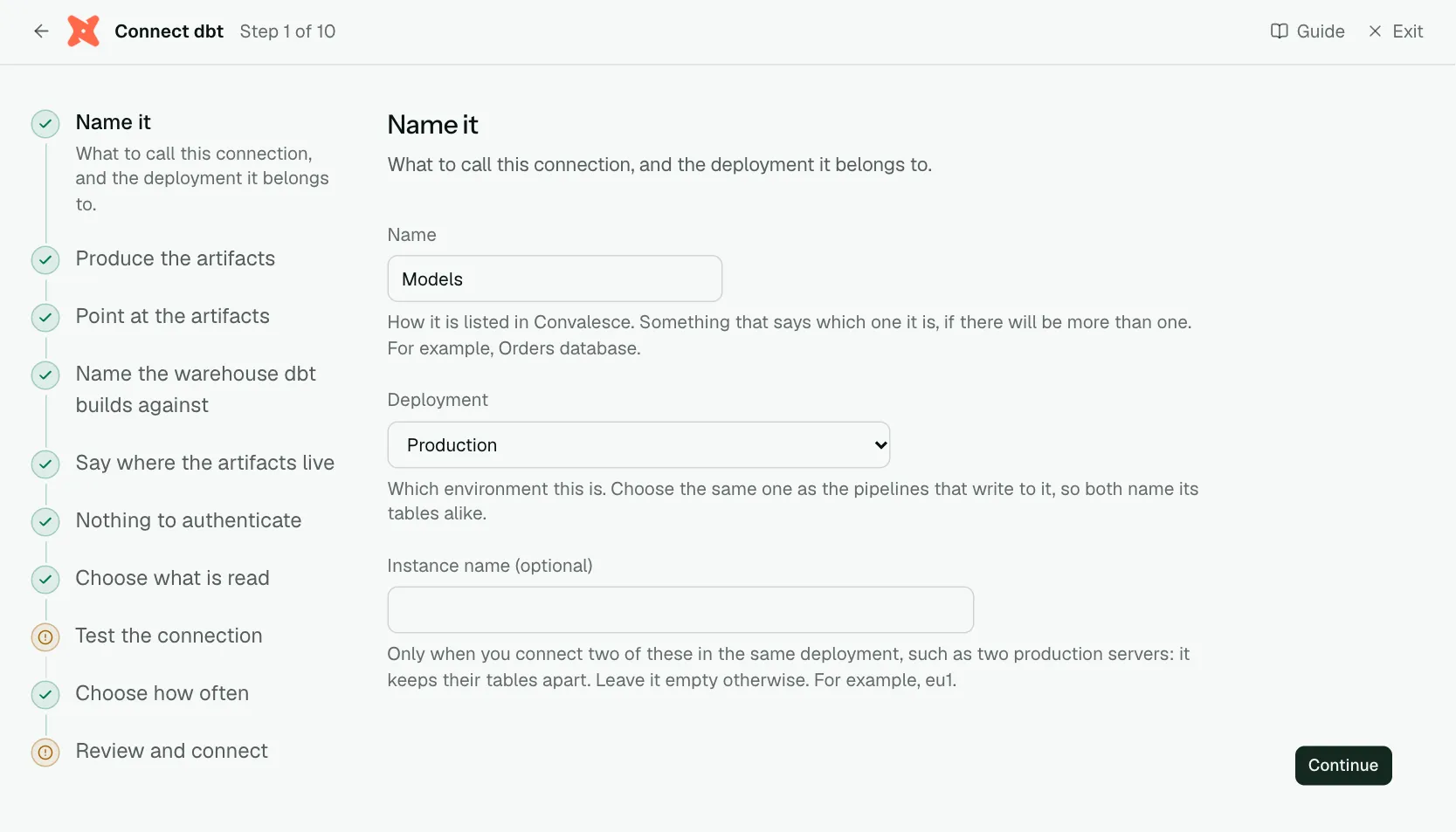
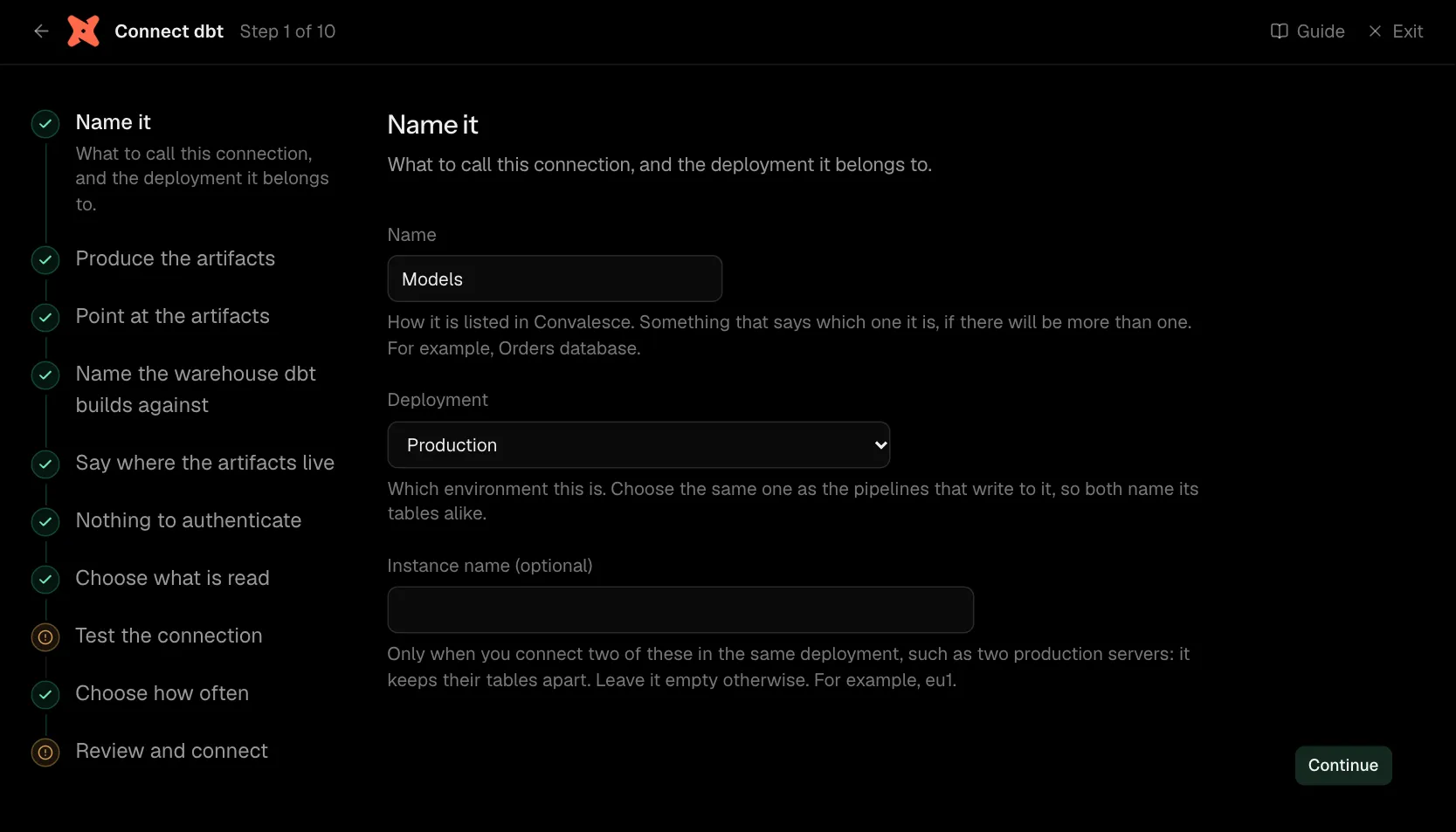
Step 1 of 10: Name it
What to call this connection, and the deployment it belongs to.
| What it asks for | Needed | What to enter |
|---|---|---|
| Name | Yes | How it is listed in Convalesce. Something that says which one it is, if there will be more than one. For example, Orders database. |
| Deployment | Yes | Which environment this is. Choose the same one as the pipelines that write to it, so both name its tables alike. Choose one of: Production, Staging, Development, Test, Quality assurance, User acceptance, Pre-production, Sandbox. |
| Instance name | Optional | Only when you connect two of these in the same deployment, such as two production servers: it keeps their tables apart. Leave it empty otherwise. For example, eu1. |
Step 2 of 10: Produce the artifacts
Have dbt write its manifest, catalog and run results.
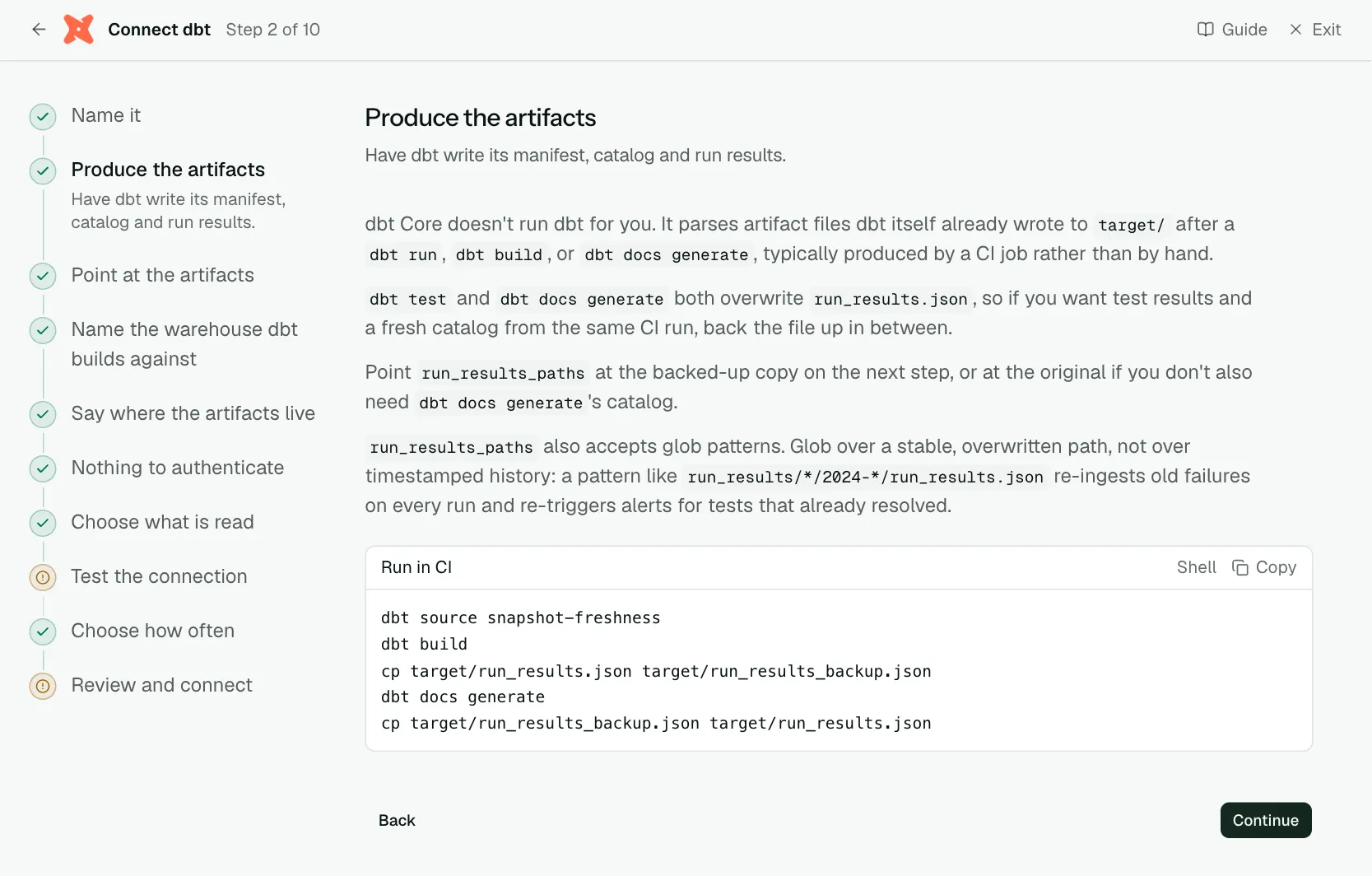
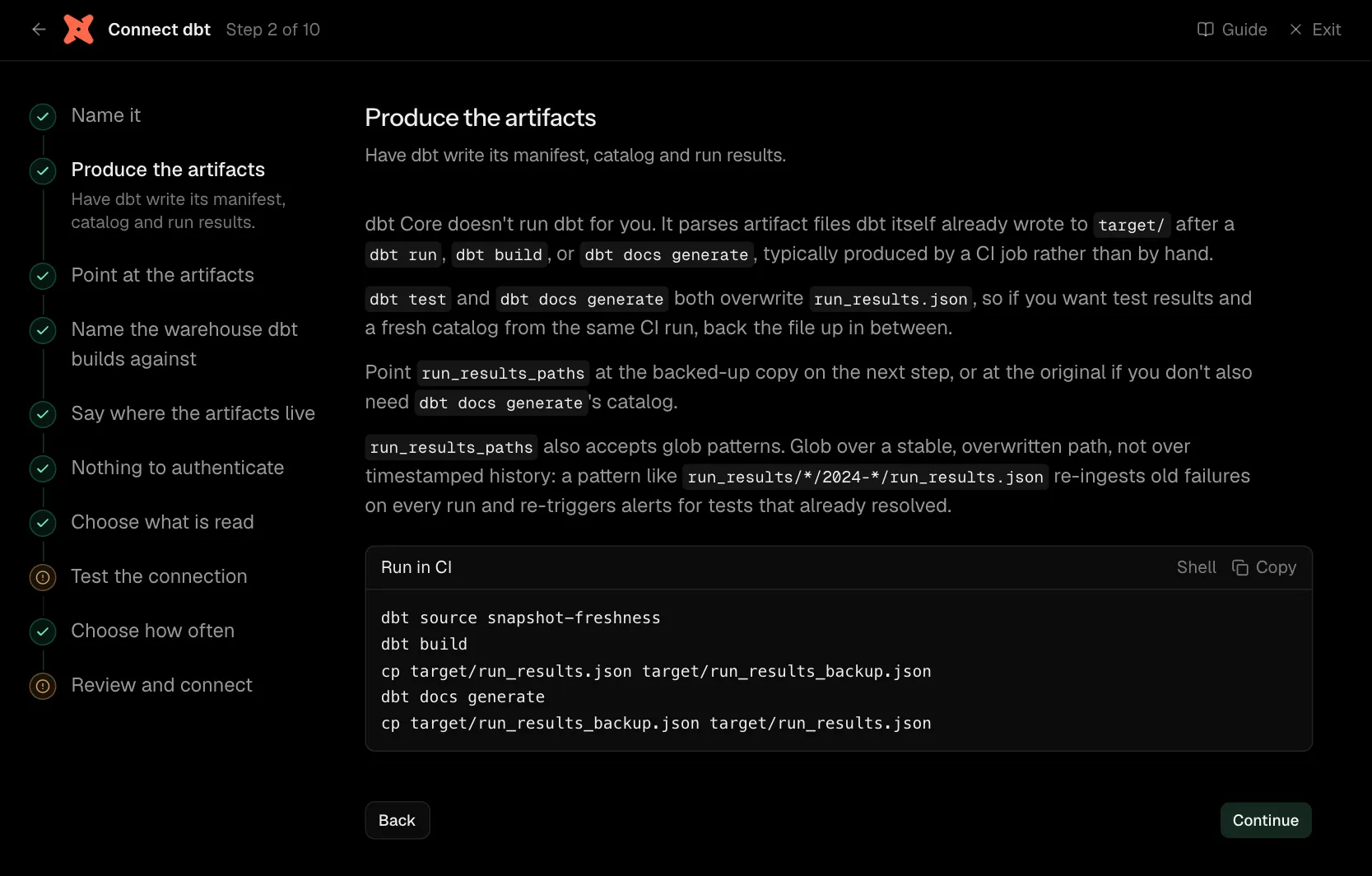
dbt Core doesn't run dbt for you. It parses artifact files dbt itself already wrote to target/ after a dbt run, dbt build, or dbt docs generate, typically produced by a CI job rather than by hand.
dbt test and dbt docs generate both overwrite run_results.json, so if you want test results and a fresh catalog from the same CI run, back the file up in between.
Point run_results_paths at the backed-up copy on the next step, or at the original if you don't also need dbt docs generate's catalog.
run_results_paths also accepts glob patterns. Glob over a stable, overwritten path, not over timestamped history: a pattern like run_results/*/2024-*/run_results.json re-ingests old failures on every run and re-triggers alerts for tests that already resolved.
dbt source snapshot-freshness
dbt build
cp target/run_results.json target/run_results_backup.json
dbt docs generate
cp target/run_results_backup.json target/run_results.json
Step 3 of 10: Point at the artifacts
Where each artifact file is.
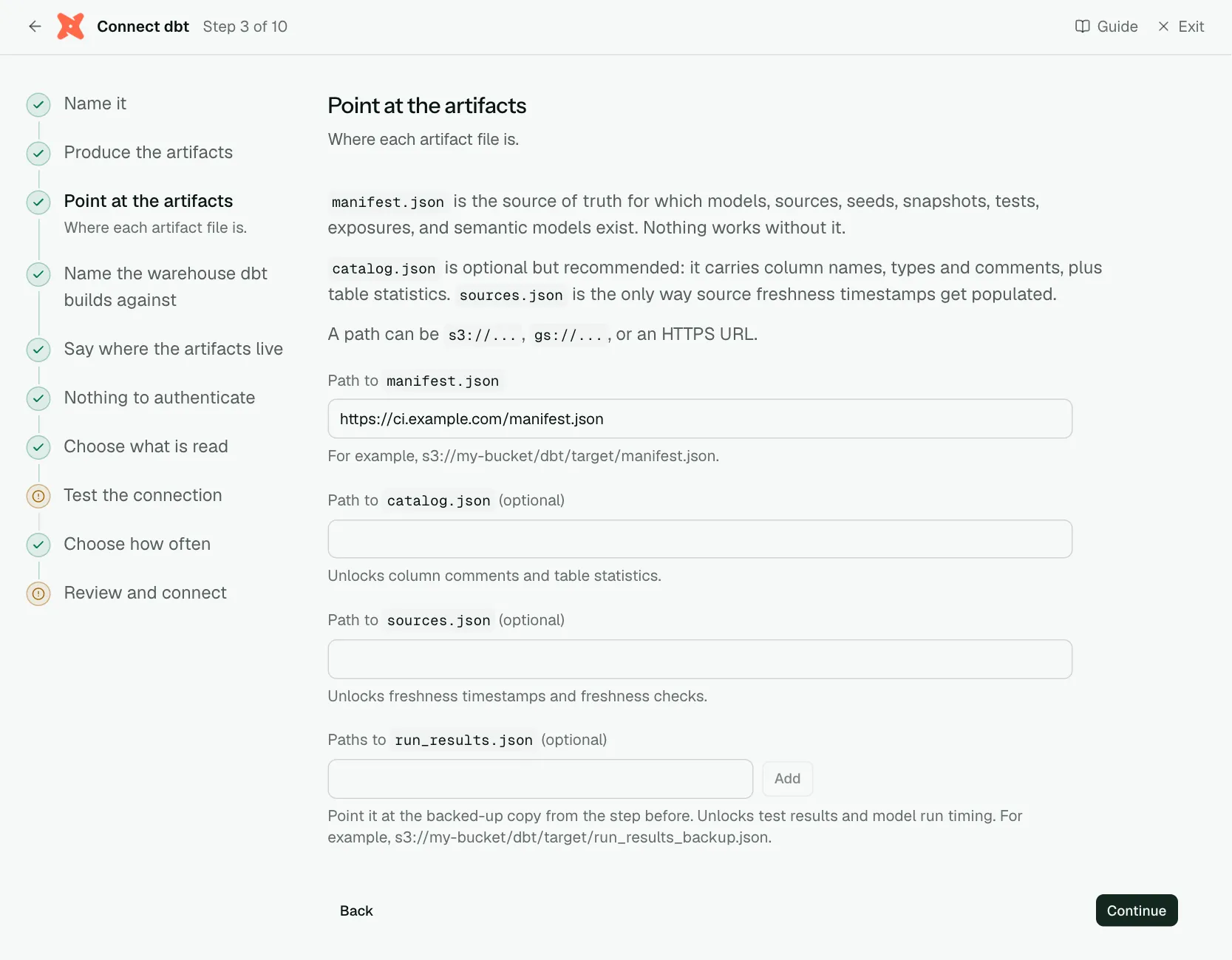
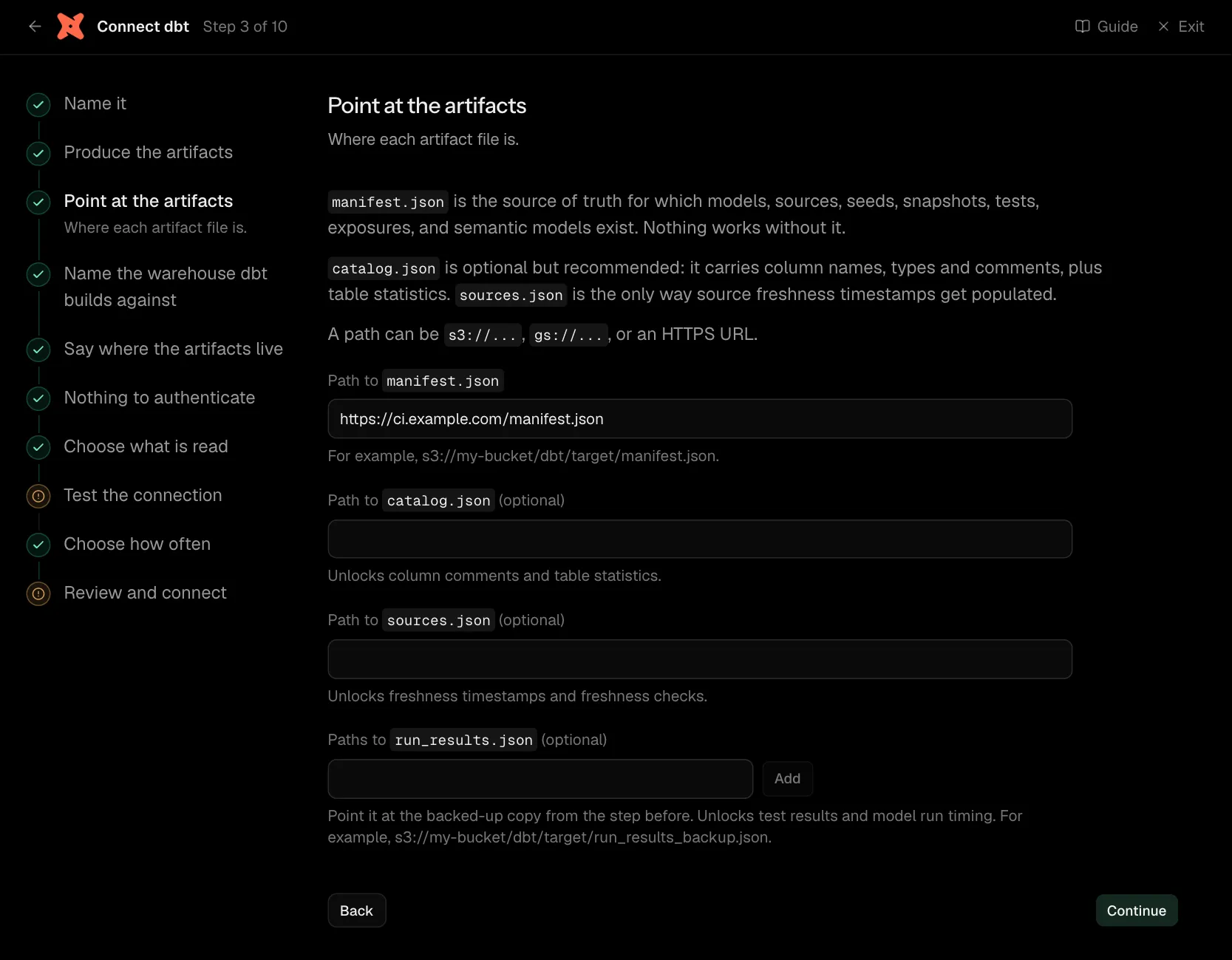
manifest.json is the source of truth for which models, sources, seeds, snapshots, tests, exposures, and semantic models exist. Nothing works without it.
catalog.json is optional but recommended: it carries column names, types and comments, plus table statistics. sources.json is the only way source freshness timestamps get populated.
A path can be s3://..., gs://..., or an HTTPS URL.
| What it asks for | Needed | What to enter |
|---|---|---|
Path to manifest.json | Yes | For example, s3://my-bucket/dbt/target/manifest.json. |
Path to catalog.json | Optional | Unlocks column comments and table statistics. |
Path to sources.json | Optional | Unlocks freshness timestamps and freshness checks. |
Paths to run_results.json | Optional | Point it at the backed-up copy from the step before. Unlocks test results and model run timing. For example, s3://my-bucket/dbt/target/run_results_backup.json. |
Step 4 of 10: Name the warehouse dbt builds against
The warehouse the models are built in.
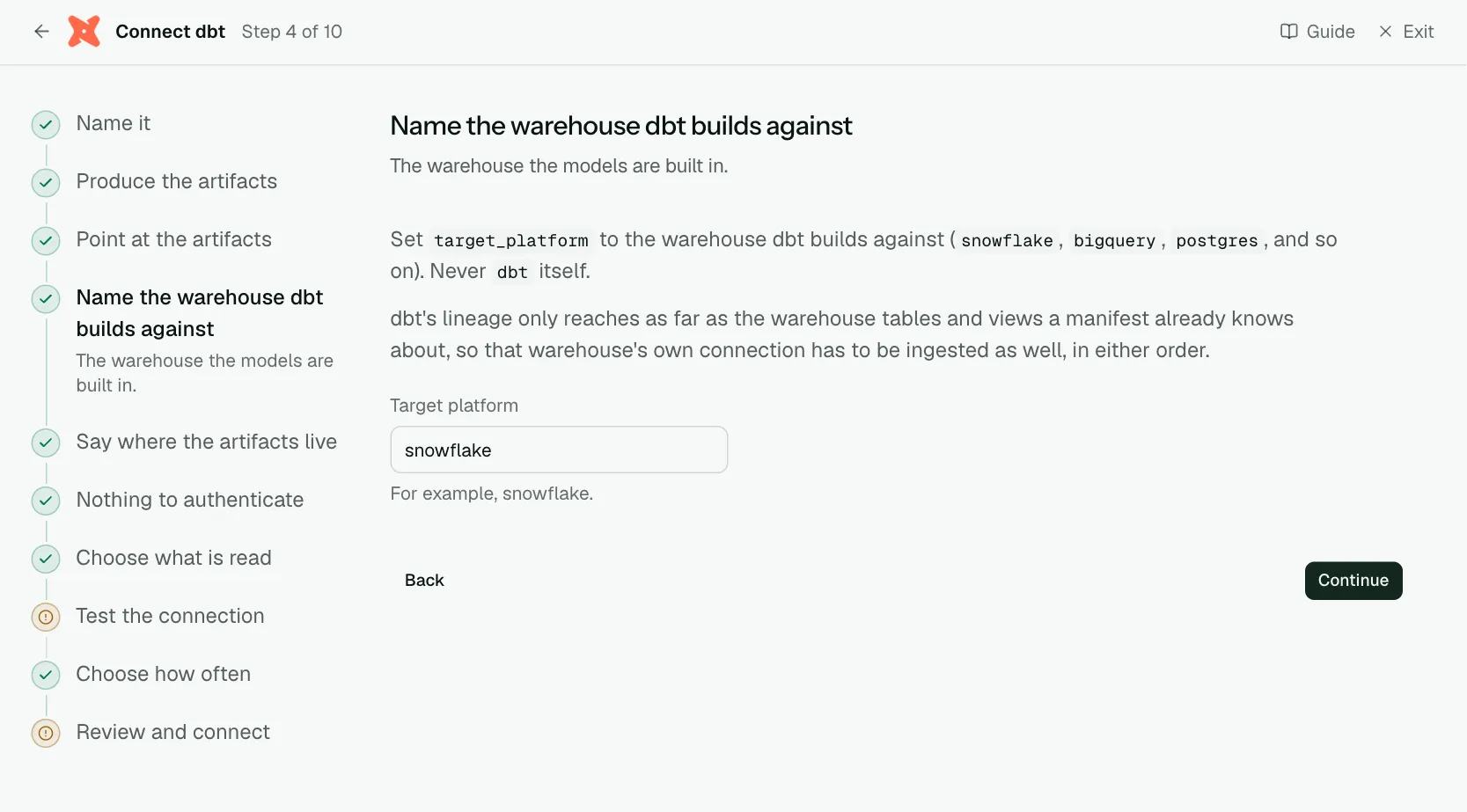
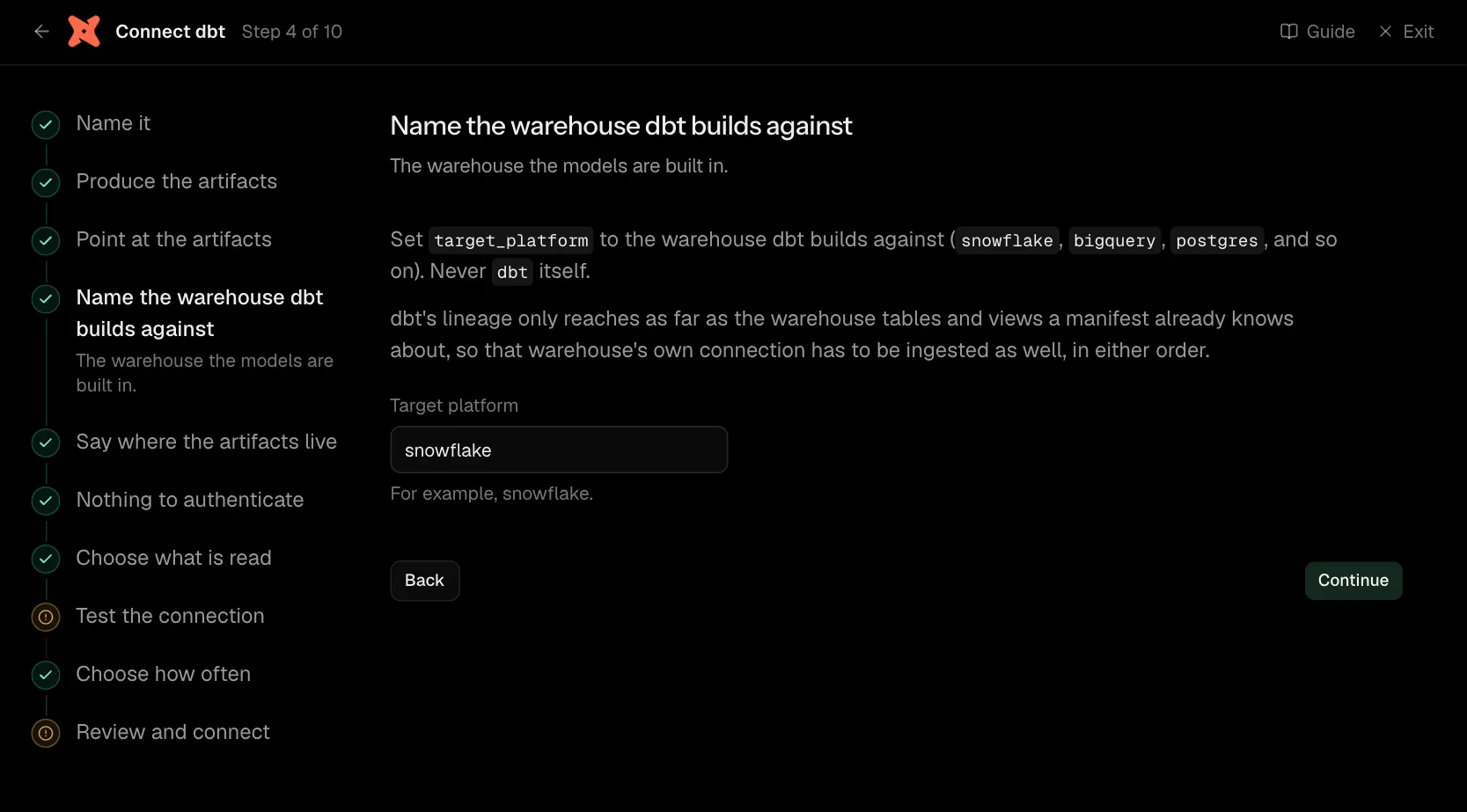
Set target_platform to the warehouse dbt builds against (snowflake, bigquery, postgres, and so on). Never dbt itself.
dbt's lineage only reaches as far as the warehouse tables and views a manifest already knows about, so that warehouse's own connection has to be ingested as well, in either order.
| What it asks for | Needed | What to enter |
|---|---|---|
| Target platform | Yes | For example, snowflake. |
Step 5 of 10: Say where the artifacts live
A URL, S3 or GCS.
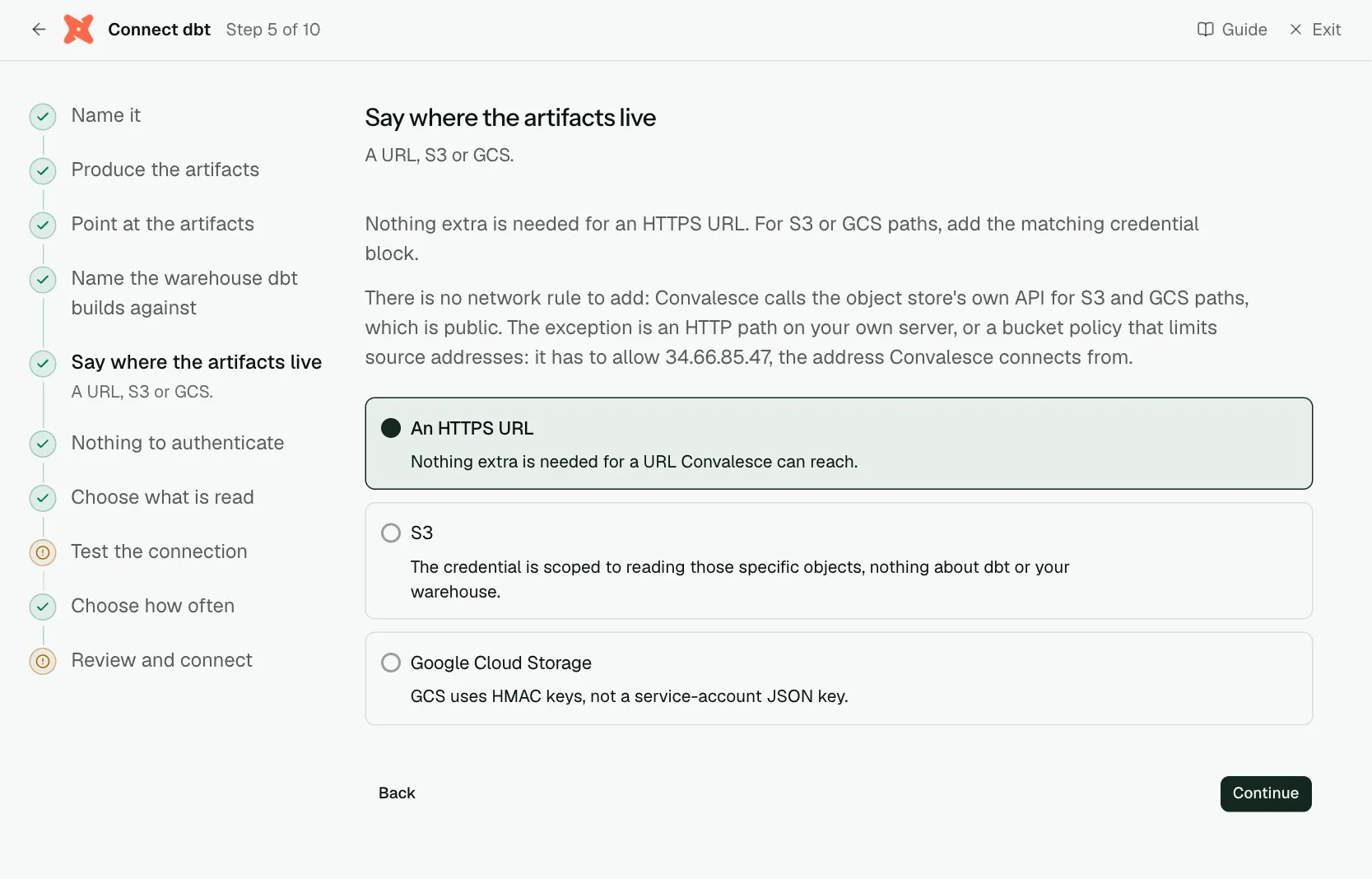
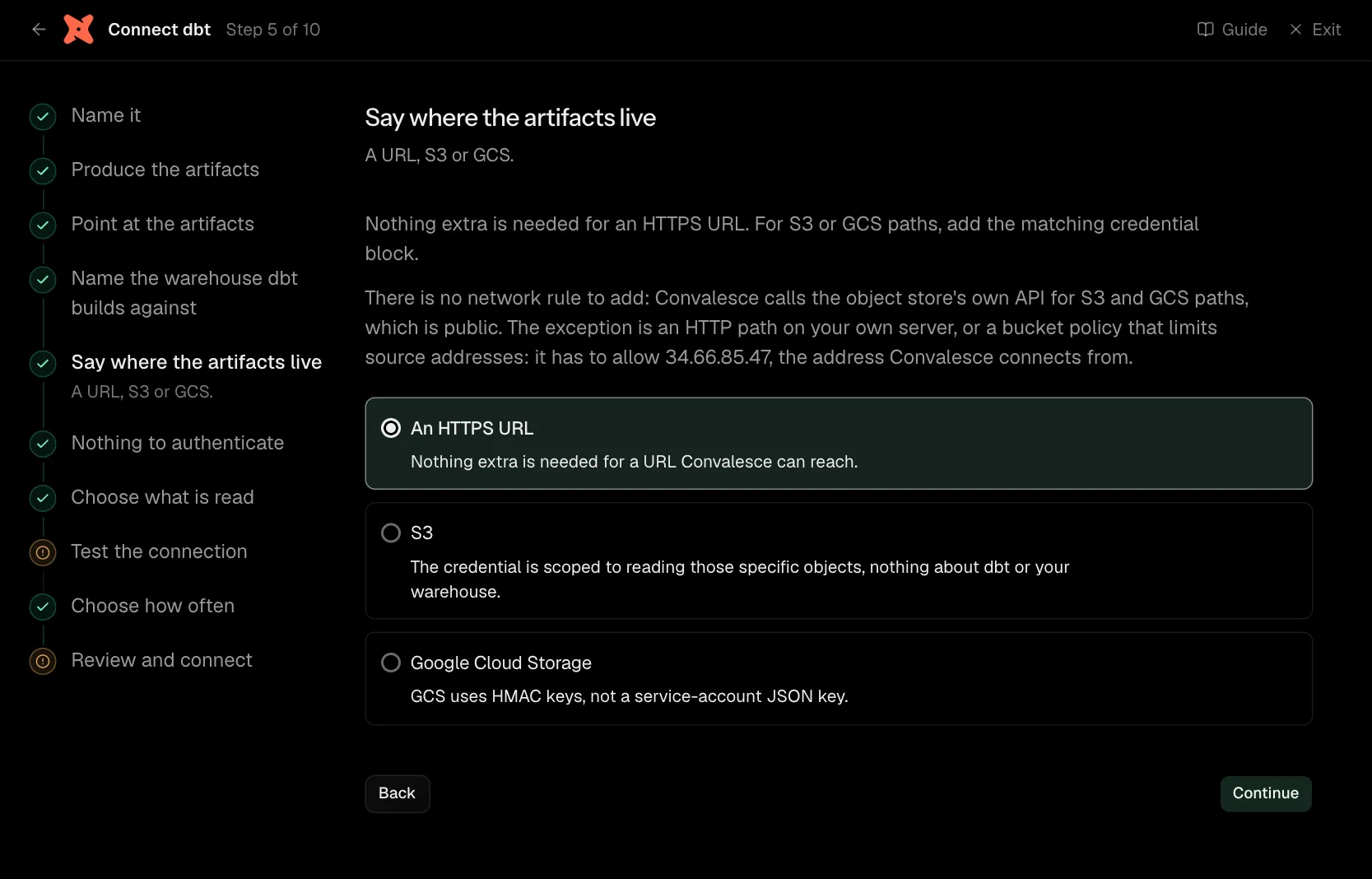
Nothing extra is needed for an HTTPS URL. For S3 or GCS paths, add the matching credential block.
There is no network rule to add: Convalesce calls the object store's own API for S3 and GCS paths, which is public. The exception is an HTTP path on your own server, or a bucket policy that limits source addresses: it has to allow 34.66.85.47, the address Convalesce connects from.
Step 6 of 10: Nothing to authenticate
A URL needs no credential.
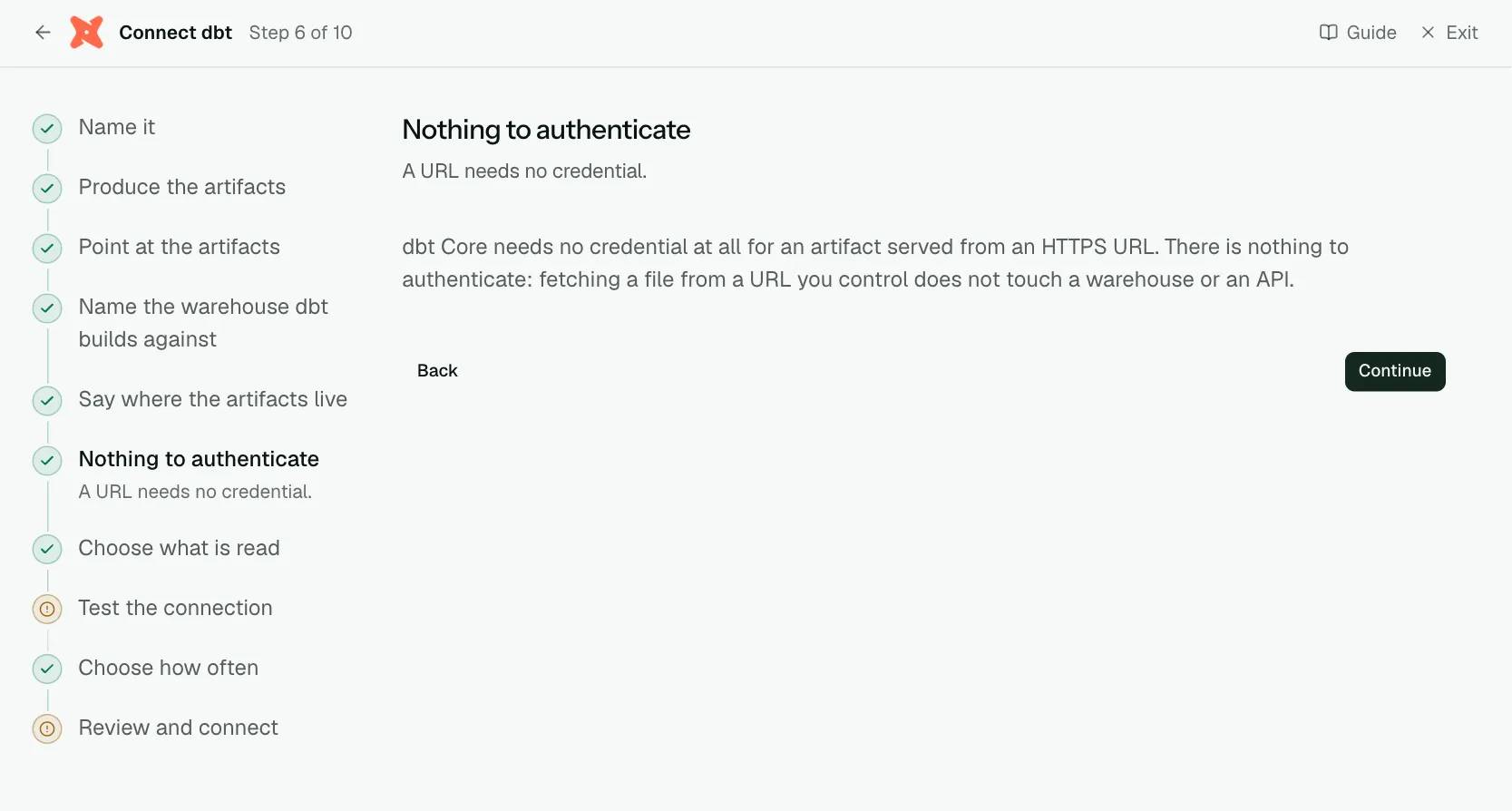
dbt Core needs no credential at all for an artifact served from an HTTPS URL. There is nothing to authenticate: fetching a file from a URL you control does not touch a warehouse or an API.
Step 7 of 10: Choose what is read (optional)
Optional: narrow it to some models.
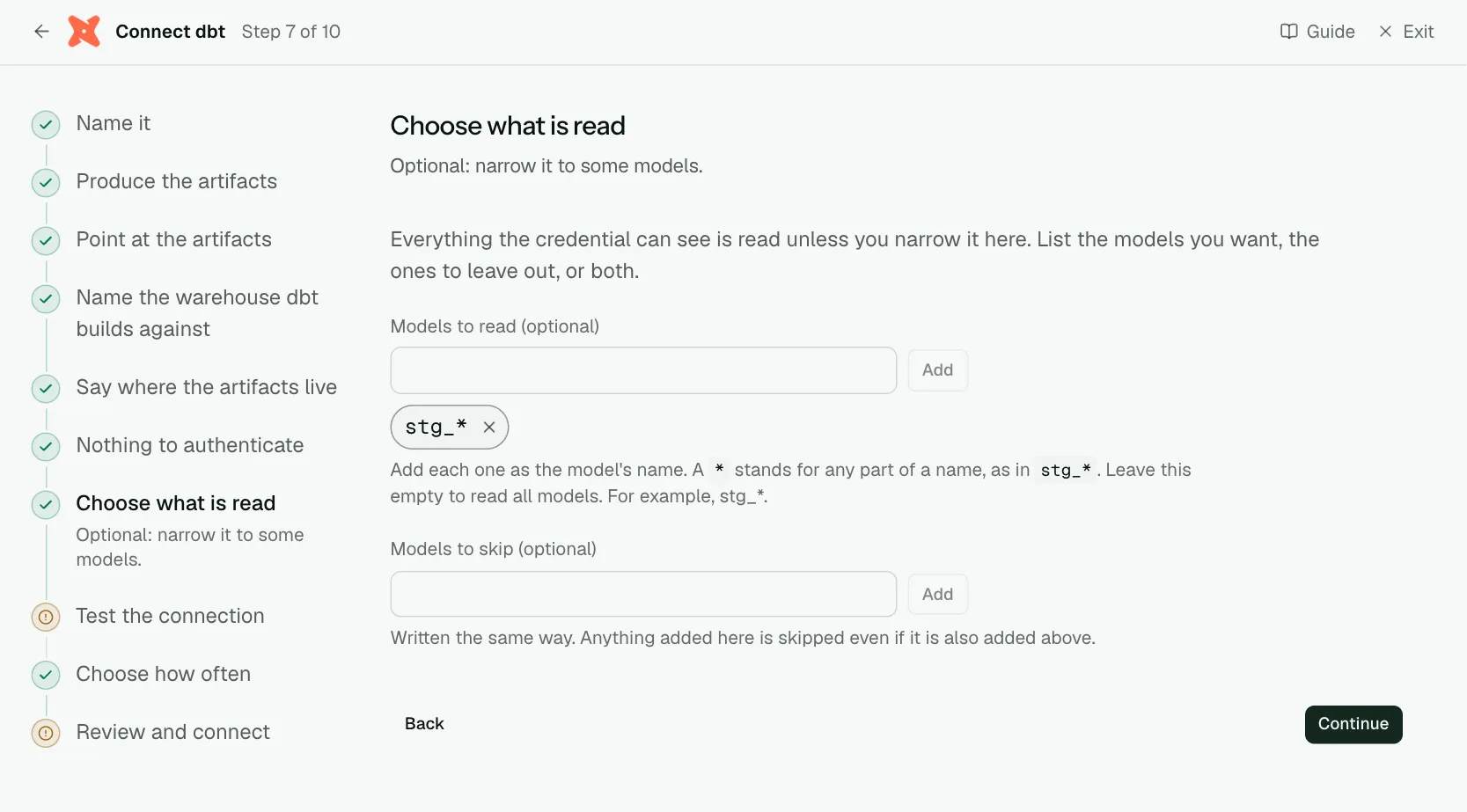
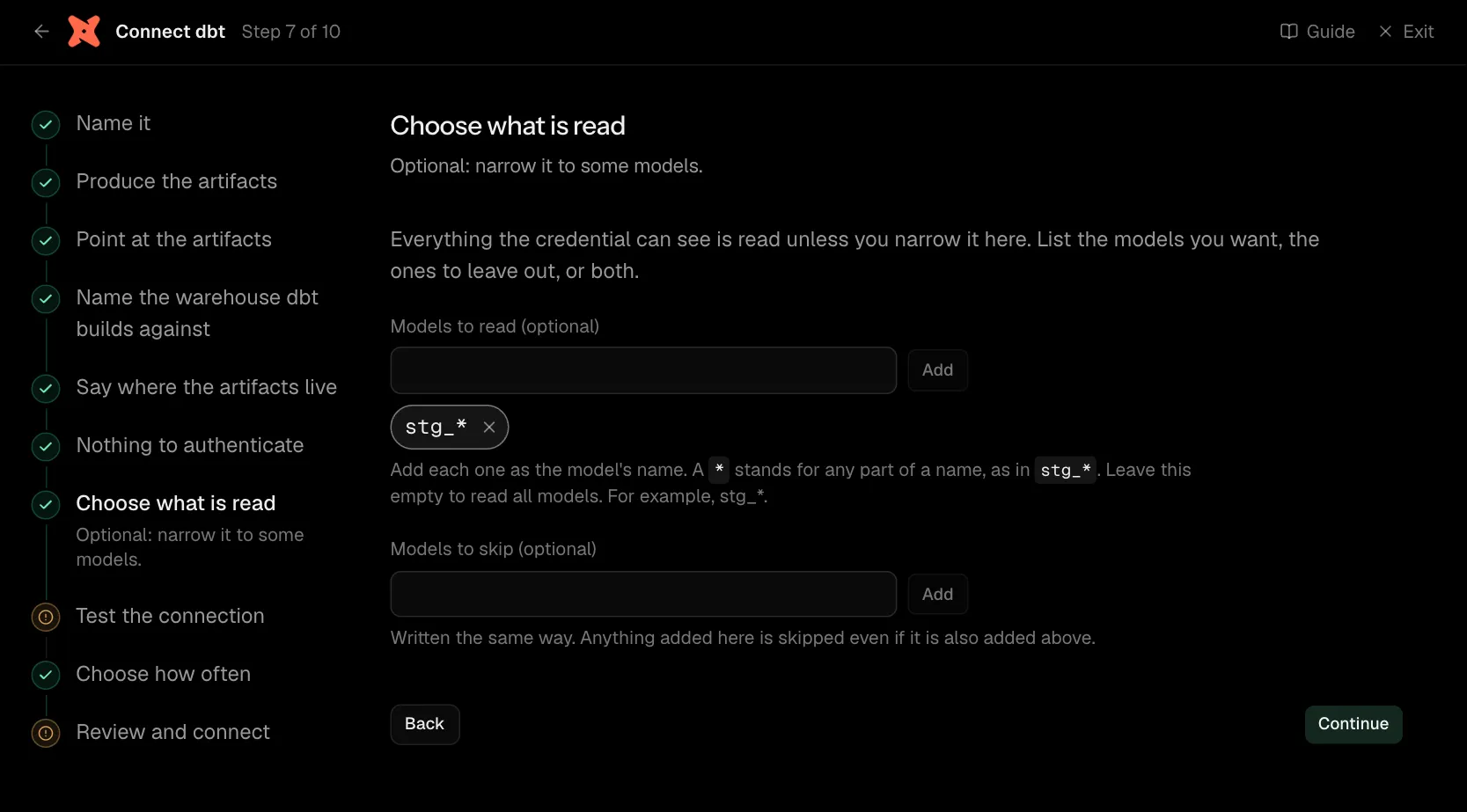
Everything the credential can see is read unless you narrow it here. List the models you want, the ones to leave out, or both.
| What it asks for | Needed | What to enter |
|---|---|---|
| Models to read | Optional | Add each one as the model's name. A * stands for any part of a name, as in stg_*. Leave this empty to read all models. For example, stg_*. |
| Models to skip | Optional | Written the same way. Anything added here is skipped even if it is also added above. |
Step 8 of 10: Test the connection
Check Convalesce can reach it with what you entered.
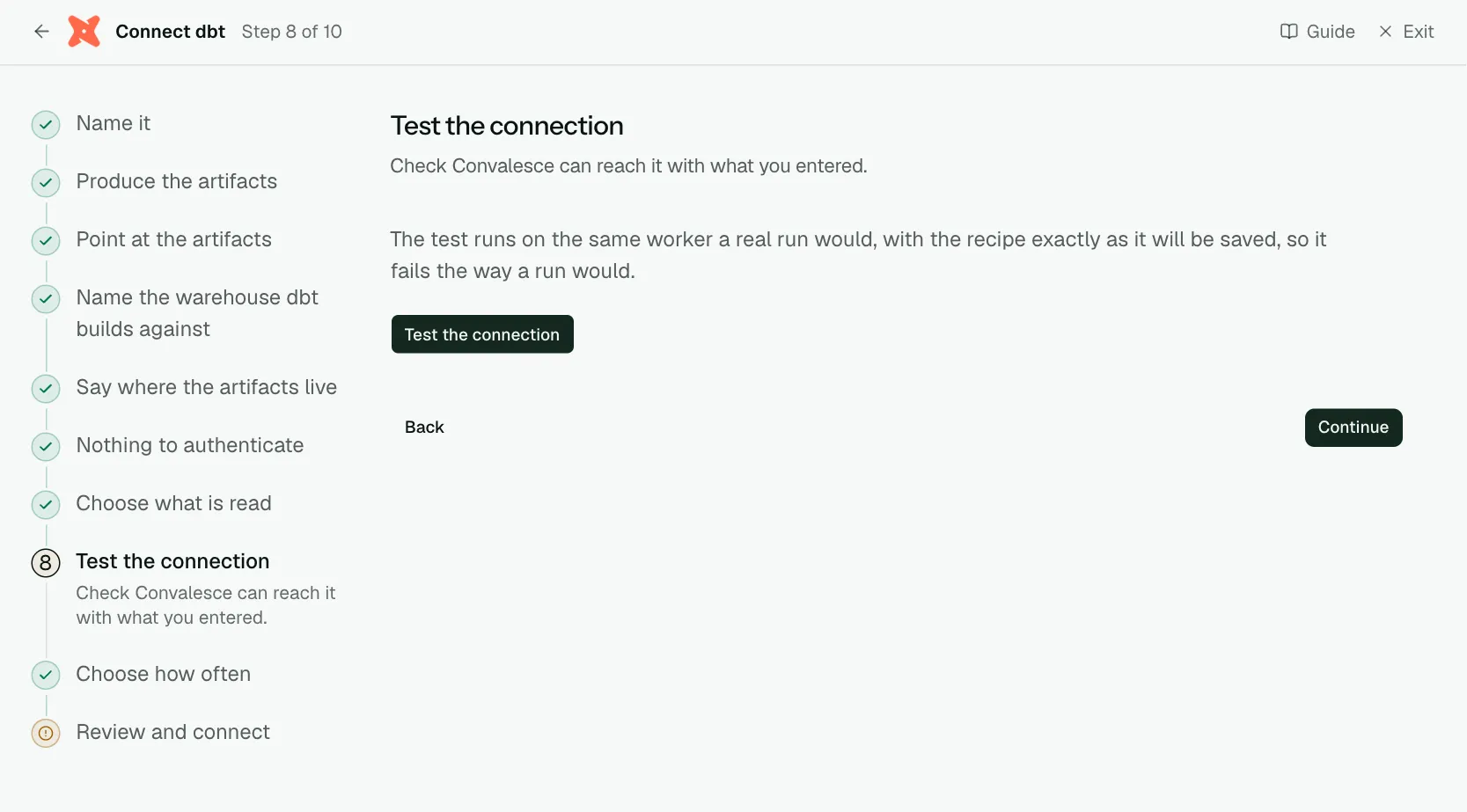
The test runs on the same worker a real run would, with the recipe exactly as it will be saved, so it fails the way a run would.
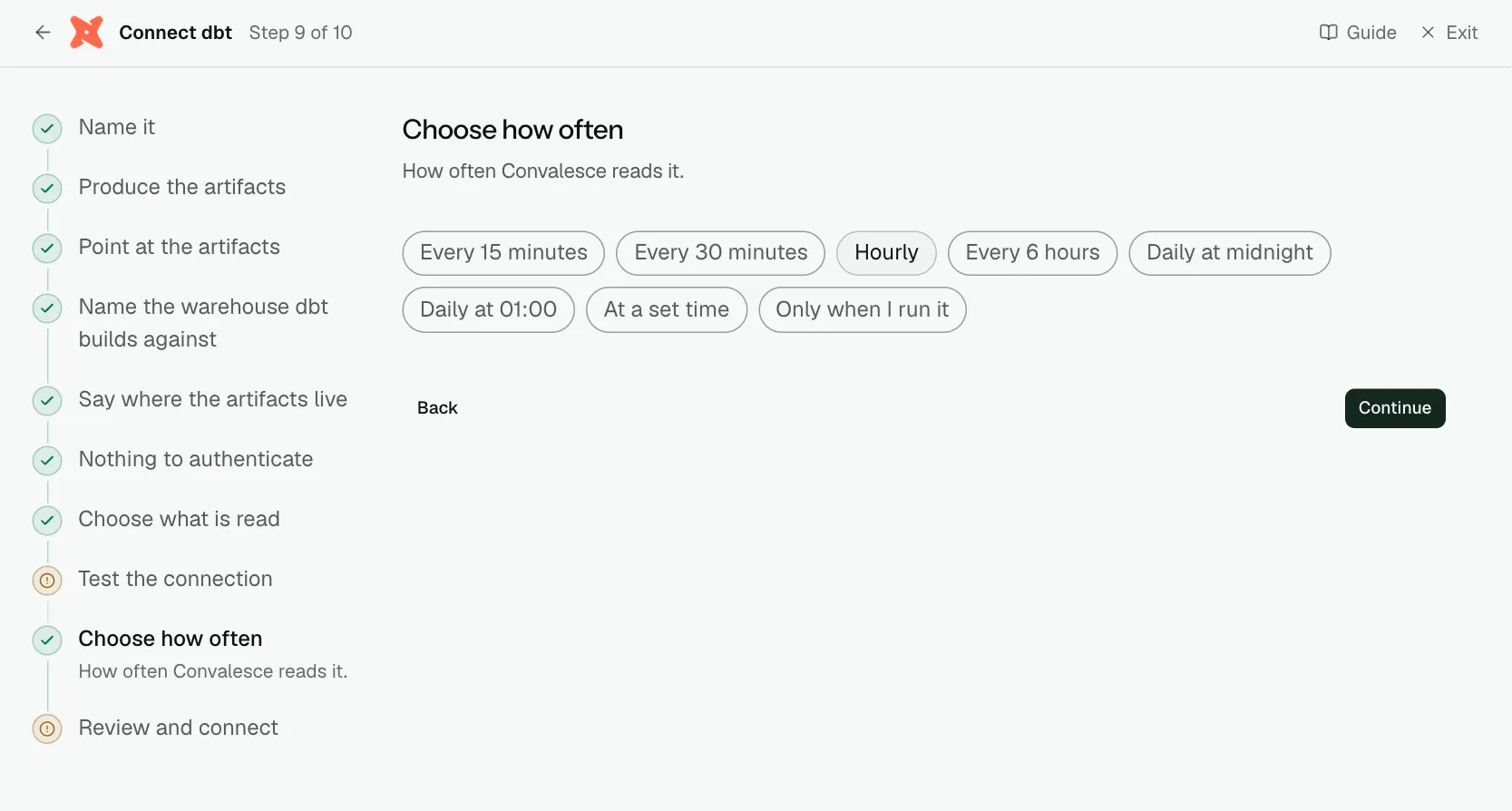
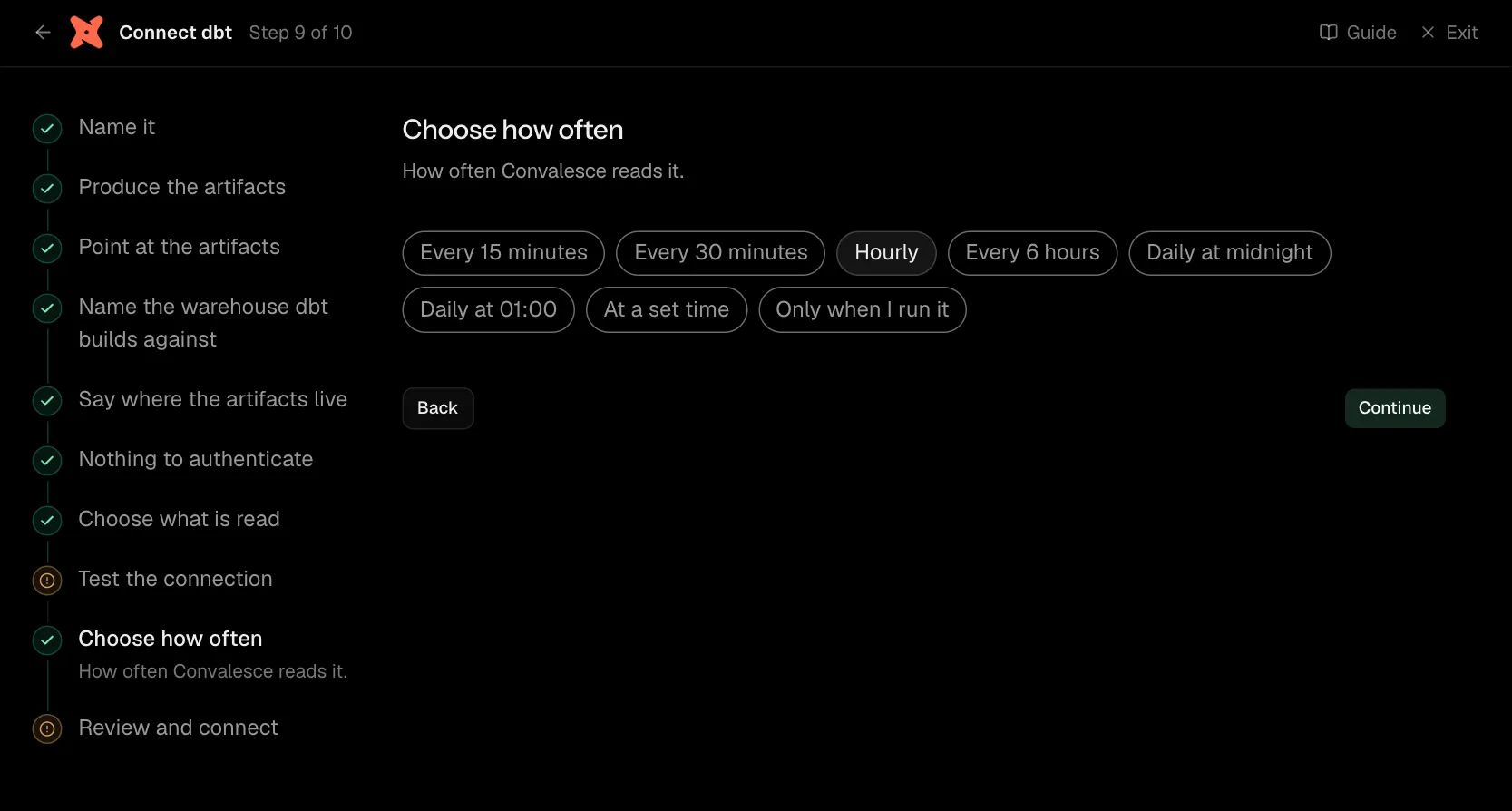
Step 9 of 10: Choose how often
How often Convalesce reads it.
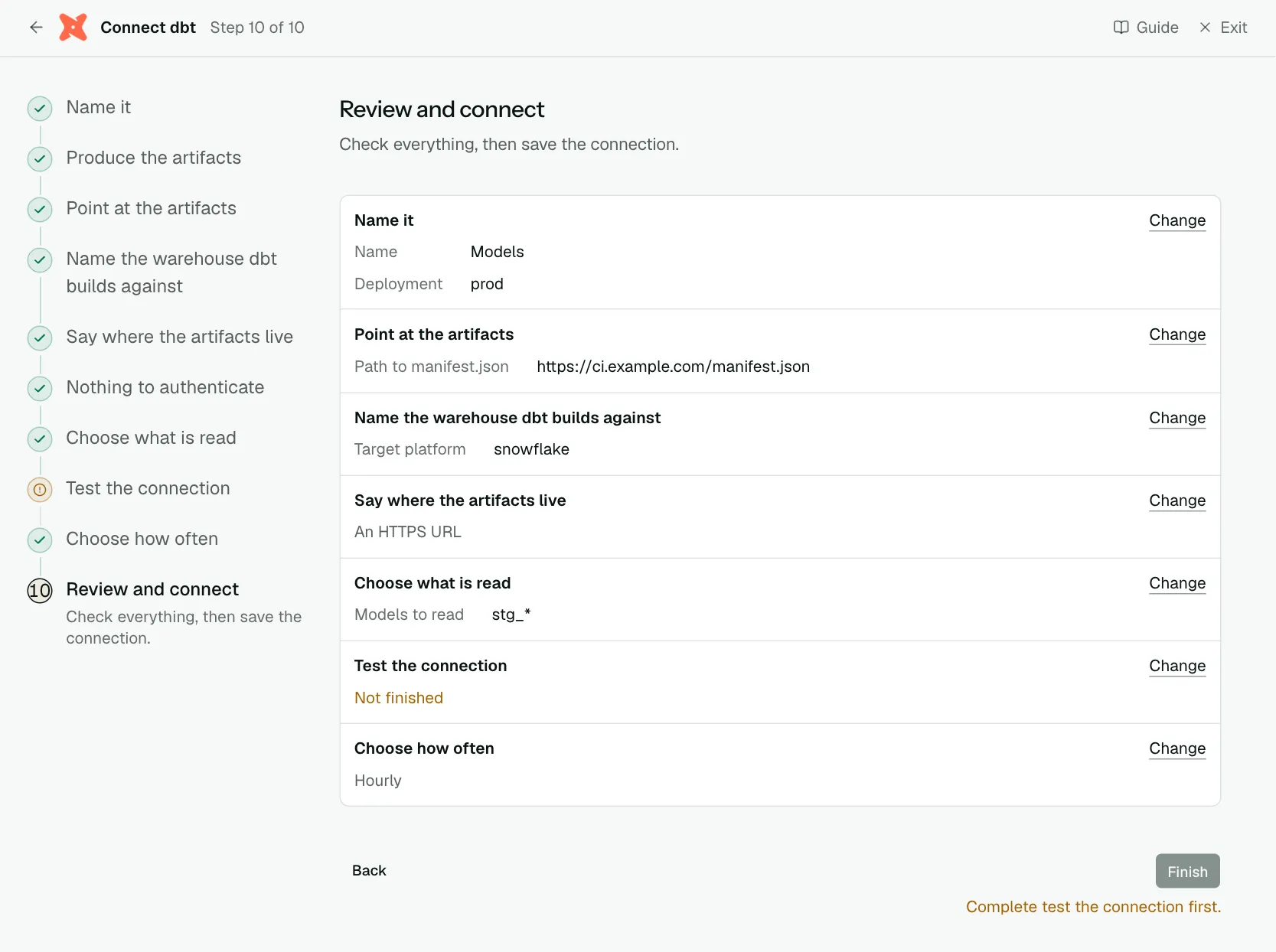
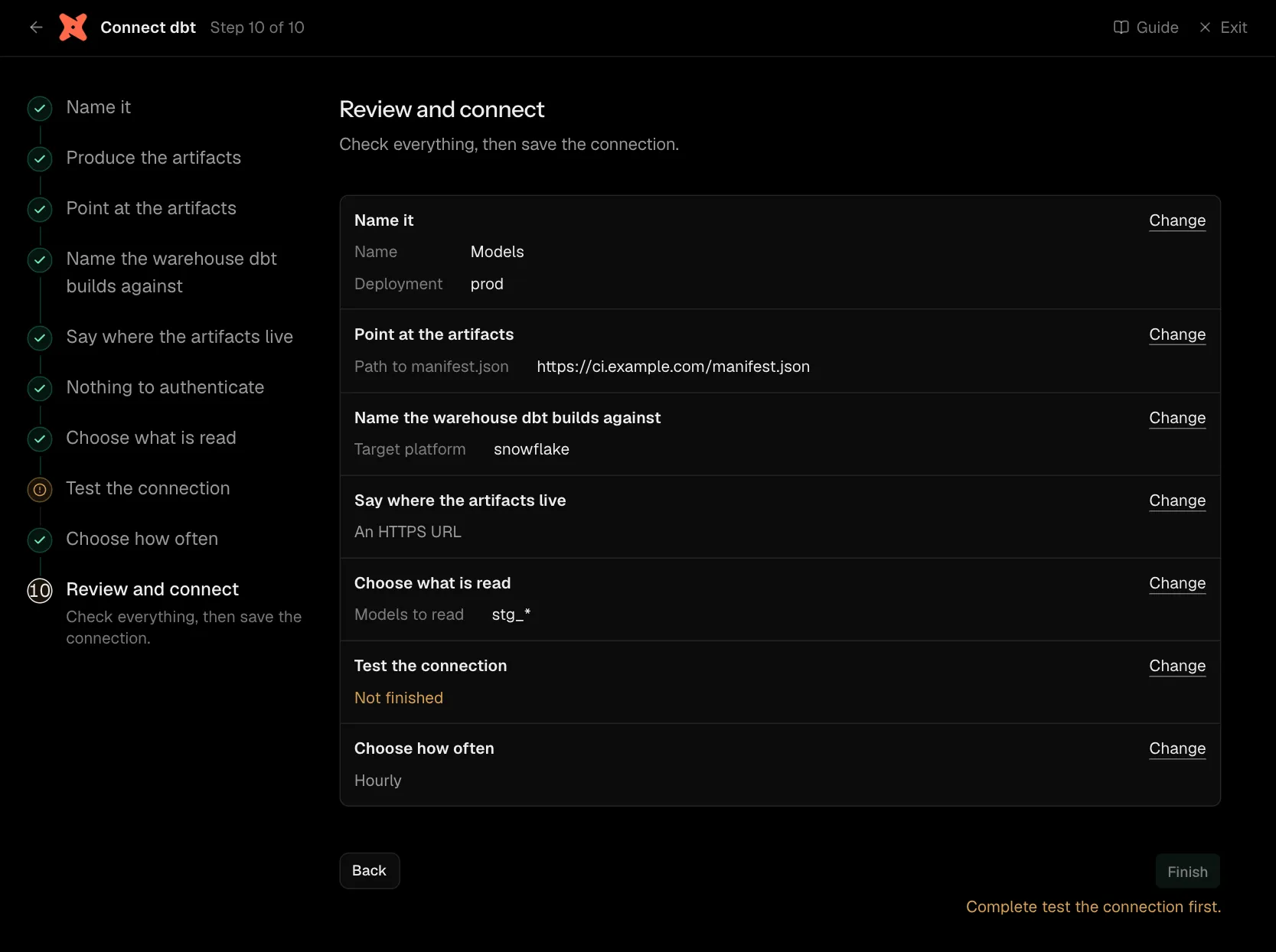
Step 10 of 10: Review and connect
Check everything, then save the connection.
Network
There is no network rule to add: Convalesce calls the object store's own API for S3 and GCS paths, which is public. The exception is an HTTP path on your own server, or a bucket policy that limits source addresses: it has to allow 34.66.85.47, the address Convalesce connects from.
How test results are read
| dbt status | What it means | Read as |
|---|---|---|
pass | No failing rows | Passed |
warn | Failing rows, severity: warn | Passed |
fail | Failing rows, severity: error | Failed, high severity |
error, runtime error | The test did not compile, or the warehouse raised | Errored |
Connect the warehouse too
dbt's lineage reaches as far as the warehouse tables its models build. To see those tables, and the columns that connect them, connect the warehouse itself as well, in either order.
Settings
What the connect screen asks for
| Input | On the step | Needed |
|---|---|---|
| Name | Name it | Yes |
| Deployment | Name it | Yes |
| Instance name | Name it | Optional |
Path to manifest.json | Point at the artifacts | Yes |
Path to catalog.json | Point at the artifacts | Optional |
Path to sources.json | Point at the artifacts | Optional |
Paths to run_results.json | Point at the artifacts | Optional |
| Target platform | Name the warehouse dbt builds against | Yes |
| Models to read | Choose what is read | Optional |
| Models to skip | Choose what is read | Optional |
| Access key ID | Add the AWS credential | Yes |
| Secret access key | Add the AWS credential | Yes |
| Session token | Add the AWS credential | Optional |
| HMAC access ID | Add the GCS credential | Yes |
| HMAC access secret | Add the GCS credential | Yes |
Set for you
These are the same on every connection. The connect screen does not ask for them.
| What it means | Setting |
|---|---|
| Names are matched whatever their casing. | convert_urns_to_lowercase: true |
| Set to true. | include_env_in_assertion_guid: true |
| Something that is no longer there is marked as removed. | stateful_ingestion.enabled: true |
Troubleshooting
- Test results are missing.
dbt docs generateoverwritesrun_results.json. Copy it aside afterdbt buildand point at the copy, as the Produce the artifacts step shows. - The test cannot read a file. For S3 or GCS, check the key can read that exact object. For a URL, it has to be HTTPS and reachable from the internet.
- Models do not line up with warehouse tables. Target platform has to name the warehouse dbt builds in, and that warehouse has to be connected under the same deployment.