Collaboration
Telegram
Connect a Telegram bot so a chat is told when something breaks and when it is fixed.
Convalesce sends a message to one Telegram chat, through a bot you make, when an incident opens, when its cause is found, when a fix needs you, and when it resolves.
Before you start
- A Telegram account.
- The chat or group you want the messages in.
Connect
- In Telegram, open a chat with BotFather and send
/newbot. Give the bot a name and a username that ends inbot. BotFather replies with the bot's token. Telegram's guide: Creating a new bot. - Add the bot to the chat or group, the way you add any member, by searching for its username. Telegram's guide: How do I add more members?
- Find the chat's number, the chat id Telegram gives every chat. See Find the chat's number below.
- Open Settings in the console and go to Notifications.
- On the Telegram row, press Connect a bot.
- Paste the token into Bot token, type the number into Chat, and press Connect.
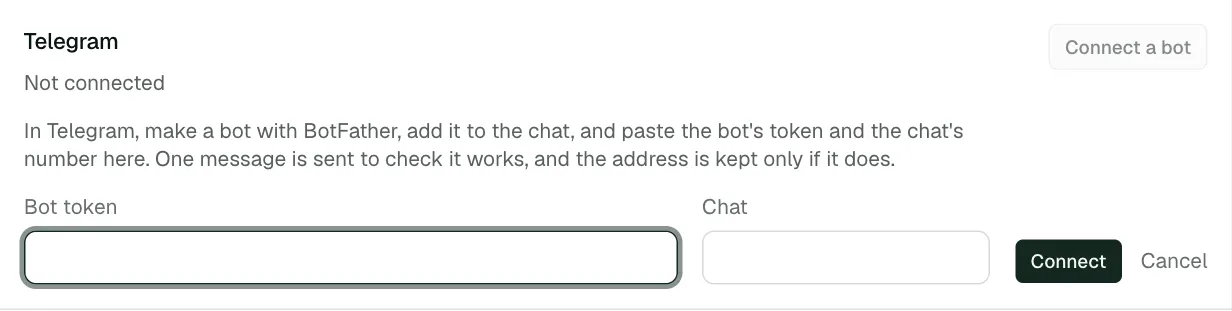
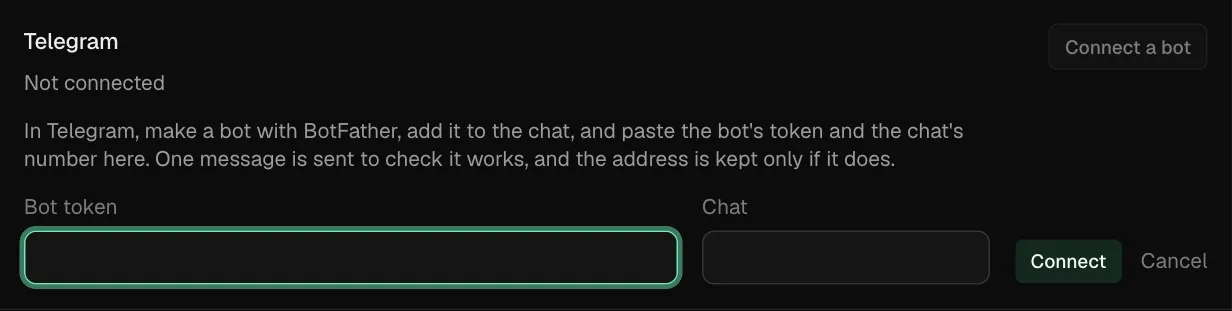
One message is sent to check it works, and the token is kept only if it does. The token is shown to no one afterwards.
Find the chat's number
- In the chat, send a message to the bot. In a group, send
/start@your_bot, with your bot's username in place ofyour_bot. - In a browser, open
https://api.telegram.org/bot<token>/getUpdates, with your bot's token in place of<token>. - In the answer, find
"chat"and copy the number beside"id". A group's number starts with a minus sign. Copy the sign too.
This is Telegram's getUpdates method. It lists the messages the bot has received, each with the chat it came from.
What you are told
Choose the moments on Settings, under Notifications, in What you are told:
- An incident opened
- The cause, found or not
- A fix that needs you, or its pull request
- The incident resolved
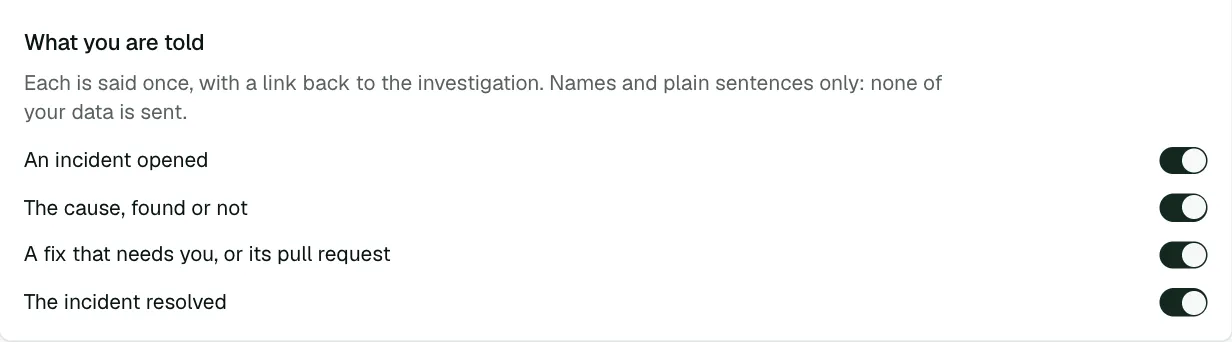
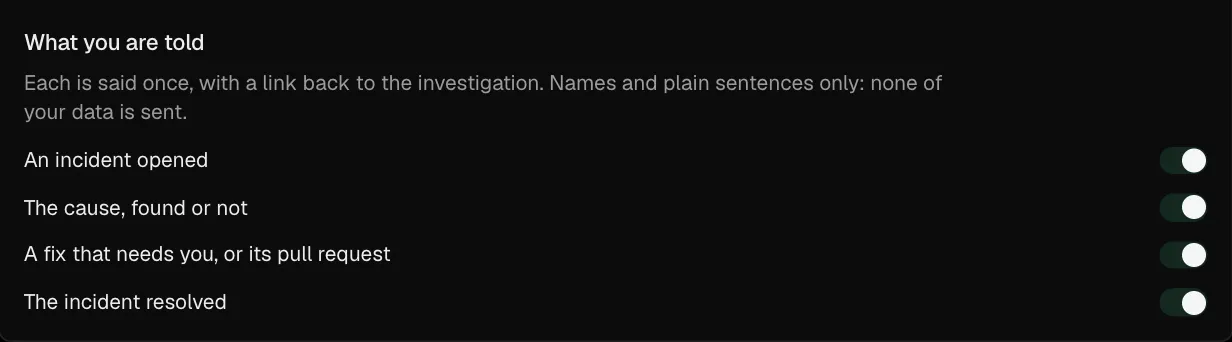
Each is said once, with a link back to the investigation. Messages carry names and plain sentences only: none of your data is sent.
Change the chat or disconnect
- Replace connects a different bot or chat in place of this one.
- Disconnect stops the messages and deletes the token.
Troubleshooting
- The check message did not arrive. The bot has to be a member of the chat, and the chat's number has to be the whole number, including a leading minus sign for a group. Find the chat's number again to check it.
- Messages stopped. The bot was removed from the chat, or its token was changed in BotFather. Press Replace and connect again.