Great Expectations
Connect Great Expectations step by step: install the plugin, issue its key, add the action, and check it reports.
Connect it
- Choose the deployment: which environment this is: production, staging.
- Which Great Expectations do you run?: 0.17/0.18 and 1.x register the action differently.
- Install the plugin: add convalesce-emit-gx where your checkpoints run.
- Issue the key and set it: point the checkpoint's process at Convalesce.
- Add the action: pass it to actions on the checkpoint.
- Check it reports: run something and watch the first event arrive.
convalesce-emit-gx tells Convalesce the result of every checkpoint you run: which expectations passed, which failed, and on which table.
It works as an action that you add to your checkpoints, on GX Core 1.x and on Great Expectations 0.17 and 0.18.
Convalesce is a hosted service. The plugin sends out to it over HTTPS, and nothing has to be opened inbound on your side.
Before you start
- Somewhere to add a Python package to the environment your checkpoints run in.
- A way to set two environment variables in that same environment.
Connect it
In Convalesce, open Integrations, choose Great Expectations, and follow the steps. Each one is shown below as it looks on screen, with what to copy and run.
Set the key in the process that runs your checkpoints. When a checkpoint runs inside Airflow or Dagster, that is the worker or the run, as the connect screen shows for that choice.
The steps depend on one choice: Where it runs. Pick yours here, and every step, picture and script below follows it.
Checkpoints run from a script or cron in a virtualenv.
Step 1 of 6: Choose the deployment
Which environment this is: production, staging.
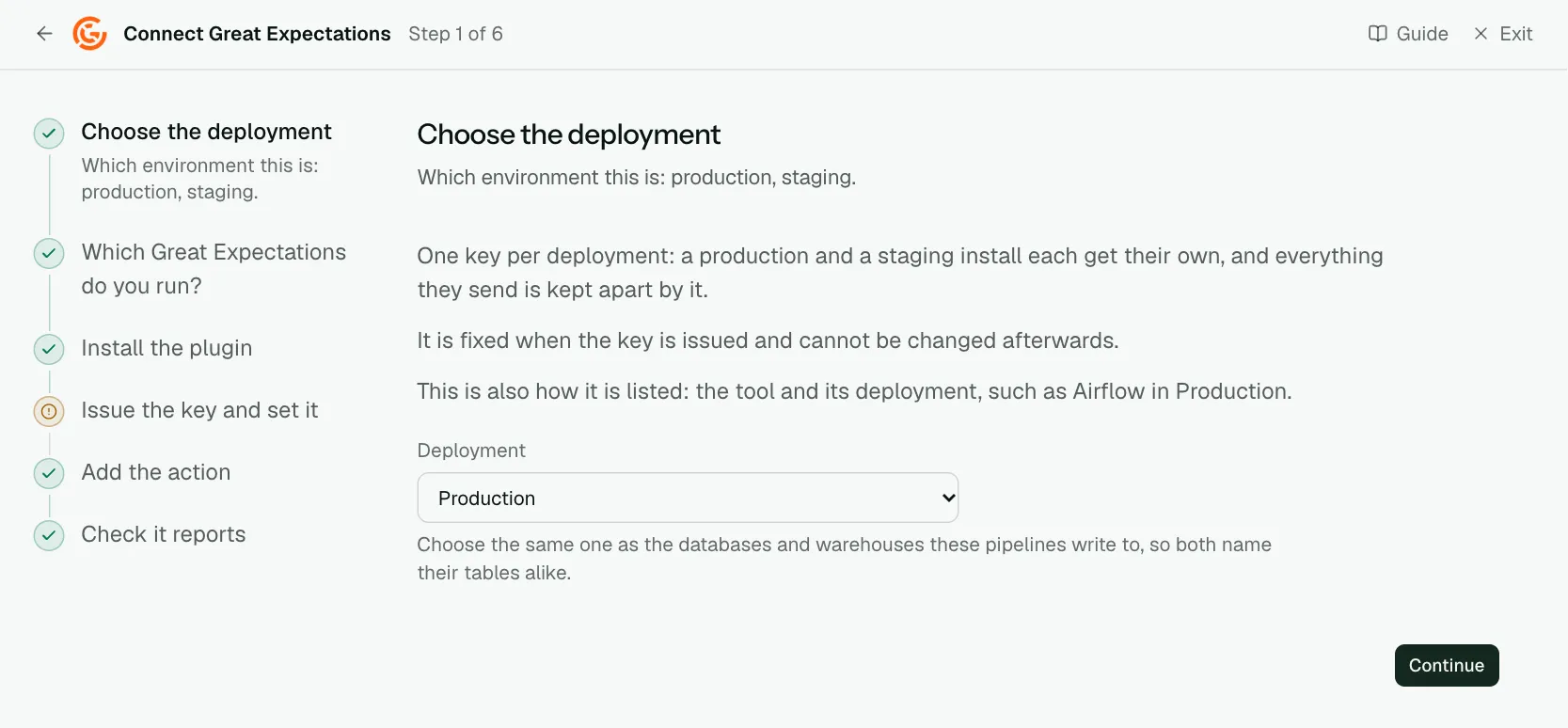
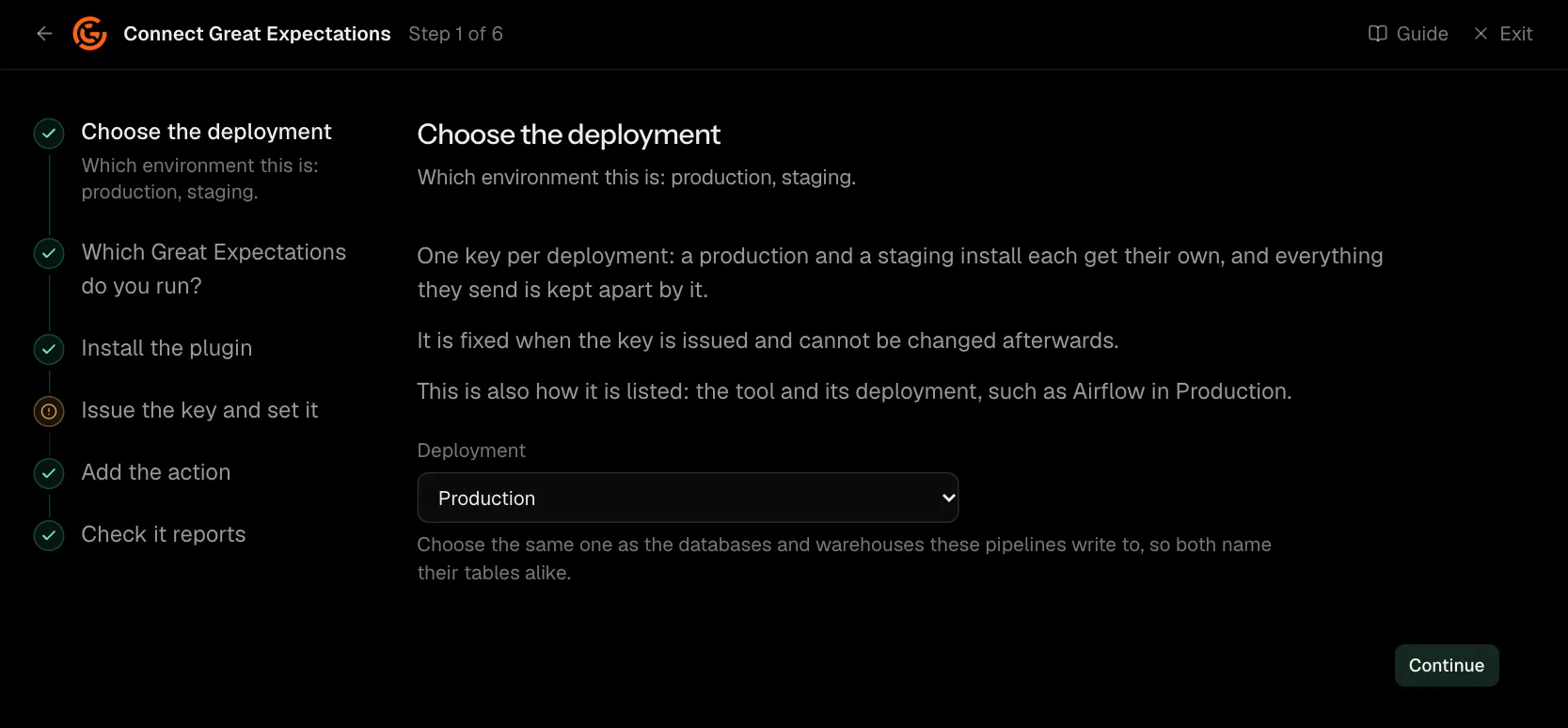
One key per deployment: a production and a staging install each get their own, and everything they send is kept apart by it.
It is fixed when the key is issued and cannot be changed afterwards.
This is also how it is listed: the tool and its deployment, such as Airflow in Production.
| What it asks for | Needed | What to enter |
|---|---|---|
| Deployment | Yes | Choose the same one as the databases and warehouses these pipelines write to, so both name their tables alike. Choose one of: Production, Staging, Development, Test, Quality assurance, User acceptance, Pre-production, Sandbox. |
Step 2 of 6: Which Great Expectations do you run?
0.17/0.18 and 1.x register the action differently.
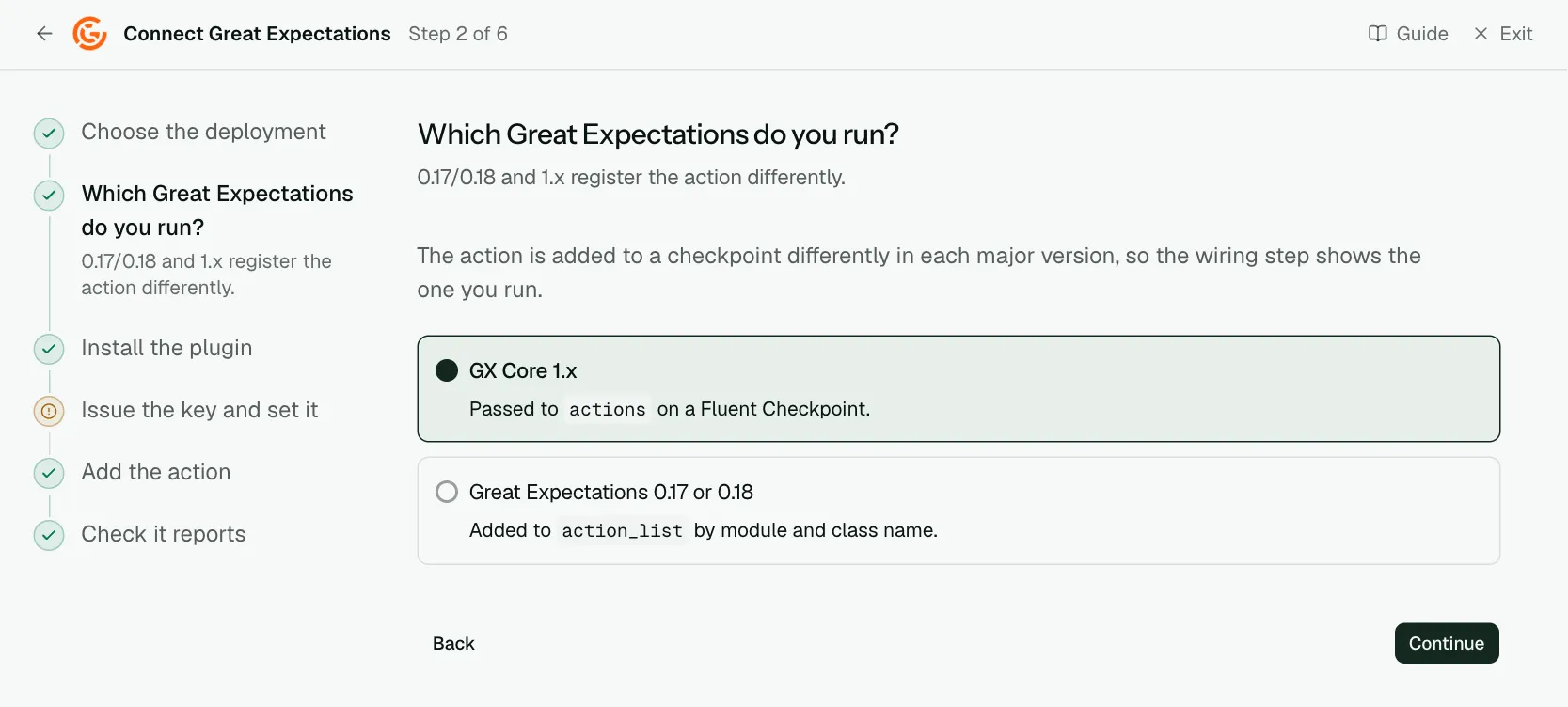
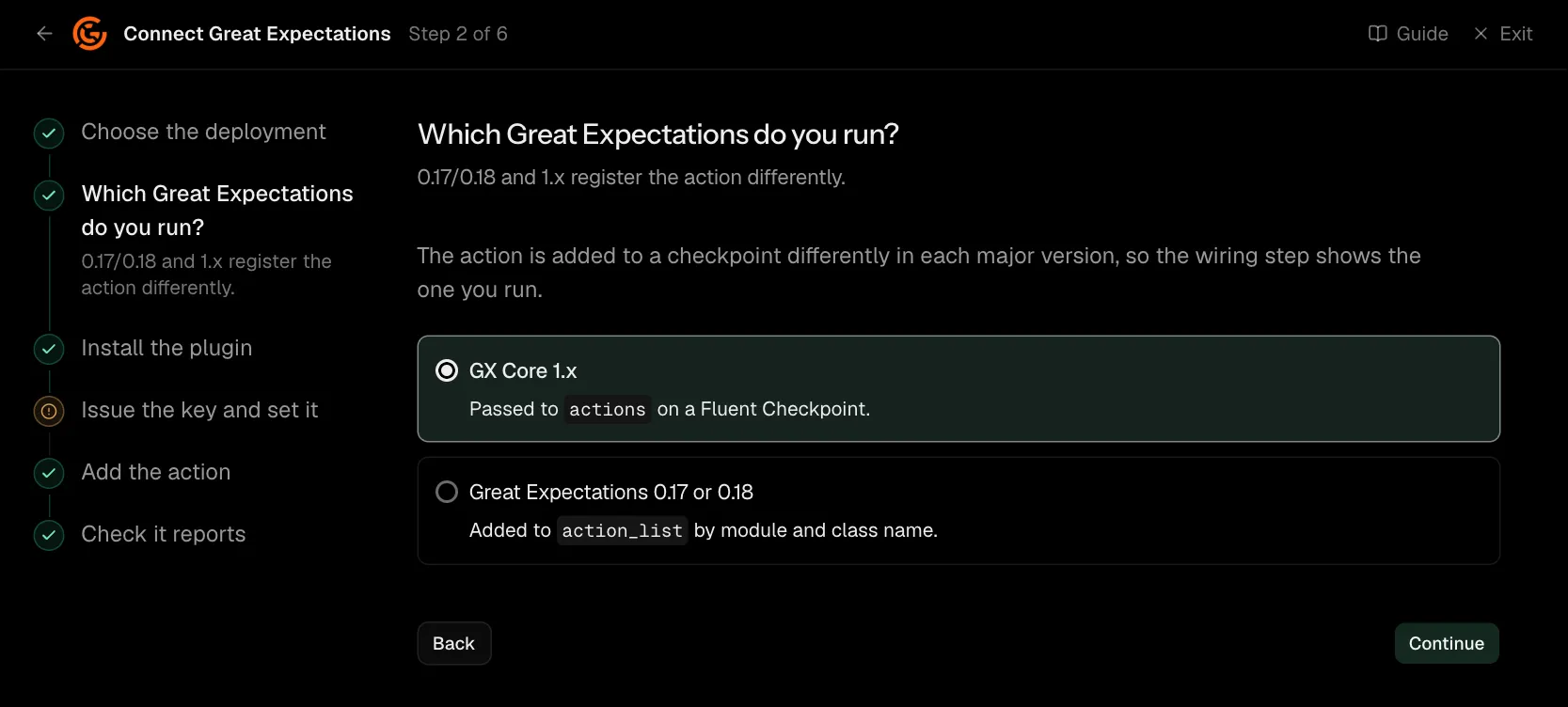
The action is added to a checkpoint differently in each major version, so the wiring step shows the one you run.
Step 3 of 6: Install the plugin
Add convalesce-emit-gx where your checkpoints run.
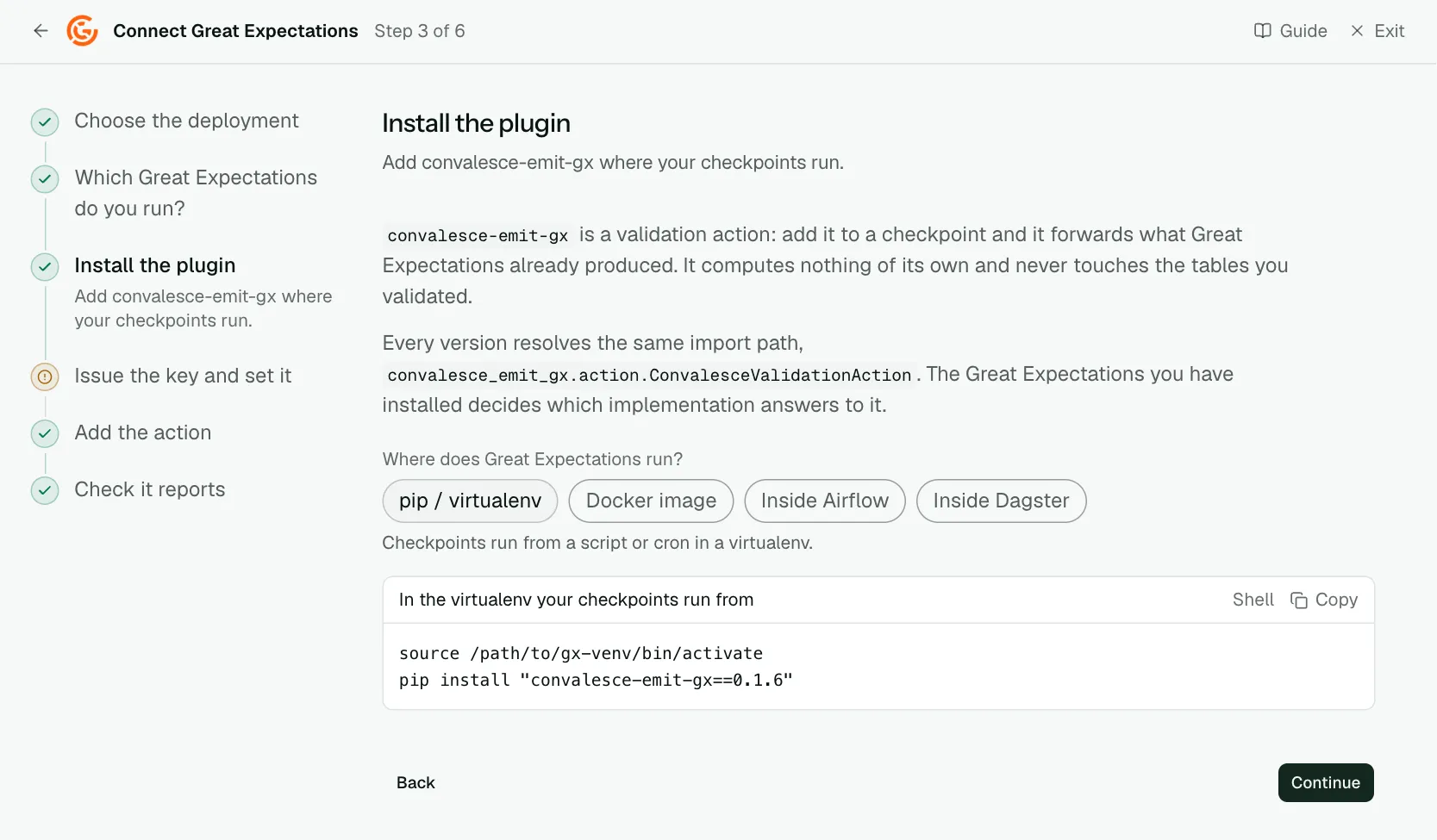
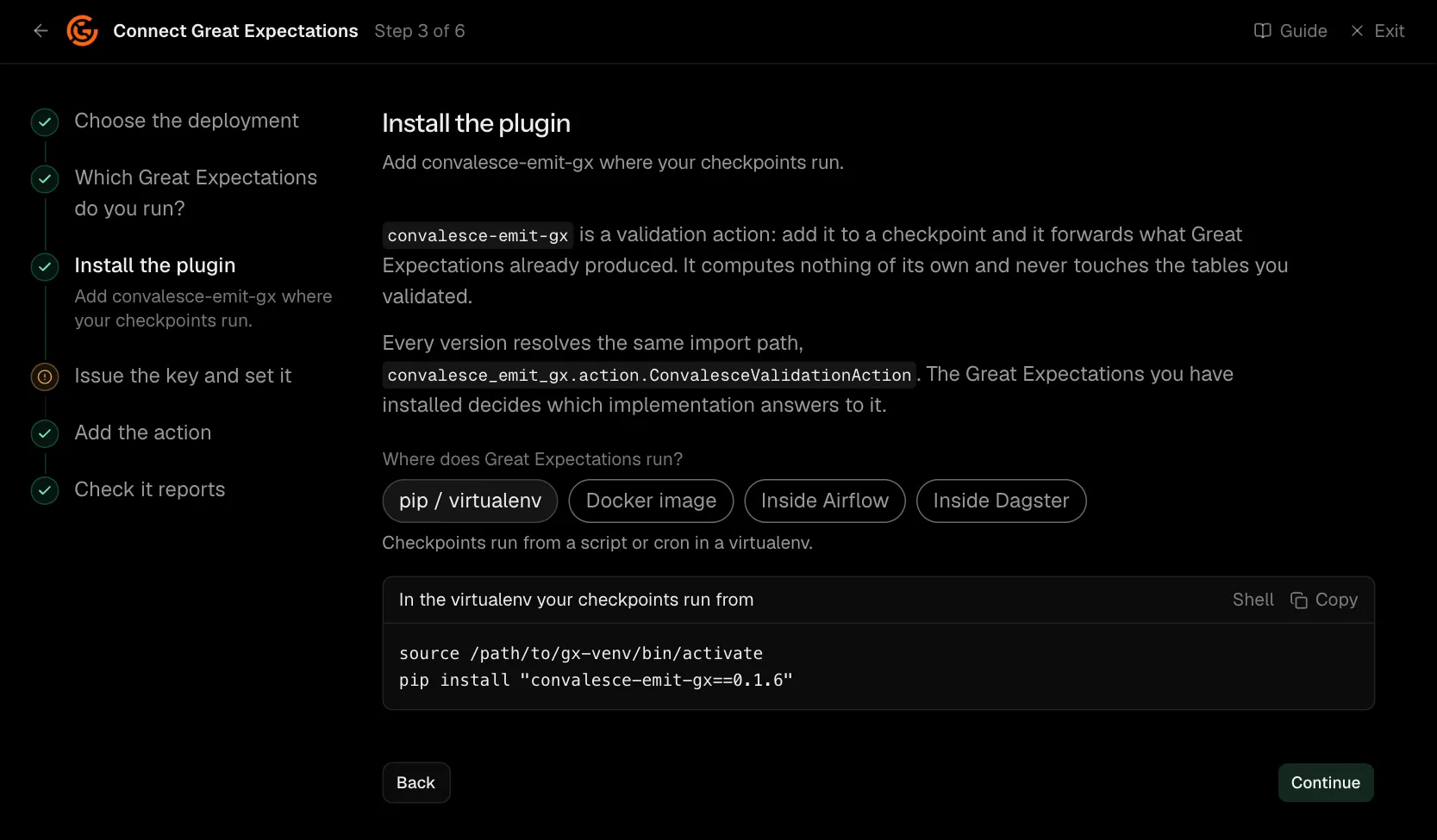
convalesce-emit-gx is a validation action: add it to a checkpoint and it forwards what Great Expectations already produced. It computes nothing of its own and never touches the tables you validated.
Every version resolves the same import path, convalesce_emit_gx.action.ConvalesceValidationAction. The Great Expectations you have installed decides which implementation answers to it.
source /path/to/gx-venv/bin/activate
pip install "convalesce-emit-gx==0.2.1"
Step 4 of 6: Issue the key and set it
Point the checkpoint's process at Convalesce.
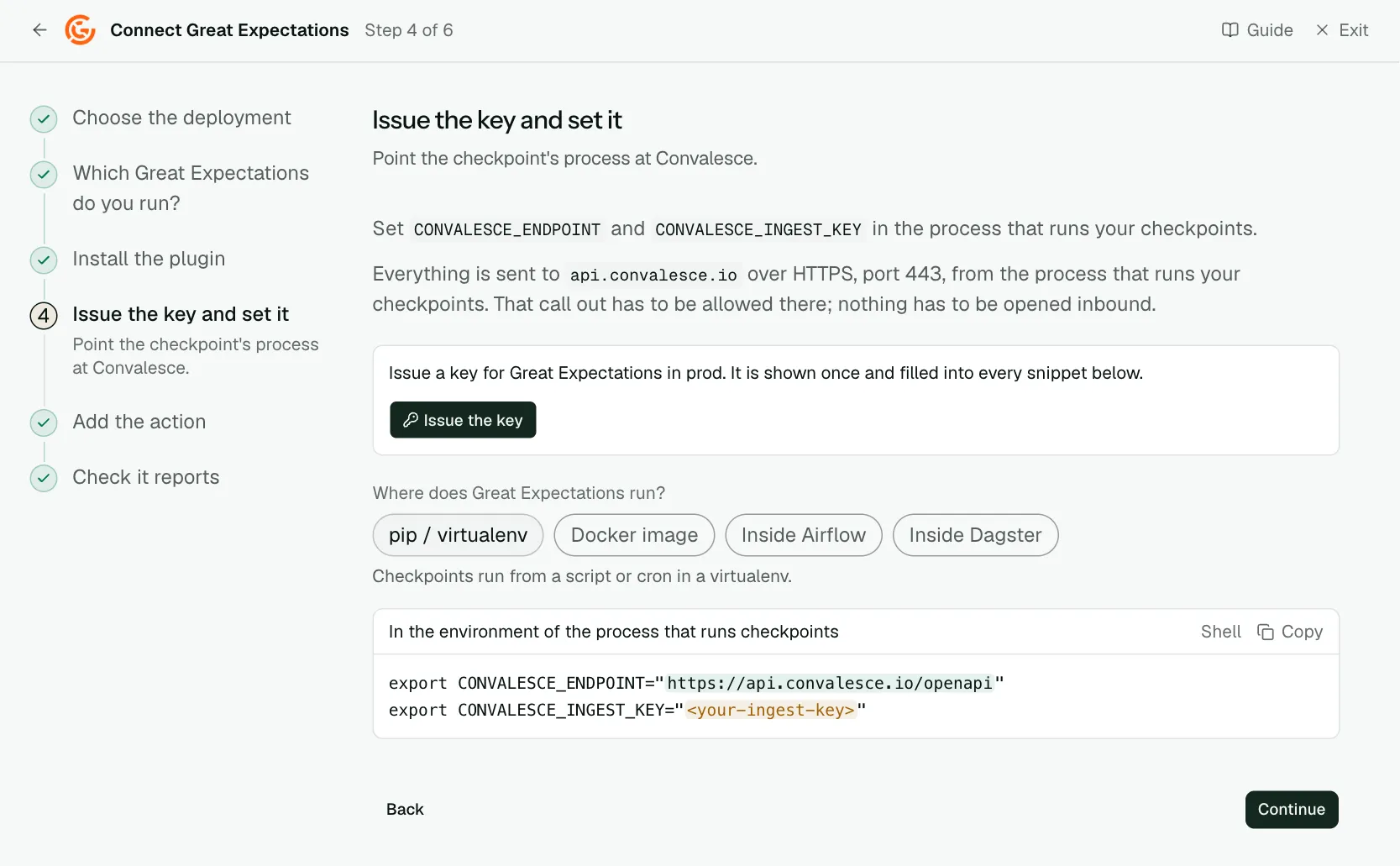
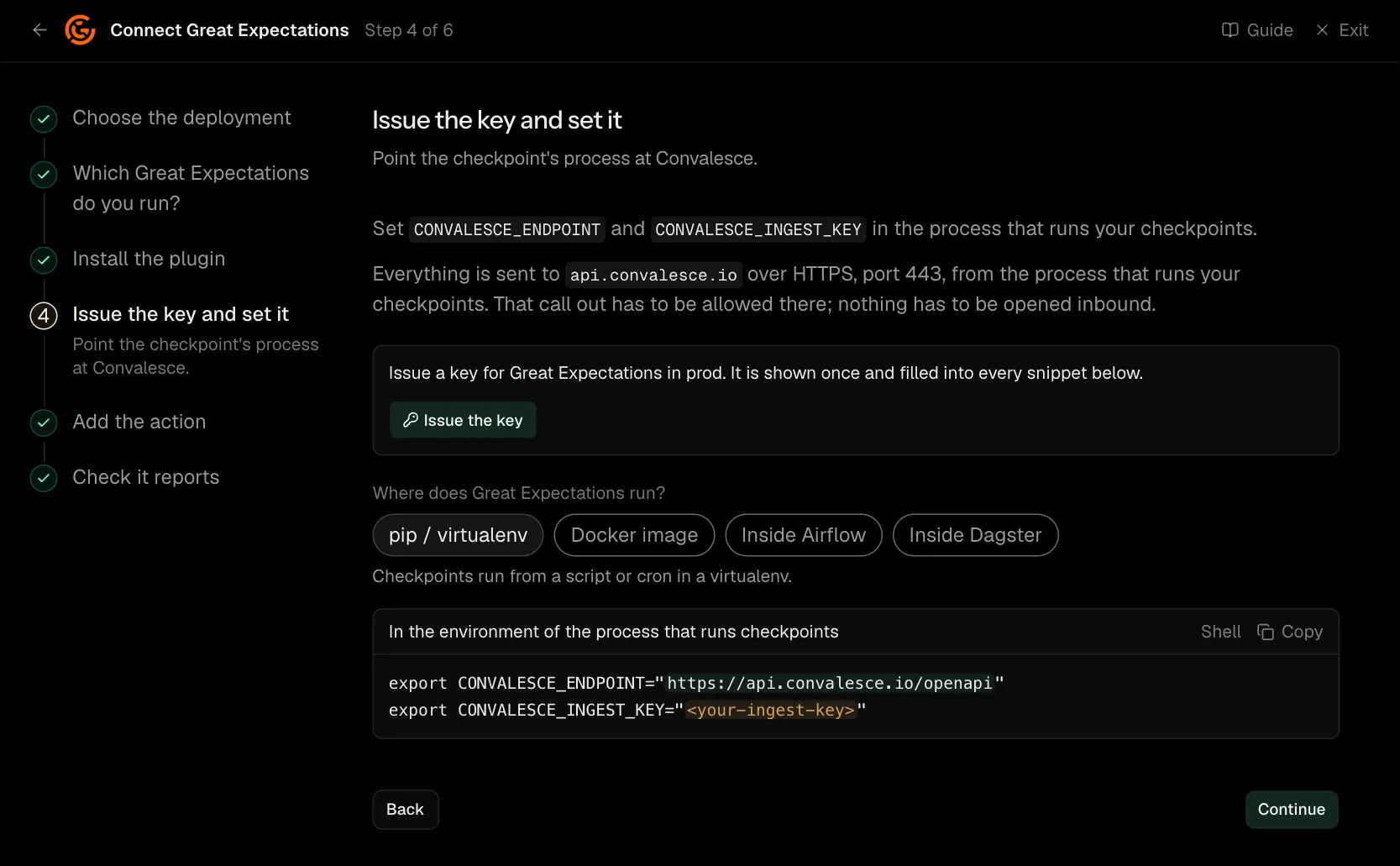
Set CONVALESCE_ENDPOINT and CONVALESCE_INGEST_KEY in the process that runs your checkpoints.
With each result it sends the failing values Great Expectations sampled, 20 for a check by default, and the values a check observed in a column. They tell an investigation which rows broke a check. CONVALESCE_GX_SEND_SAMPLES=false where the checkpoint runs keeps them back, and each is replaced by how many there were. Counts, percentages and numeric statistics are sent either way.
Everything is sent to api.convalesce.io over HTTPS, port 443, from the process that runs your checkpoints. That call out has to be allowed there; nothing has to be opened inbound.
export CONVALESCE_ENDPOINT="https://api.convalesce.io/openapi"
export CONVALESCE_INGEST_KEY="<your-ingest-key>"
Step 5 of 6: Add the action
Pass it to actions on the checkpoint.
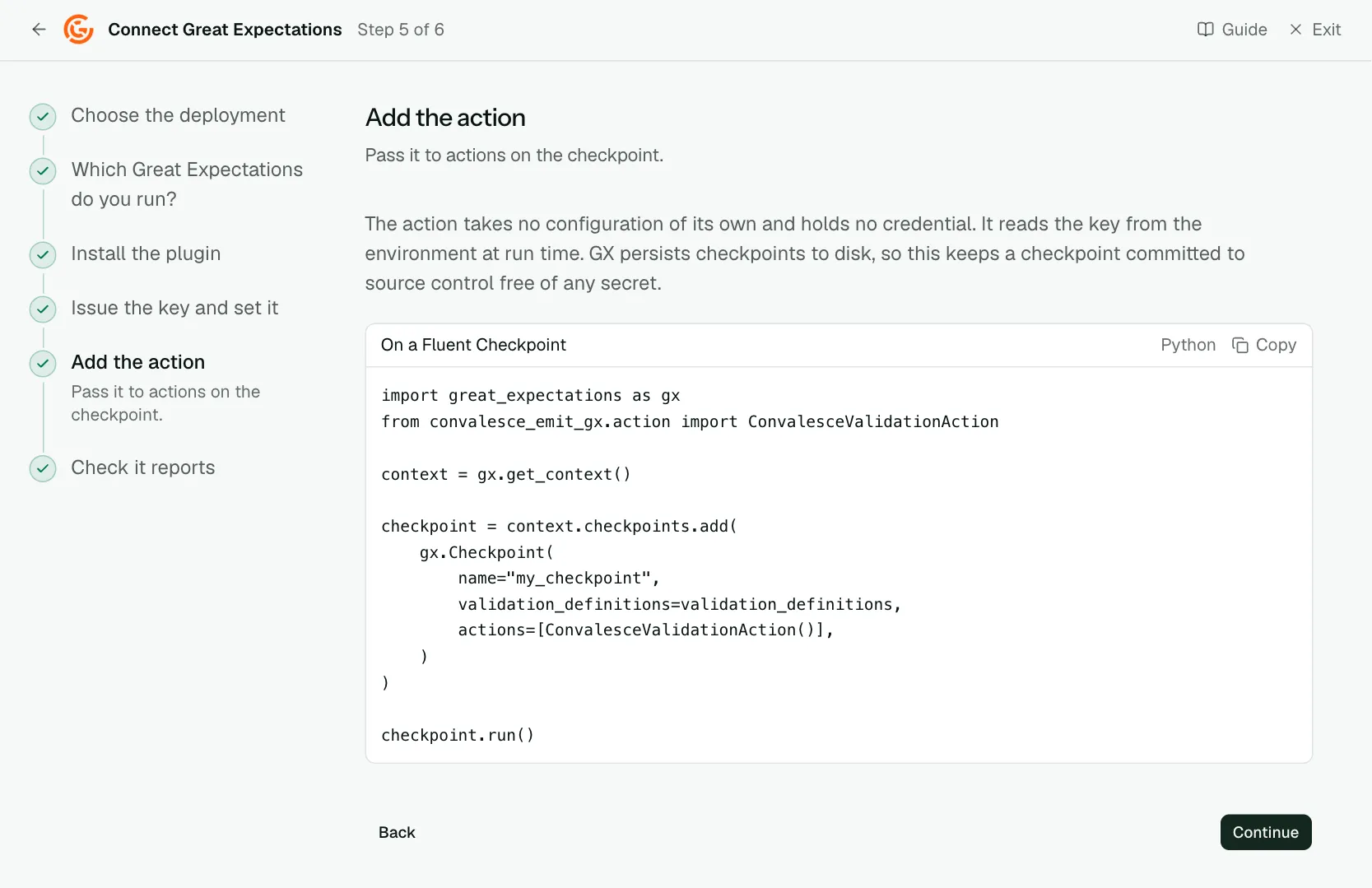
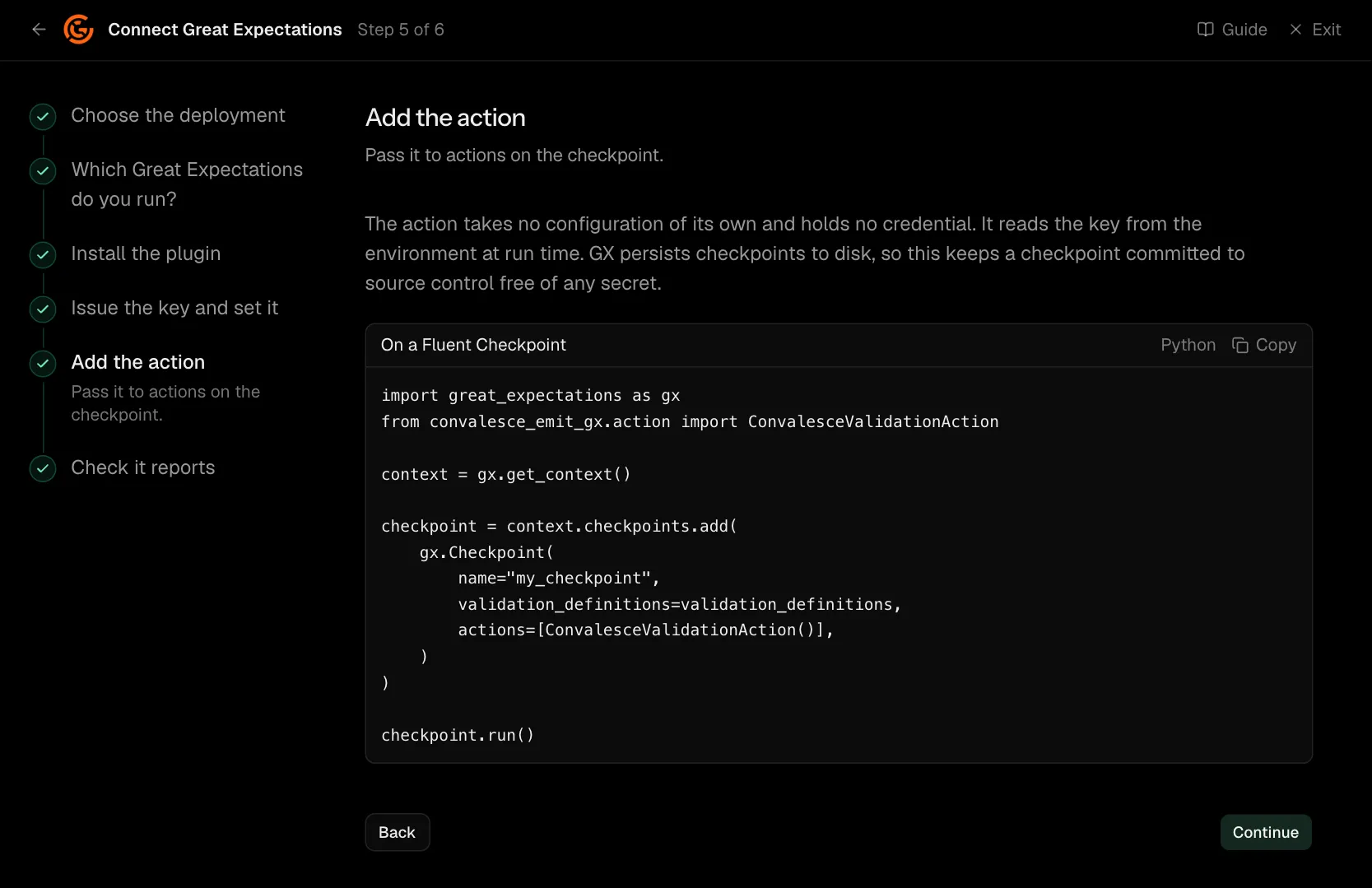
The action holds no credential. It reads the key from the environment at run time. GX persists checkpoints to disk, so this keeps a checkpoint committed to source control free of any secret.
On GX Cloud, run the checkpoint from your own Python, such as a script, a scheduler task or CI, where the package is installed. Import convalesce_emit_gx.action before the checkpoint is loaded, so GX can rebuild the action by its type.
A table or query asset is matched to its table from the datasource. To name the table yourself, as for a dataframe, pass platform and dataset_name to the action: ConvalesceValidationAction(platform="postgres", dataset_name="my_db.my_schema.orders"). Add platform_instance where your catalogue tells several apart. Every result of that checkpoint is filed under the table named.
import great_expectations as gx
from convalesce_emit_gx.action import ConvalesceValidationAction

context = gx.get_context()

# A new checkpoint
checkpoint = context.checkpoints.add(
    gx.Checkpoint(
        name="my_checkpoint",
        validation_definitions=validation_definitions,
        actions=[ConvalesceValidationAction()],
    )
)

# Or a checkpoint that already exists
checkpoint = context.checkpoints.get("my_checkpoint")
checkpoint.actions.append(ConvalesceValidationAction())
checkpoint.save()

checkpoint.run()
Step 6 of 6: Check it reports
Run something and watch the first event arrive.
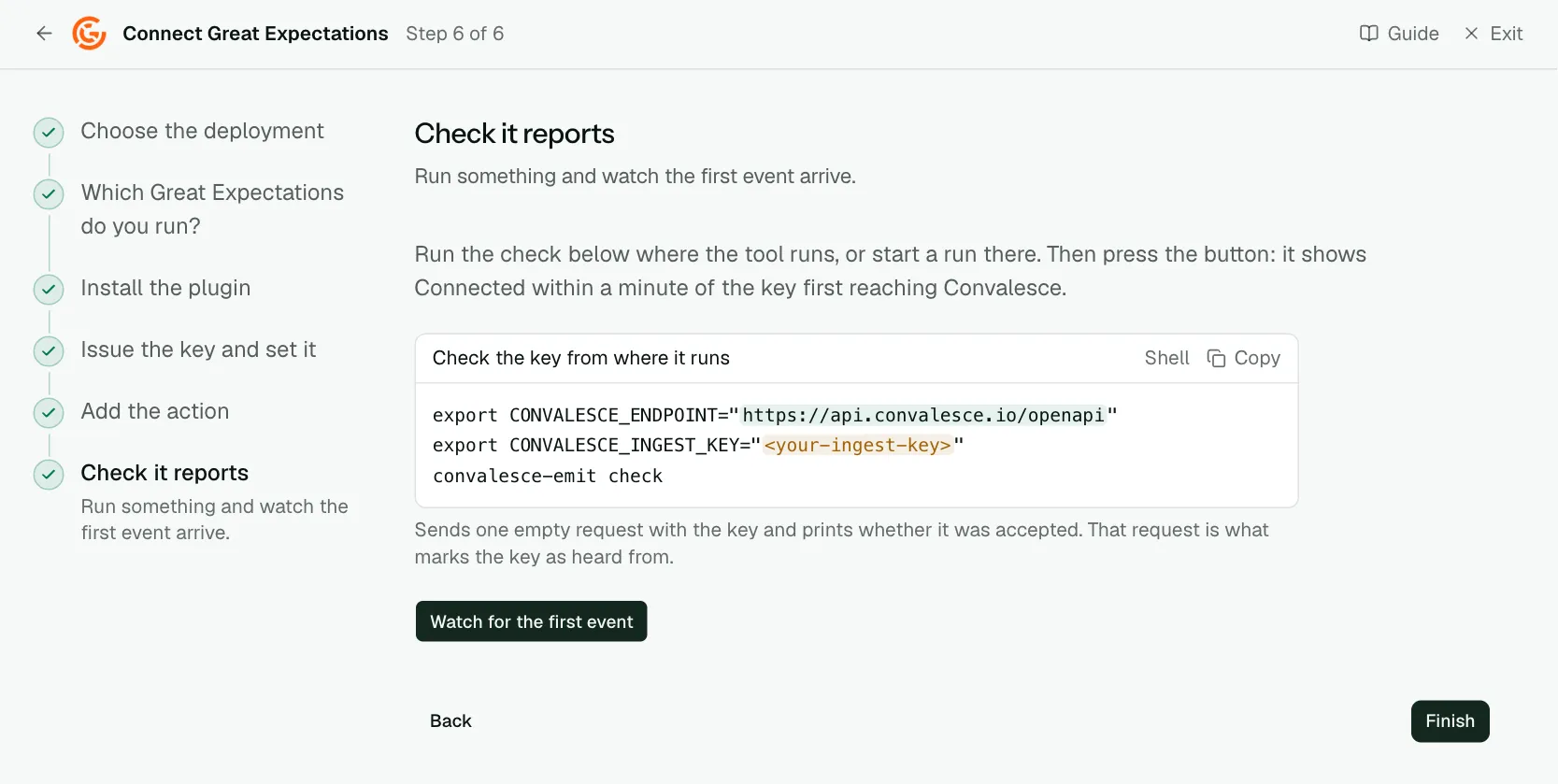
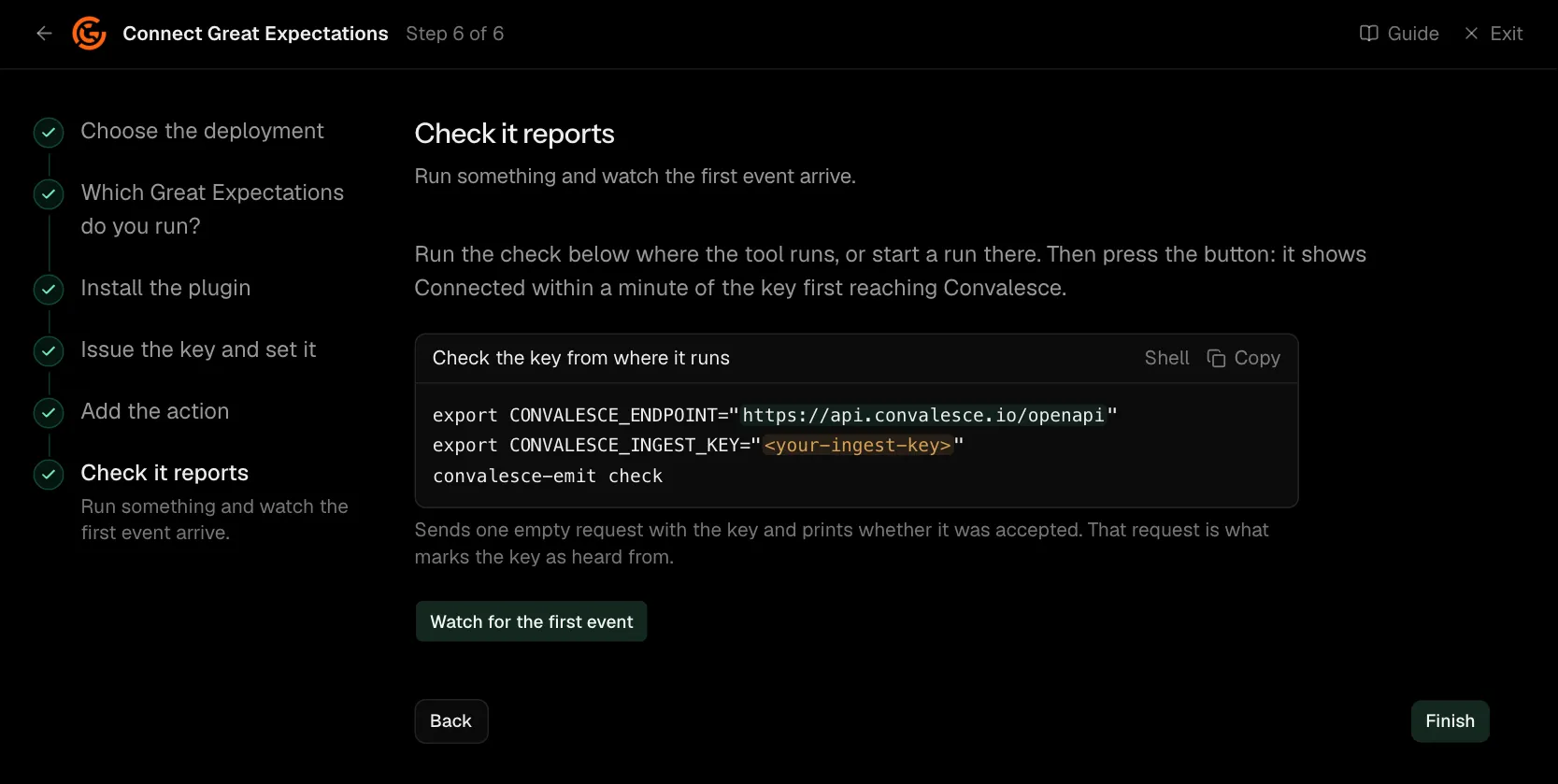
Run the check below where the tool runs, or start a run there. Then press the button: it shows Connected within a minute of the key first reaching Convalesce.
A checkpoint that already exists
On GX Core 1.x, add the action to a checkpoint you already have and save it:
checkpoint = context.checkpoints.get("my_checkpoint")
checkpoint.actions.append(ConvalesceValidationAction())
checkpoint.save()
GX Cloud
Run the checkpoint from your own Python, such as a script, a scheduler task or CI, where the package is installed. Import convalesce_emit_gx.action before the checkpoint is loaded, so GX can rebuild the action by its type.
Network
Everything is sent to api.convalesce.io over HTTPS, port 443, from the process that runs your checkpoints. That call out has to be allowed there; nothing has to be opened inbound.
What is sent
With each checkpoint, the plugin sends its result:
- Each expectation's outcome: passed or failed, with its counts, percentages and statistics.
- Failing sample values: the values Great Expectations sampled for a check that failed, 20 for a check by default, and how often each occurred.
- Observed values: the values a check found in a column, such as its distinct values.
- The query behind a query asset, so the tables and columns it reads are known.
- Where the data lives: each datasource's platform, database and default schema. A password in a batch's settings is masked.
The sample values tell an investigation which rows broke a check. They are sent by default.
Set CONVALESCE_GX_SEND_SAMPLES=false where the checkpoint runs to keep them back. Each value or list is then replaced by how many there were. Counts, percentages and numeric statistics are sent either way.
Naming the table a checkpoint validates
A table or query asset is matched to its table from the datasource. To name the table yourself, as for a dataframe, set these on the action. Each is optional.
| Field | What it names |
|---|---|
platform | The platform the table lives on, such as postgres, snowflake or bigquery. |
dataset_name | The table, such as my_db.my_schema.orders. Every result of the checkpoint is filed under it, so set it on a checkpoint that validates one table. |
platform_instance | The instance of the platform, where you run several. |
On GX Core 1.x they are arguments: ConvalesceValidationAction(platform="postgres", dataset_name="my_db.my_schema.orders"). On 0.17 and 0.18 they go beside class_name in the action's entry. The Add the action step shows both.
Settings
All of these are environment variables, read where the plugin runs.
| Variable | Default | What it does |
|---|---|---|
CONVALESCE_INGEST_KEY | required | The key the plugin presents. Issued on the connect screen and shown once. |
CONVALESCE_ENDPOINT | required | Where it sends: https://api.convalesce.io/openapi. The connect screen fills it into every snippet. |
CONVALESCE_ENABLED | true | Set false to pause sending without uninstalling. |
CONVALESCE_DRY_RUN | false | Set true to log what would be sent and send nothing. |
CONVALESCE_TIMEOUT | 10 | Seconds to wait on one request. |
CONVALESCE_MAX_RETRIES | 3 | Attempts after the first, when a request fails for a passing reason. |
CONVALESCE_BATCH_SIZE | 50 | The most observations sent in one request. |
CONVALESCE_MAX_BODY_BYTES | 1000000 | Largest request it sends. Up to 5000000. |
CONVALESCE_SPOOL_DIR | a folder under the system temp directory | Where anything that could not be delivered waits, to be sent on a later attempt. |
CONVALESCE_SPOOL_MAX_BYTES | 1000000000 | The most that folder holds. |
CONVALESCE_GX_SEND_SAMPLES | true | Set false to send counts in place of failing values and observed values. |
CONVALESCE_SEND_SOURCE | true | Set false to stop sending the query behind a query asset. |
Versions
GX Core 1.x and Great Expectations 0.17 and 0.18, on Python 3.9 and later. The latest release is convalesce-emit-gx==0.2.1.
Troubleshooting
- The check step keeps waiting. Run
convalesce-emit checkin the environment your checkpoints run in. It says whether the key is accepted and the address is reachable. - A checkpoint runs and nothing arrives. The action has to be on that checkpoint: in
actionson GX Core 1.x, inaction_liston 0.17 and 0.18. - The version tab does not match. Pick the Great Expectations version you run on the second step. The action is added differently on each.