Glue
Connect the AWS Glue Data Catalog step by step: the read-only user, its policy, and what is read.
Connect it
- Name it: what to call this connection, and the deployment it belongs to.
- Name the region: the AWS region the catalog is in.
- Create the read-only user: a read-only IAM user in your account, and its key.
- Add the access key: an access key for the reading identity.
- Choose what is read: optional: narrow it to some databases and tables.
- Test the connection: check Convalesce can reach it with what you entered.
- Choose how often: how often Convalesce reads it.
- Review and connect: check everything, then save the connection.
Convalesce reads the AWS Glue Data Catalog through one read-only IAM user that you create in your own account. The connect screen writes the policy and the commands that create the user, scoped to your region and buckets.
Glue is regional, so each region is its own connection.
Convalesce is a hosted service, so it connects to AWS or your storage over the internet. Nothing is installed on your side.
Before you start
Have these ready and the rest takes a few minutes:
- The AWS region your catalog is in, and the bucket your tables' files are in.
- The AWS CLI signed in as an IAM admin, to run one block of commands. Or an existing AWS connection in Convalesce whose key you want to share.
Connect it
In Convalesce, open Integrations, choose Glue, and follow the steps. Each one is shown below as it looks on screen, with what it asks for and anything to copy and run.
Step 1 of 8: Name it
What to call this connection, and the deployment it belongs to.
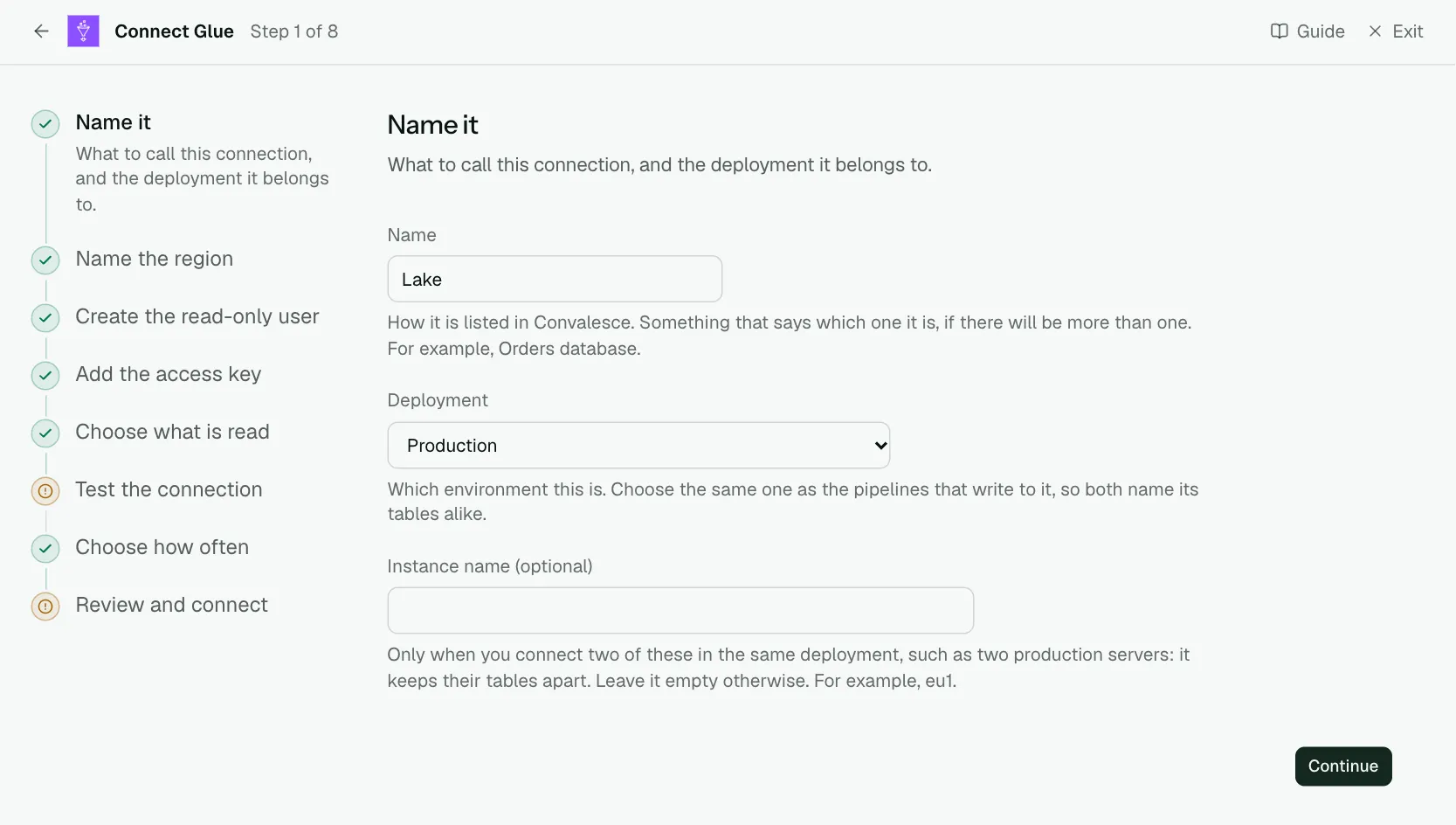
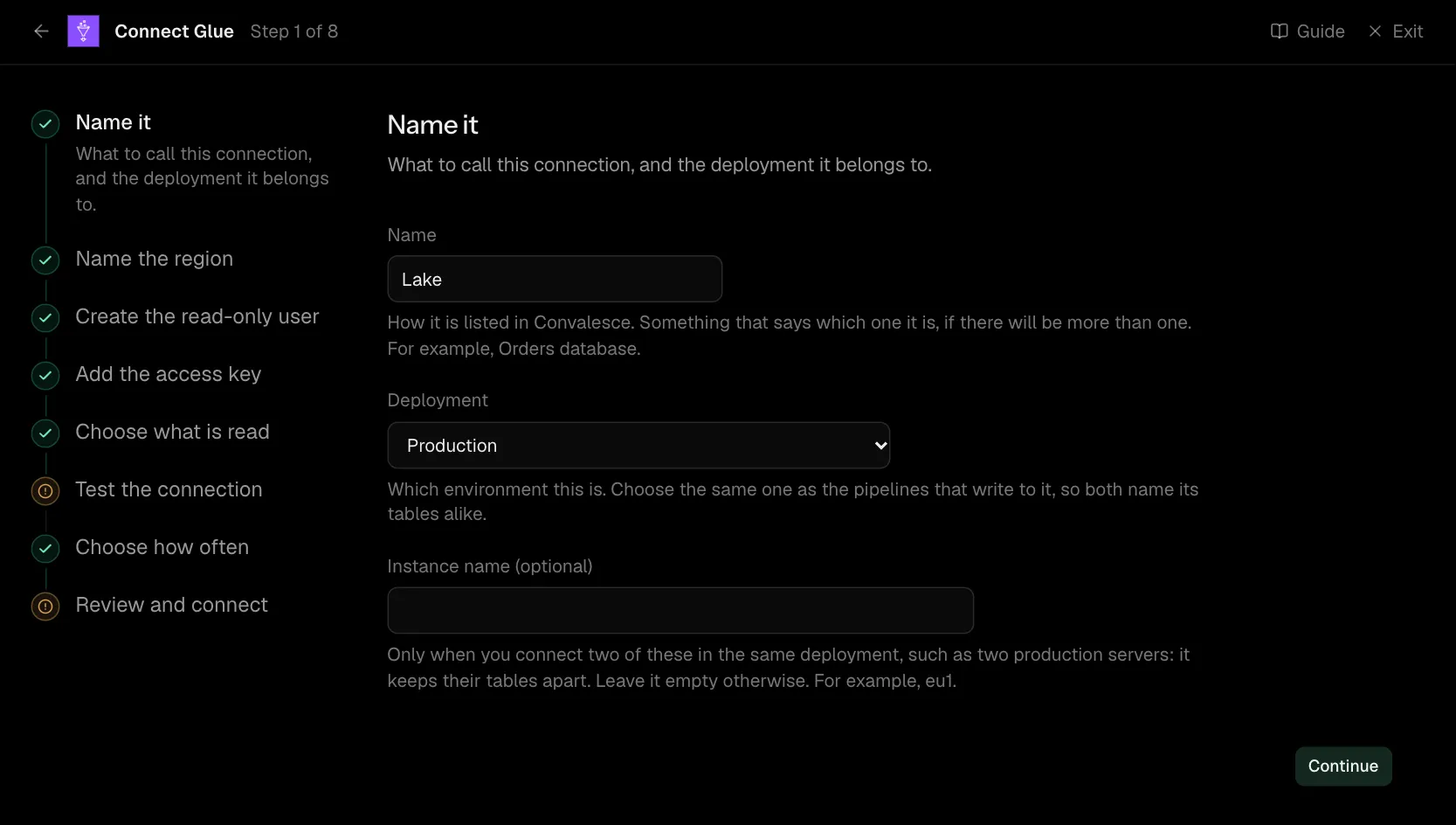
| What it asks for | Needed | What to enter |
|---|---|---|
| Name | Yes | How it is listed in Convalesce. Something that says which one it is, if there will be more than one. For example, Orders database. |
| Deployment | Yes | Which environment this is. Choose the same one as the pipelines that write to it, so both name its tables alike. Choose one of: Production, Staging, Development, Test, Quality assurance, User acceptance, Pre-production, Sandbox. |
| Instance name | Optional | Only when you connect two of these in the same deployment, such as two production servers: it keeps their tables apart. Leave it empty otherwise. For example, eu1. |
Step 2 of 8: Name the region
The AWS region the catalog is in.
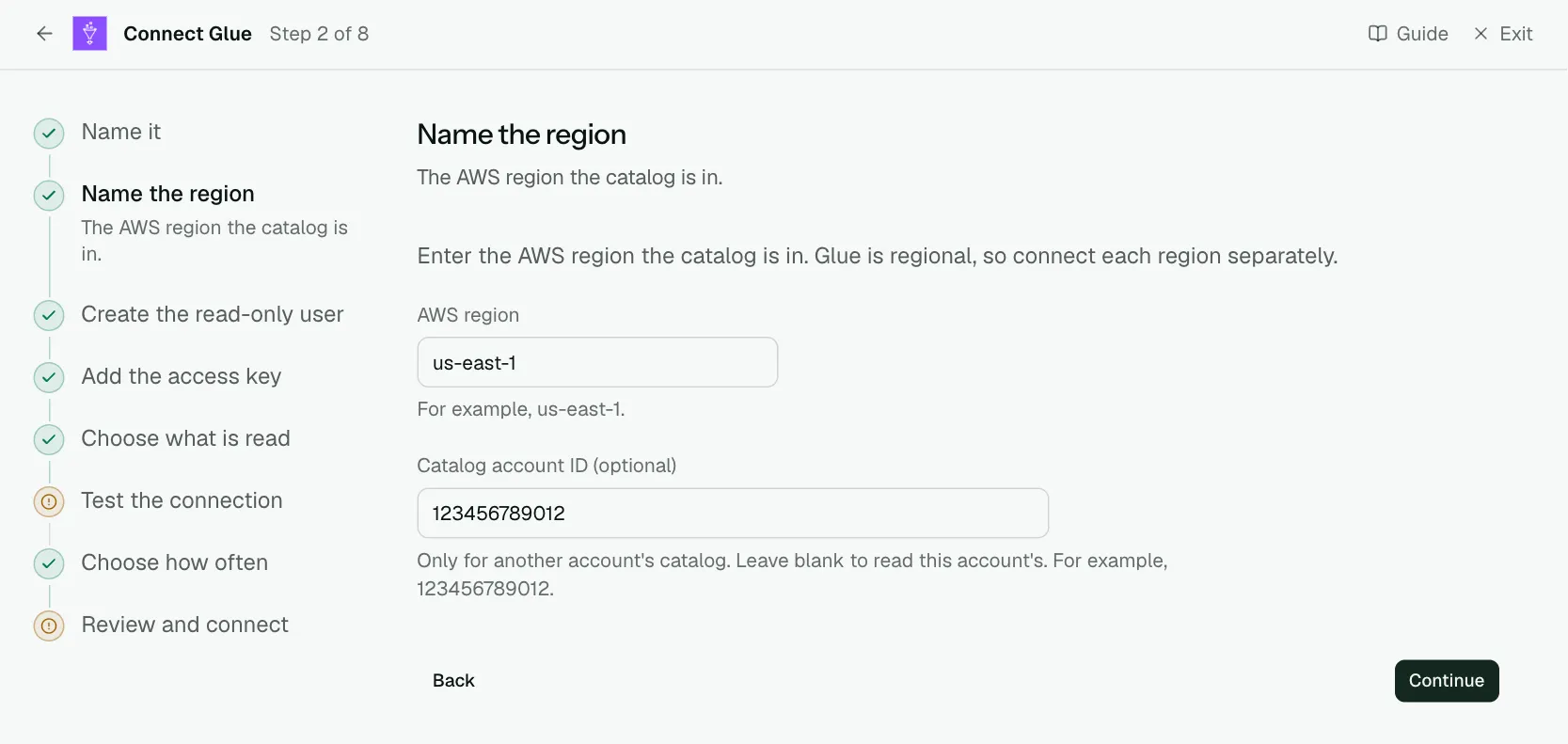
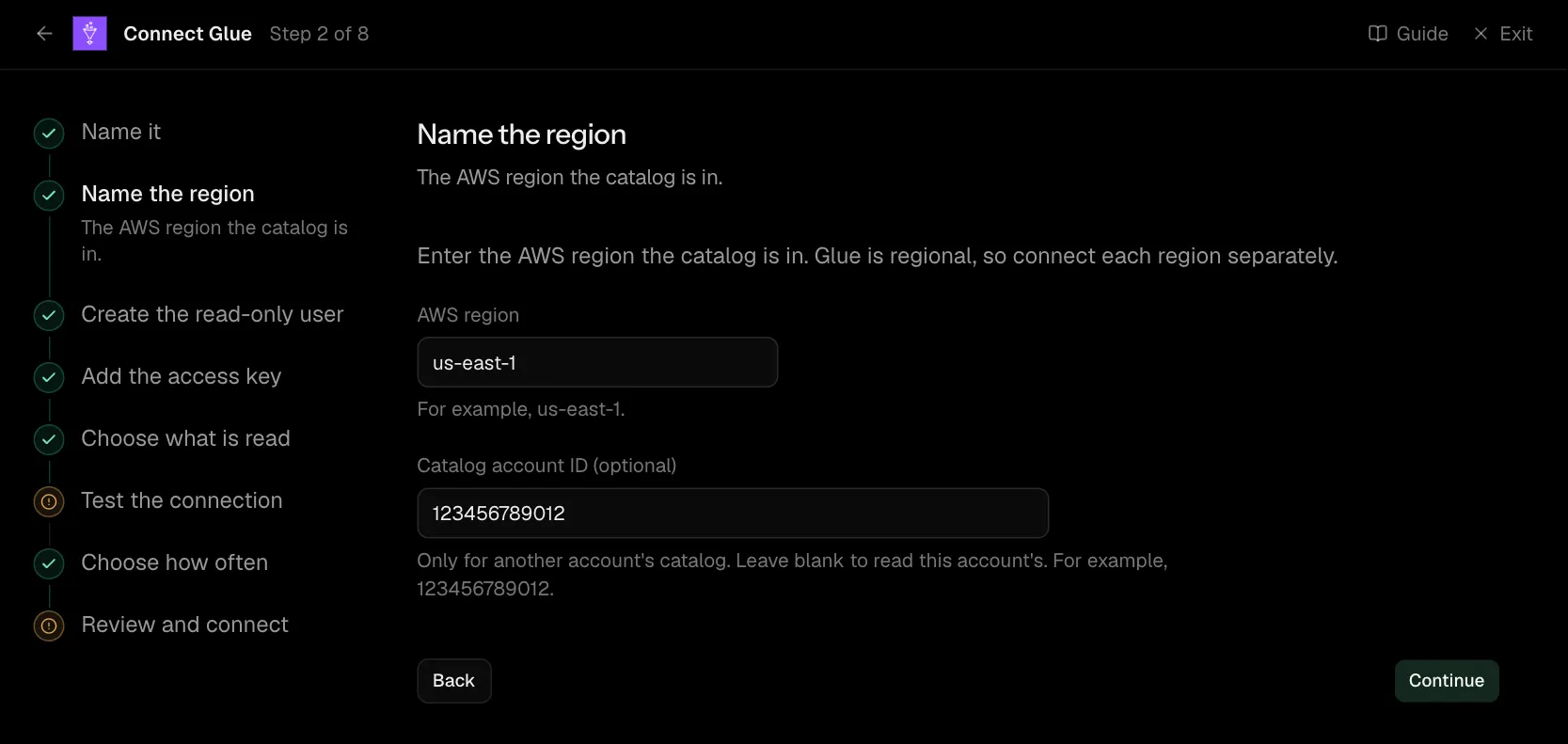
Enter the AWS region the catalog is in. Glue is regional, so connect each region separately.
| What it asks for | Needed | What to enter |
|---|---|---|
| AWS region | Yes | For example, us-east-1. |
| Catalog account ID | Optional | Only for another account's catalog. Leave blank to read this account's. For example, 123456789012. |
Step 3 of 8: Create the read-only user
A read-only IAM user in your account, and its key.
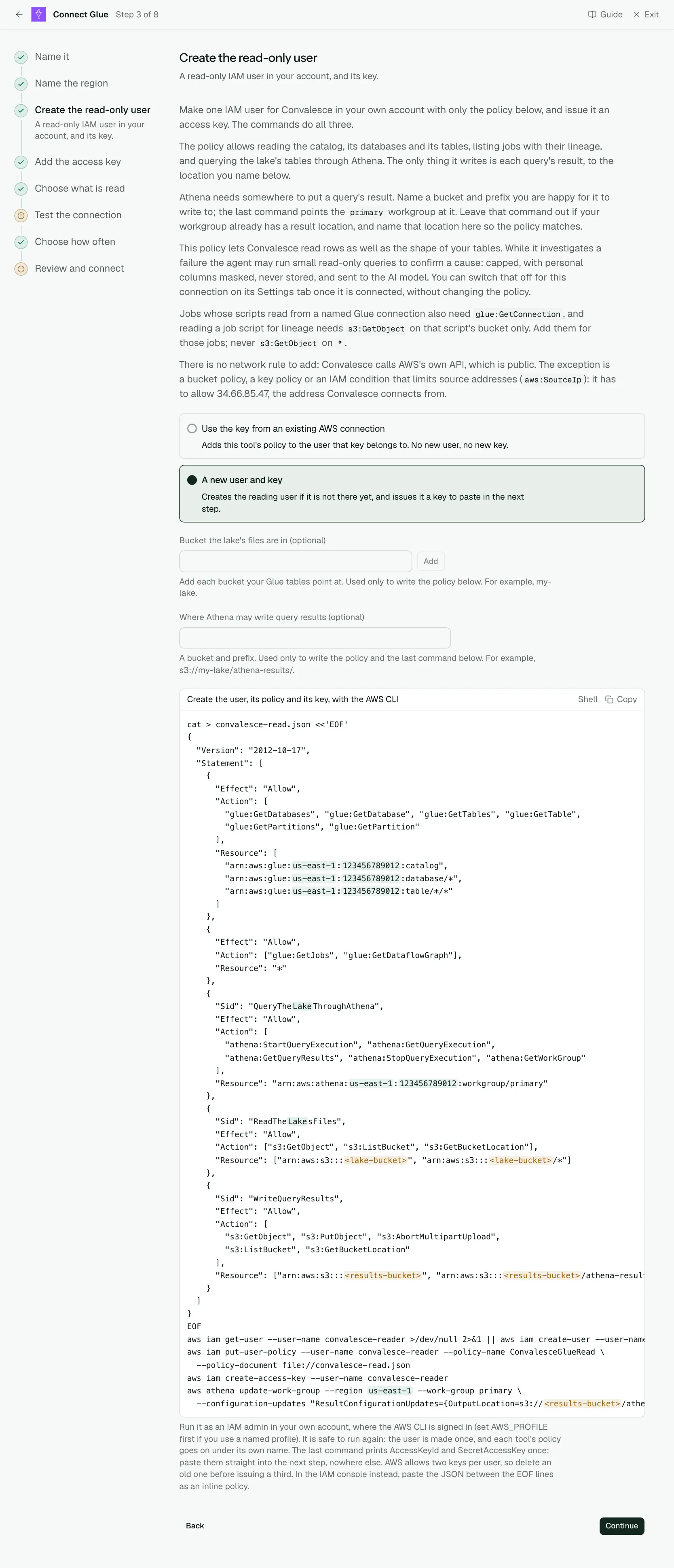
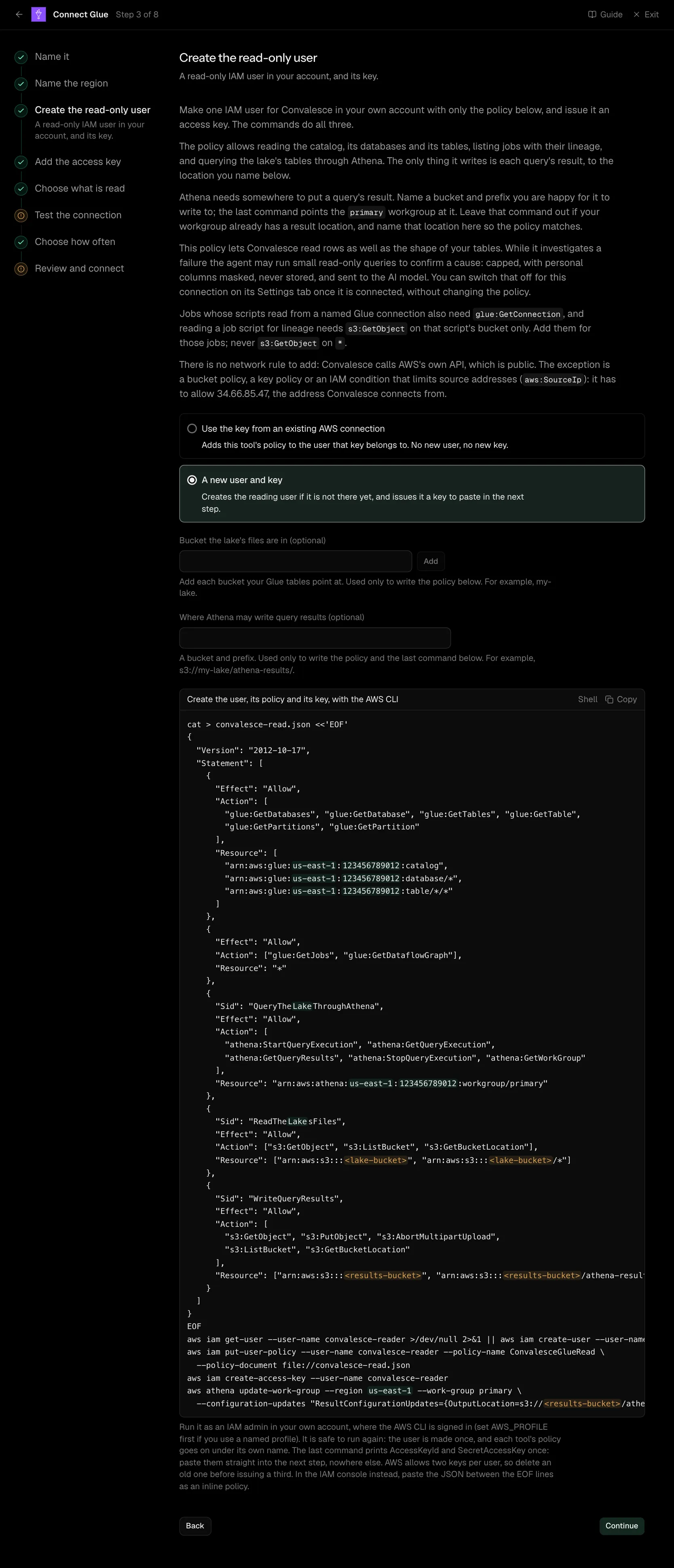
Make one IAM user for Convalesce in your own account with only the policy below, and issue it an access key. The commands do all three.
The policy allows reading the catalog, its databases and its tables, listing jobs with their lineage, and querying the lake's tables through Athena. The only thing it writes is each query's result, to the location you name below.
Athena needs somewhere to put a query's result. Name a bucket and prefix you are happy for it to write to; the last command points the primary workgroup at it. Leave that command out if your workgroup already has a result location, and name that location here so the policy matches.
This policy lets Convalesce read rows as well as the shape of your tables. While it investigates a failure the agent may run small read-only queries to confirm a cause: capped, with personal columns masked, never stored, and sent to the AI model. You can switch that off for this connection on its Settings tab once it is connected, without changing the policy.
Jobs whose scripts read from a named Glue connection also need glue:GetConnection, and reading a job script for lineage needs s3:GetObject on that script's bucket only. Add them for those jobs; never s3:GetObject on *.
There is no network rule to add: Convalesce calls AWS's own API, which is public. The exception is a bucket policy, a key policy or an IAM condition that limits source addresses (aws:SourceIp): it has to allow 34.66.85.47, the address Convalesce connects from.
| What it asks for | Needed | What to enter |
|---|---|---|
| Bucket the lake's files are in | Optional | Add each bucket your Glue tables point at. Used only to write the policy below. For example, my-lake. |
| Where Athena may write query results | Optional | A bucket and prefix. Used only to write the policy and the last command below. For example, s3://my-lake/athena-results/. |
cat > convalesce-read.json <<'EOF'
{
  "Version": "2012-10-17",
  "Statement": [
    {
      "Effect": "Allow",
      "Action": [
        "glue:GetDatabases", "glue:GetDatabase", "glue:GetTables", "glue:GetTable",
        "glue:GetPartitions", "glue:GetPartition"
      ],
      "Resource": [
        "arn:aws:glue:us-east-1:123456789012:catalog",
        "arn:aws:glue:us-east-1:123456789012:database/*",
        "arn:aws:glue:us-east-1:123456789012:table/*/*"
      ]
    },
    {
      "Effect": "Allow",
      "Action": ["glue:GetJobs", "glue:GetDataflowGraph"],
      "Resource": "*"
    },
    {
      "Sid": "QueryTheLakeThroughAthena",
      "Effect": "Allow",
      "Action": [
        "athena:StartQueryExecution", "athena:GetQueryExecution",
        "athena:GetQueryResults", "athena:StopQueryExecution", "athena:GetWorkGroup"
      ],
      "Resource": "arn:aws:athena:us-east-1:123456789012:workgroup/primary"
    },
    {
      "Sid": "ReadTheLakesFiles",
      "Effect": "Allow",
      "Action": ["s3:GetObject", "s3:ListBucket", "s3:GetBucketLocation"],
      "Resource": ["arn:aws:s3:::my-lake", "arn:aws:s3:::my-lake/*"]
    },
    {
      "Sid": "WriteQueryResults",
      "Effect": "Allow",
      "Action": [
        "s3:GetObject", "s3:PutObject", "s3:AbortMultipartUpload",
        "s3:ListBucket", "s3:GetBucketLocation"
      ],
      "Resource": ["arn:aws:s3:::my-lake", "arn:aws:s3:::my-lake/athena-results/*"]
    }
  ]
}
EOF
aws iam get-user --user-name convalesce-reader >/dev/null 2>&1 || aws iam create-user --user-name convalesce-reader
aws iam put-user-policy --user-name convalesce-reader --policy-name ConvalesceGlueRead \
  --policy-document file://convalesce-read.json
aws iam create-access-key --user-name convalesce-reader
aws athena update-work-group --region us-east-1 --work-group primary \
  --configuration-updates "ResultConfigurationUpdates={OutputLocation=s3://my-lake/athena-results/}"
Run it as an IAM admin in your own account, where the AWS CLI is signed in (set AWS_PROFILE first if you use a named profile). It is safe to run again: the user is made once, and each tool's policy goes on under its own name. The last command prints AccessKeyId and SecretAccessKey once: paste them straight into the next step, nowhere else. AWS allows two keys per user, so delete an old one before issuing a third. In the IAM console instead, paste the JSON between the EOF lines as an inline policy.
Step 4 of 8: Add the access key
An access key for the reading identity.
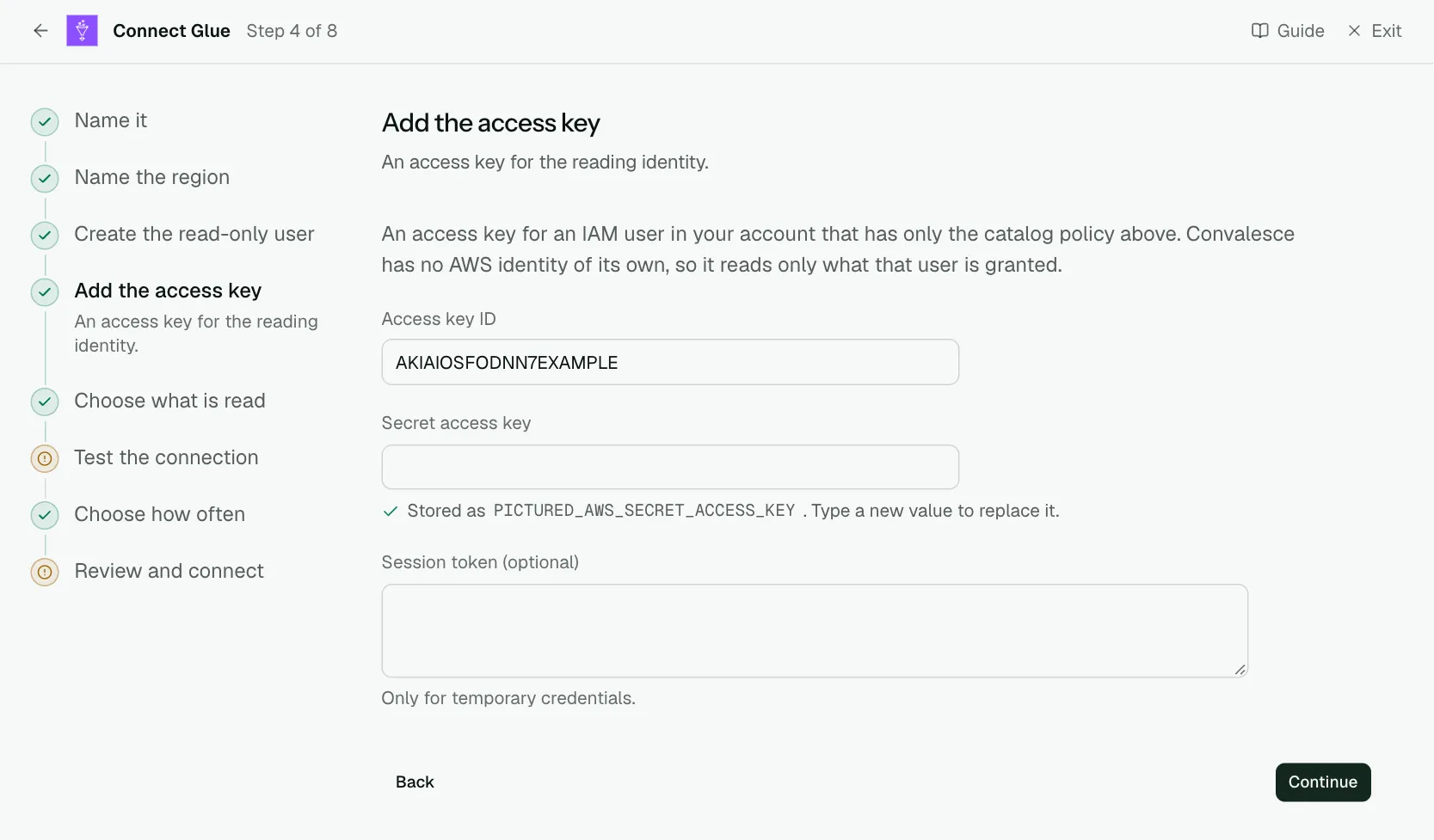
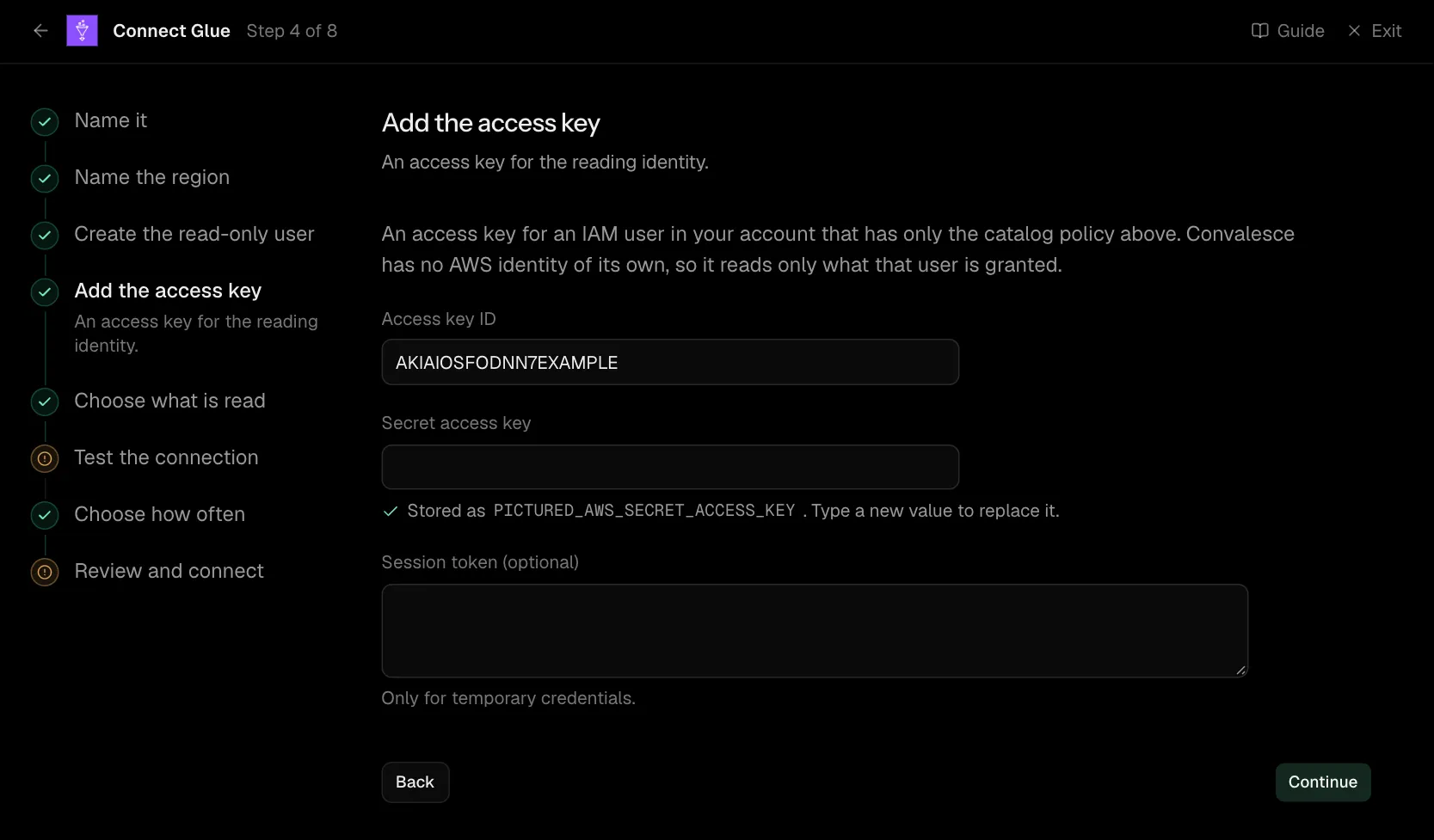
An access key for an IAM user in your account that has only the catalog policy above. Convalesce has no AWS identity of its own, so it reads only what that user is granted.
| What it asks for | Needed | What to enter |
|---|---|---|
| Access key ID | Yes | |
| Secret access key | Yes | Stored encrypted the moment you enter it, and shown to no one afterwards. |
| Session token | Optional | Only for temporary credentials. Stored encrypted the moment you enter it, and shown to no one afterwards. |
Step 5 of 8: Choose what is read (optional)
Optional: narrow it to some databases and tables.
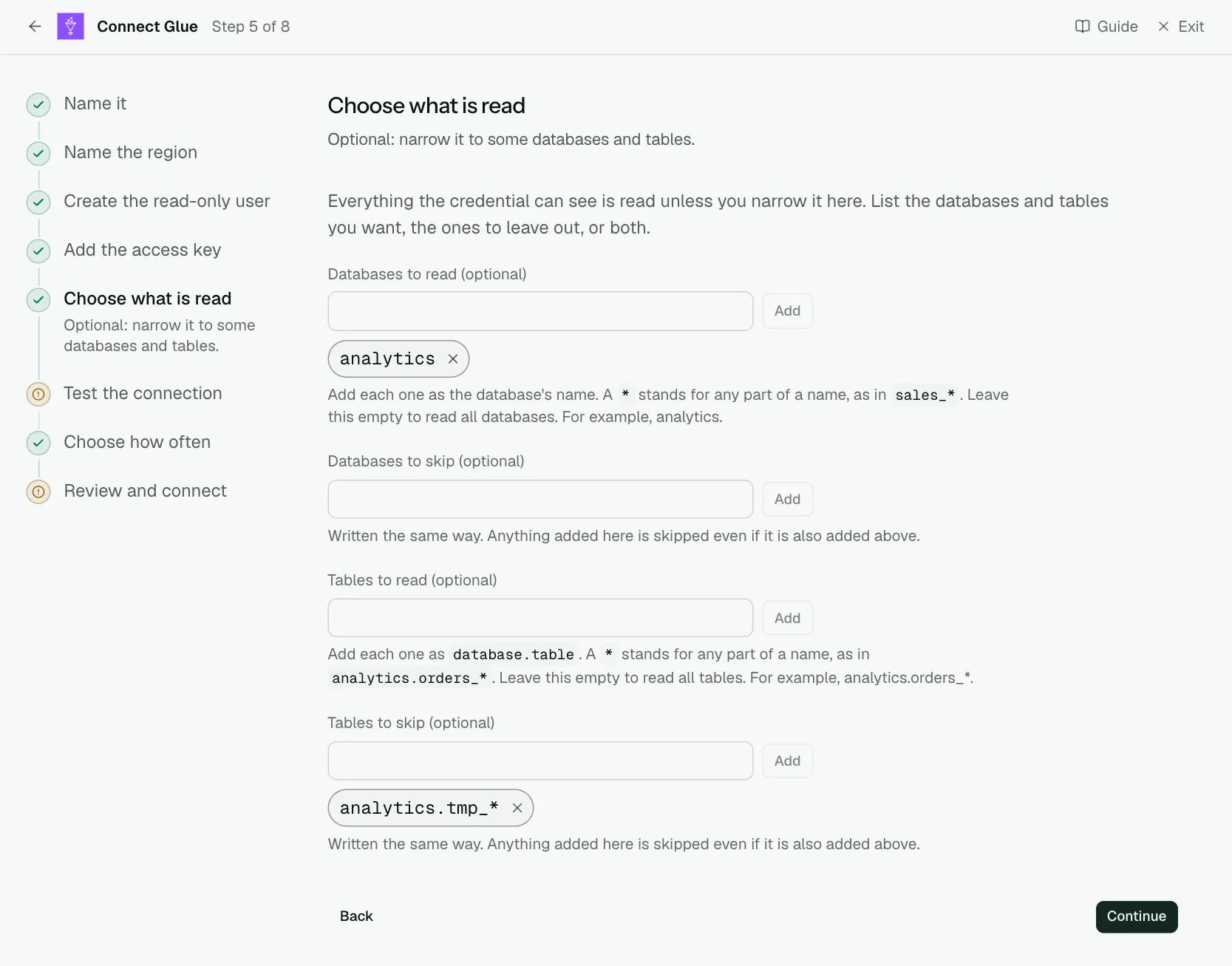
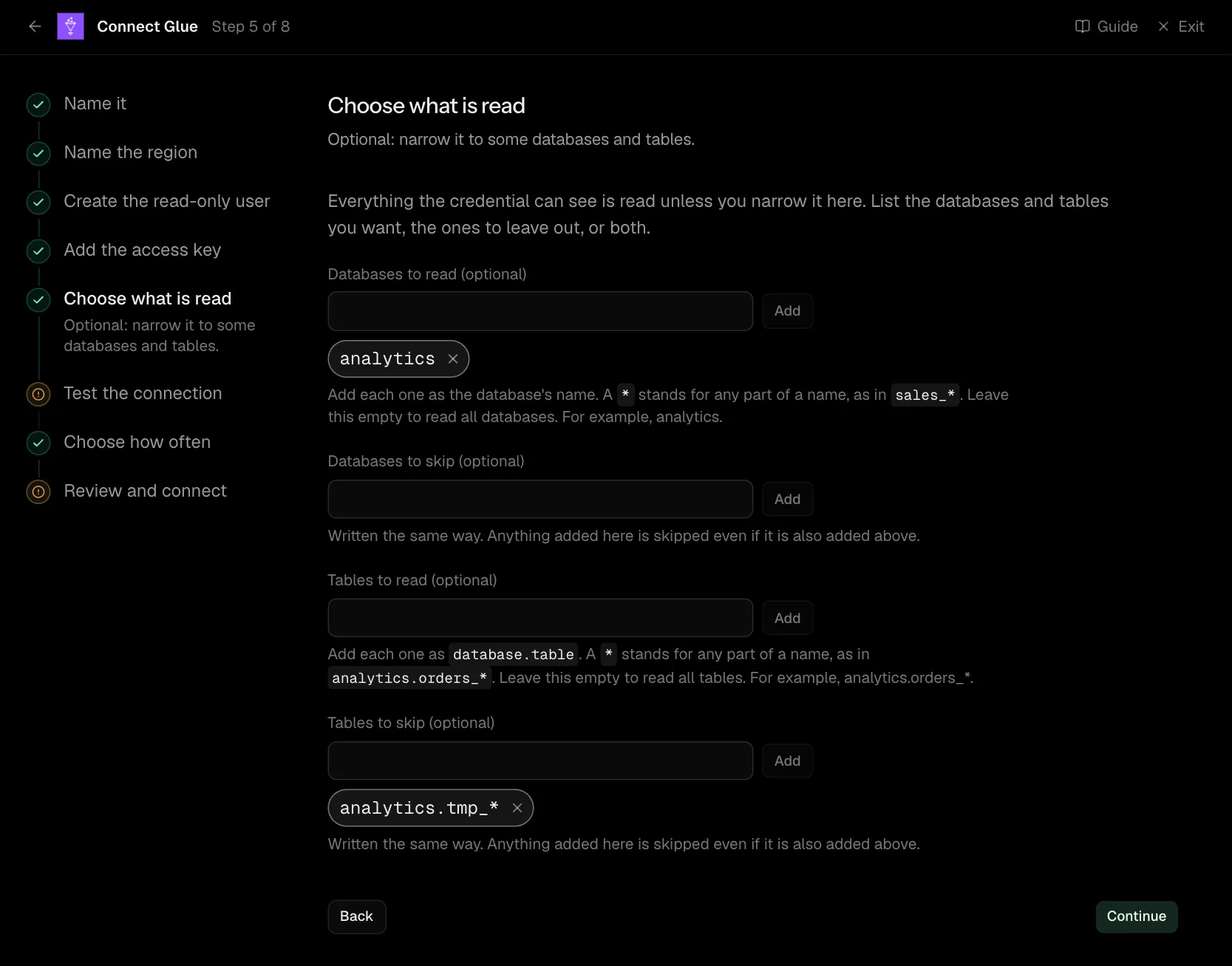
Everything the credential can see is read unless you narrow it here. List the databases and tables you want, the ones to leave out, or both.
| What it asks for | Needed | What to enter |
|---|---|---|
| Databases to read | Optional | Add each one as the database's name. A * stands for any part of a name, as in sales_*. Leave this empty to read all databases. For example, analytics. |
| Databases to skip | Optional | Written the same way. Anything added here is skipped even if it is also added above. |
| Tables to read | Optional | Add each one as database.table. A * stands for any part of a name, as in analytics.orders_*. Leave this empty to read all tables. For example, analytics.orders_*. |
| Tables to skip | Optional | Written the same way. Anything added here is skipped even if it is also added above. |
Step 6 of 8: Test the connection
Check Convalesce can reach it with what you entered.
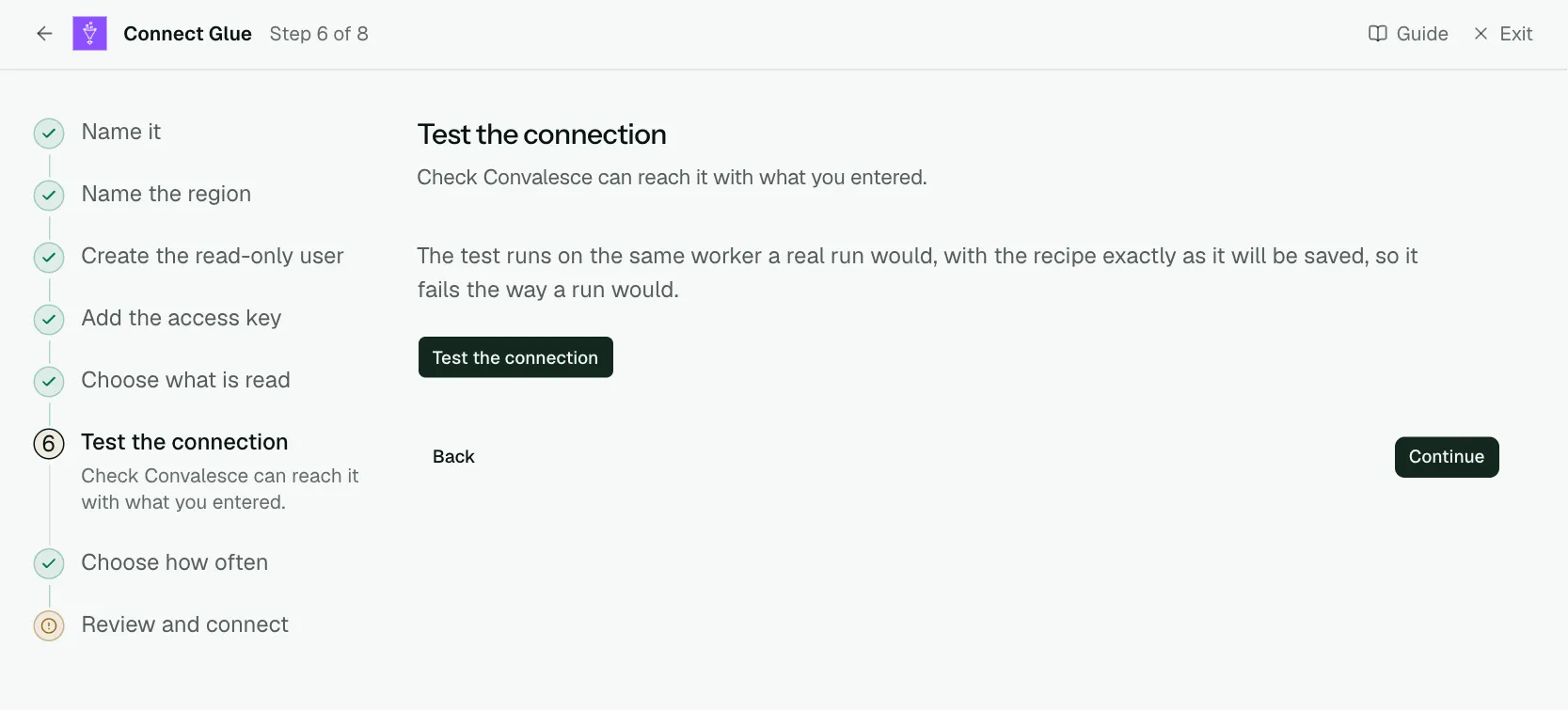
The test runs on the same worker a real run would, with the recipe exactly as it will be saved, so it fails the way a run would.
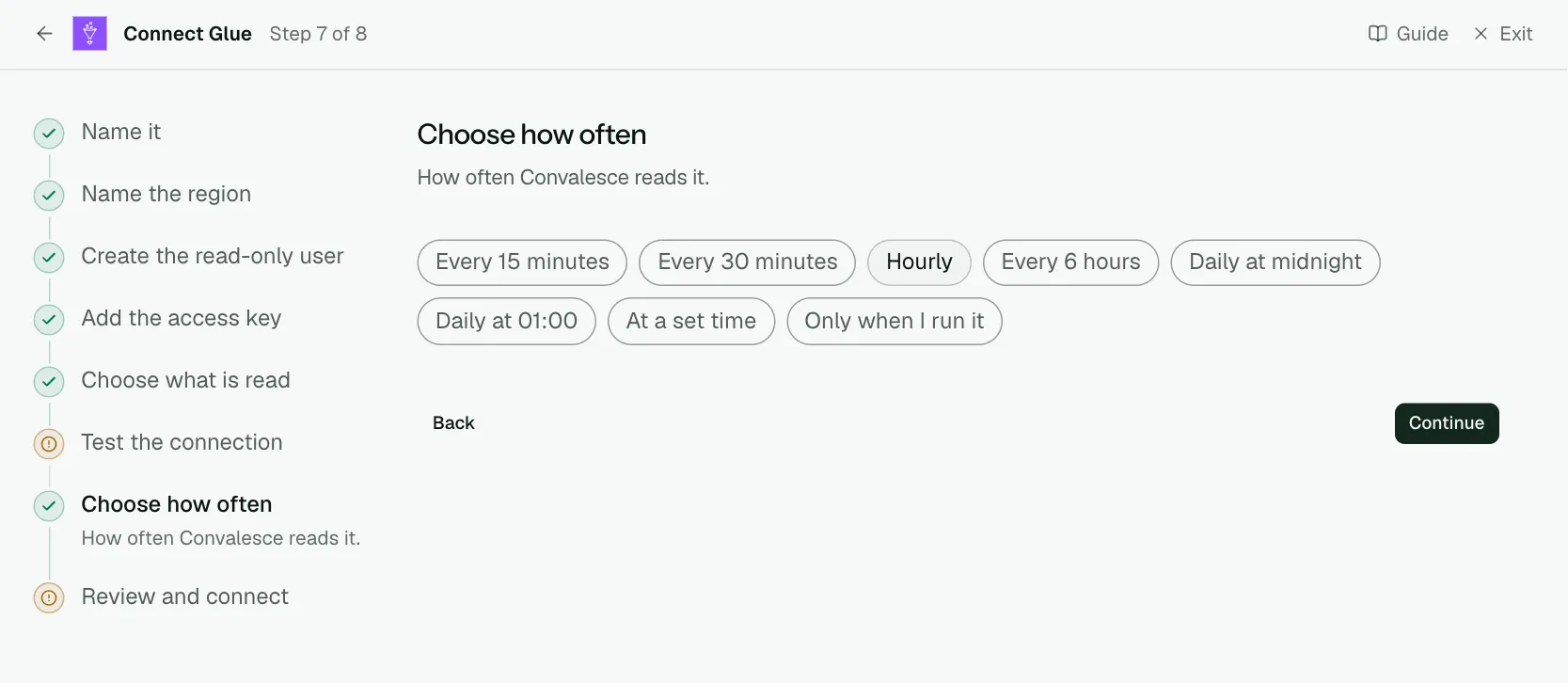
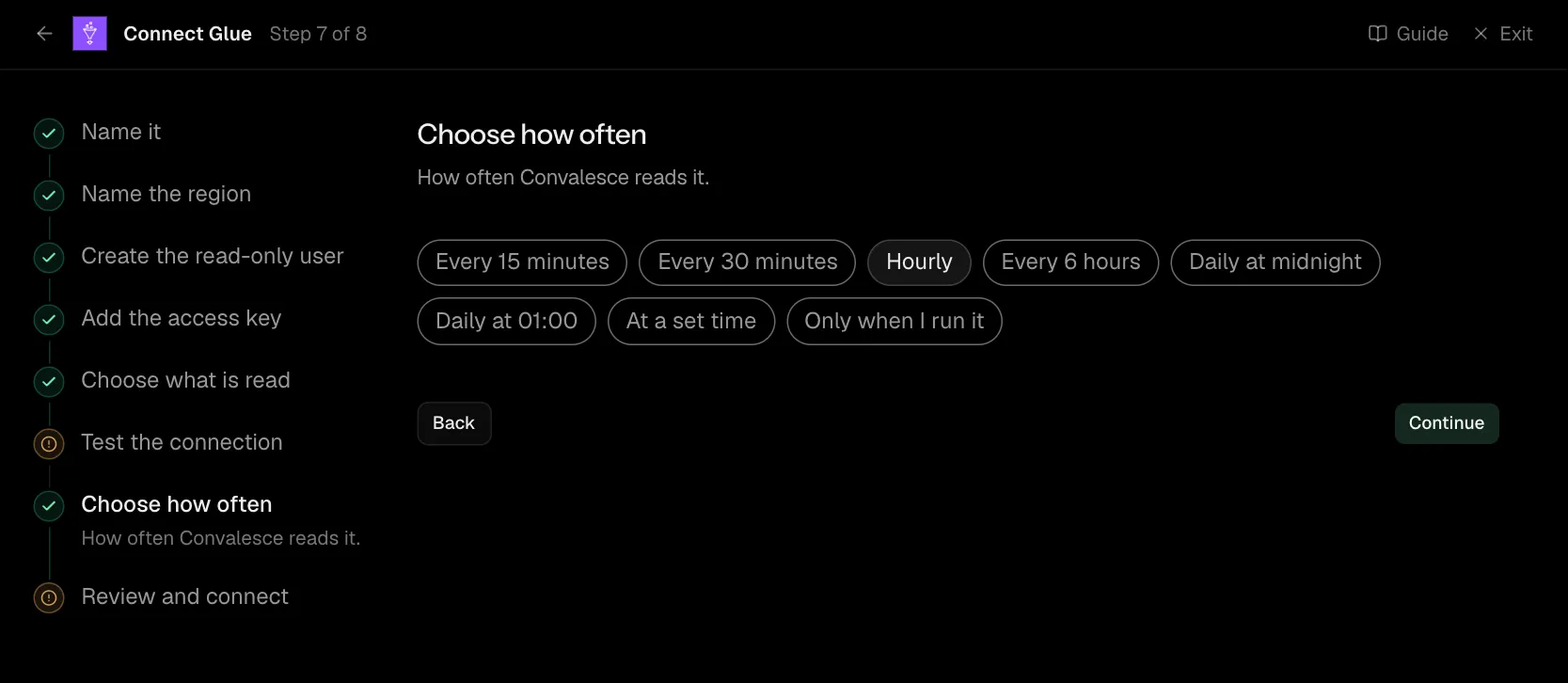
Step 7 of 8: Choose how often
How often Convalesce reads it.
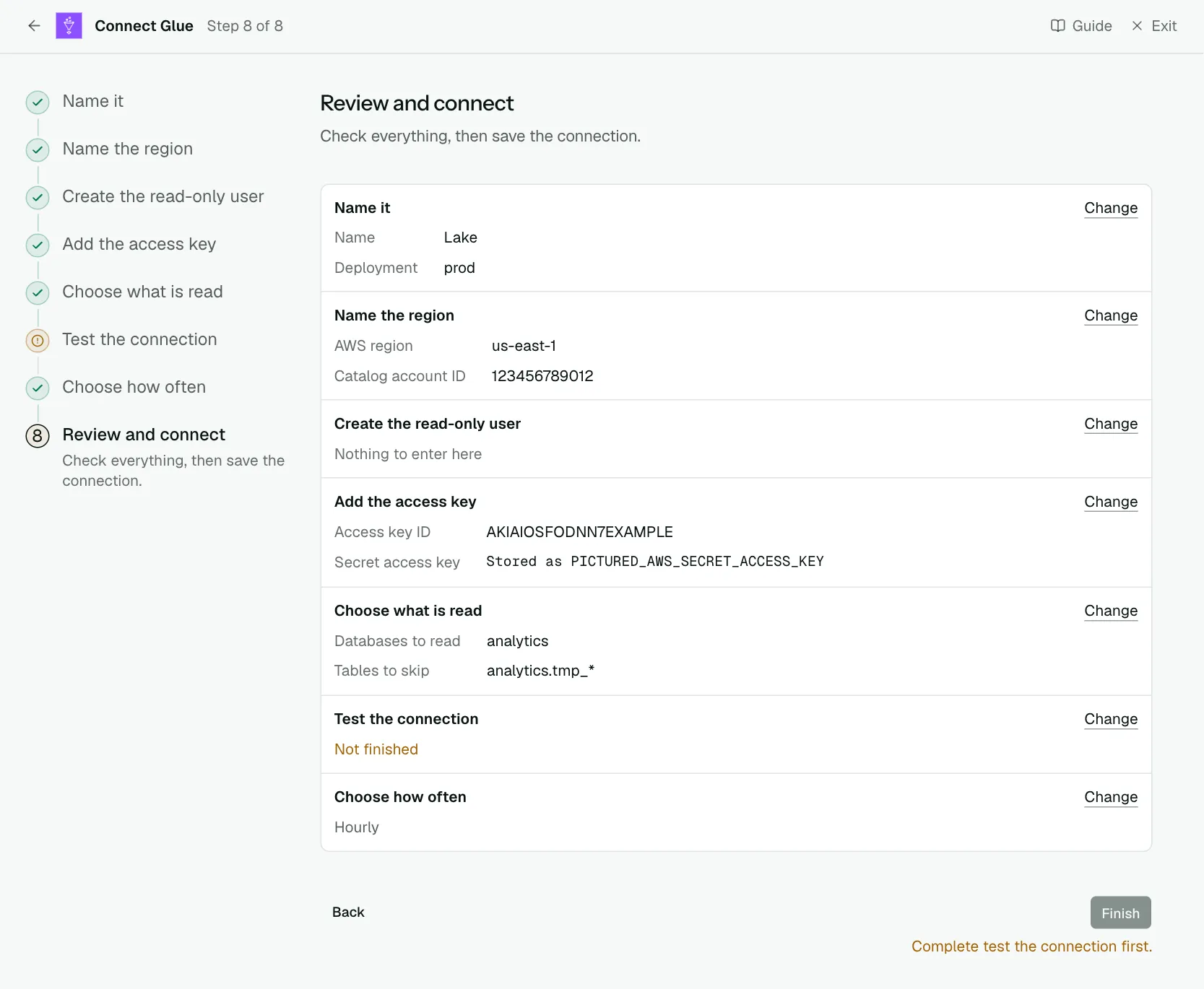
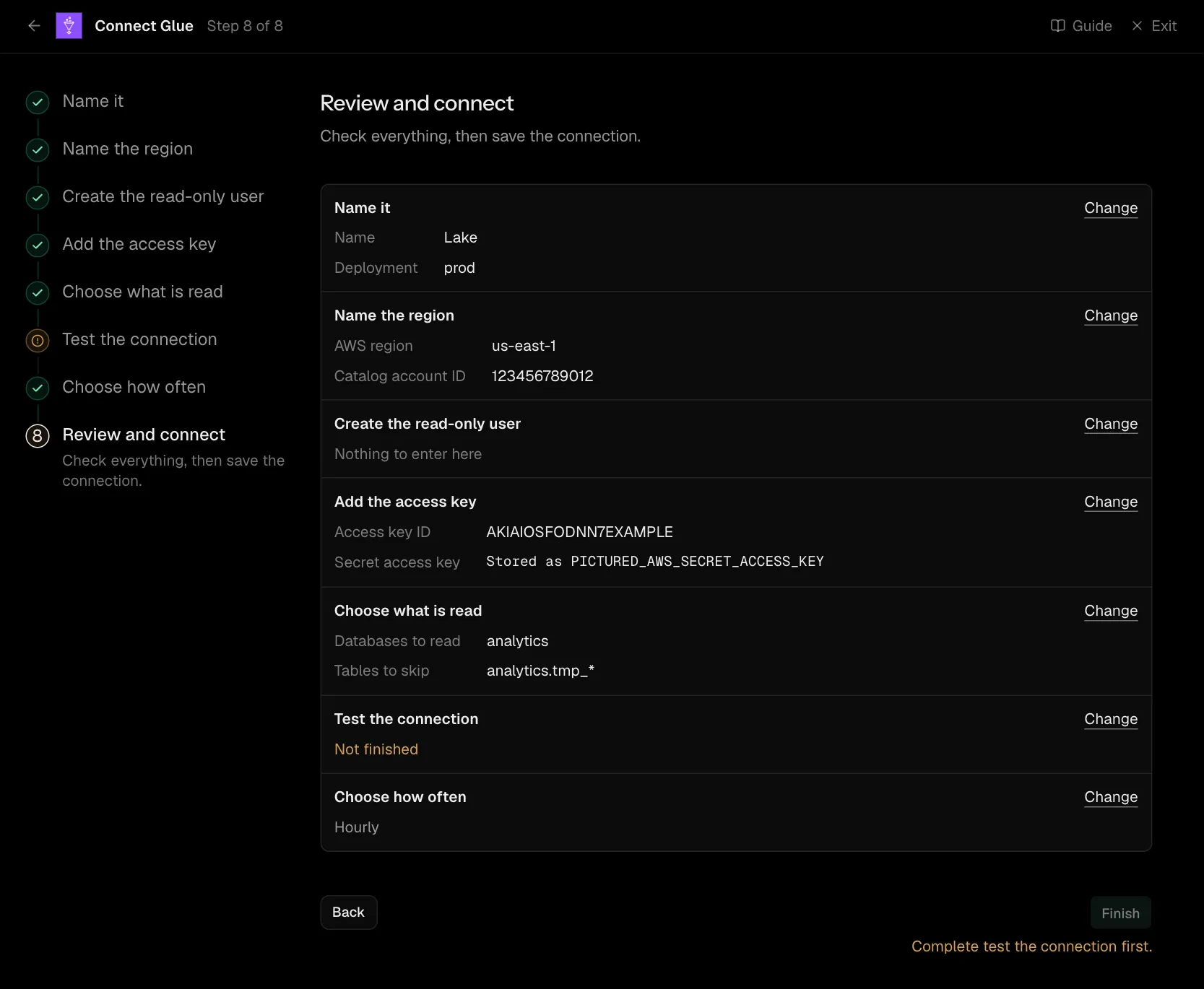
Step 8 of 8: Review and connect
Check everything, then save the connection.
Network
There is no network rule to add: Convalesce calls AWS's own API, which is public. The exception is a bucket policy, a key policy or an IAM condition that limits source addresses (aws:SourceIp): it has to allow 34.66.85.47, the address Convalesce connects from.
Settings
What the connect screen asks for
| Input | On the step | Needed |
|---|---|---|
| Name | Name it | Yes |
| Deployment | Name it | Yes |
| Instance name | Name it | Optional |
| AWS region | Name the region | Yes |
| Catalog account ID | Name the region | Optional |
| Bucket the lake's files are in | Create the read-only user | Optional |
| Where Athena may write query results | Create the read-only user | Optional |
| Access key ID | Add the access key | Yes |
| Secret access key | Add the access key | Yes |
| Session token | Add the access key | Optional |
| Databases to read | Choose what is read | Optional |
| Databases to skip | Choose what is read | Optional |
| Tables to read | Choose what is read | Optional |
| Tables to skip | Choose what is read | Optional |
Set for you
These are the same on every connection. The connect screen does not ask for them.
| What it means | Setting |
|---|---|
| Owners are read. | extract_owners: true |
| Jobs are read, as well as tables. | extract_transforms: true |
| Something that is no longer there is marked as removed. | stateful_ingestion.enabled: true |
Troubleshooting
AccessDeniedfrom Glue. The policy has to be attached to the user whose key you entered. Run the commands on Create the read-only user again.- A table is missing. It is in a database or account the policy does not cover, or it is left out on Choose what is read.
- Rows cannot be read. Check the lake bucket and the Athena results location on the policy step are the ones your tables use.