GitHub
Connect GitHub so Convalesce can read the code behind a failure, ask the people who own it, and propose a fix as a pull request.
Convalesce reads the code behind your pipelines to find the change that broke something. When it finds one, it opens an issue for the people who own that code, and it can propose a fix as a draft pull request. A person reviews and merges every pull request, under your repository's own rules.
Before you start
- A GitHub account or organisation that holds the repositories behind your pipelines.
- Permission to install a GitHub app on it, or a colleague who has already installed the Convalesce app there.
Connect your repositories
- Open Repositories in the console.
- Press Install on GitHub. GitHub opens and asks where to install the Convalesce app.
- Choose the account, then choose the repositories: All repositories, or Only select repositories for the ones behind your pipelines. GitHub's guide: Installing a GitHub App from a third party.
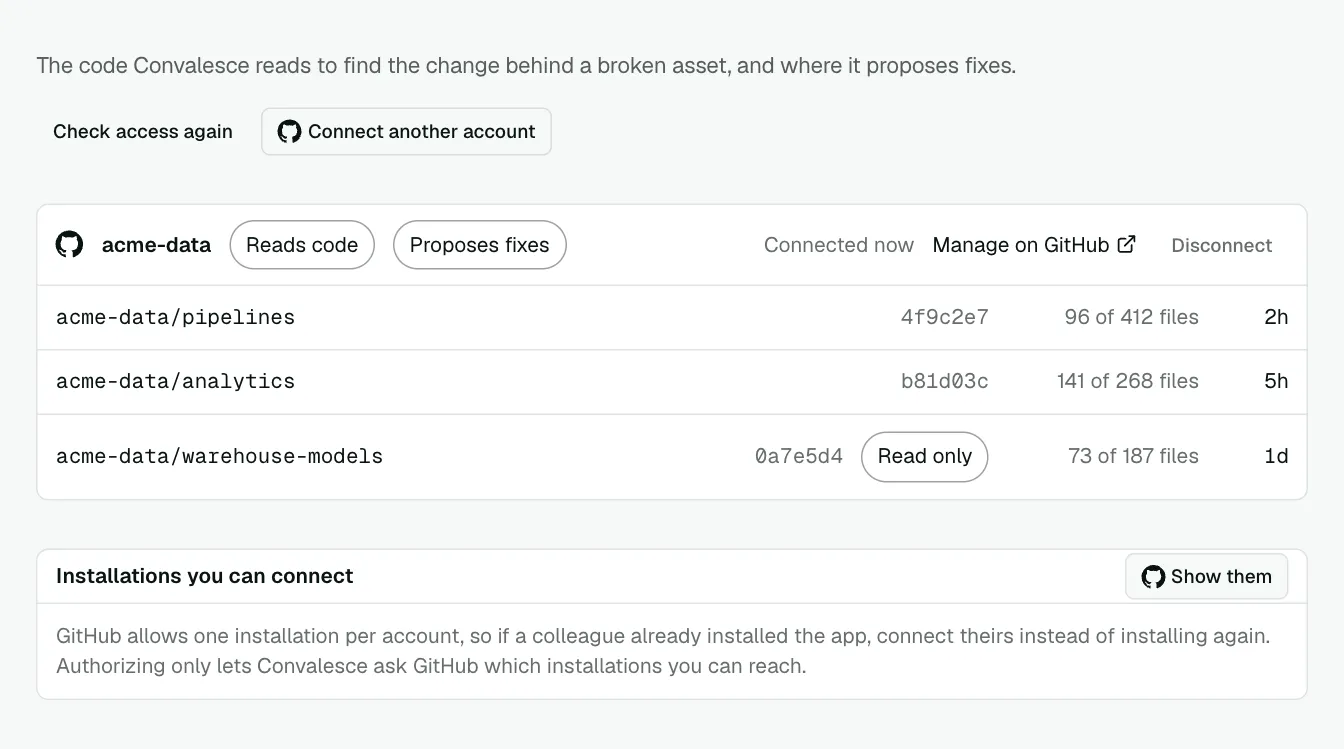
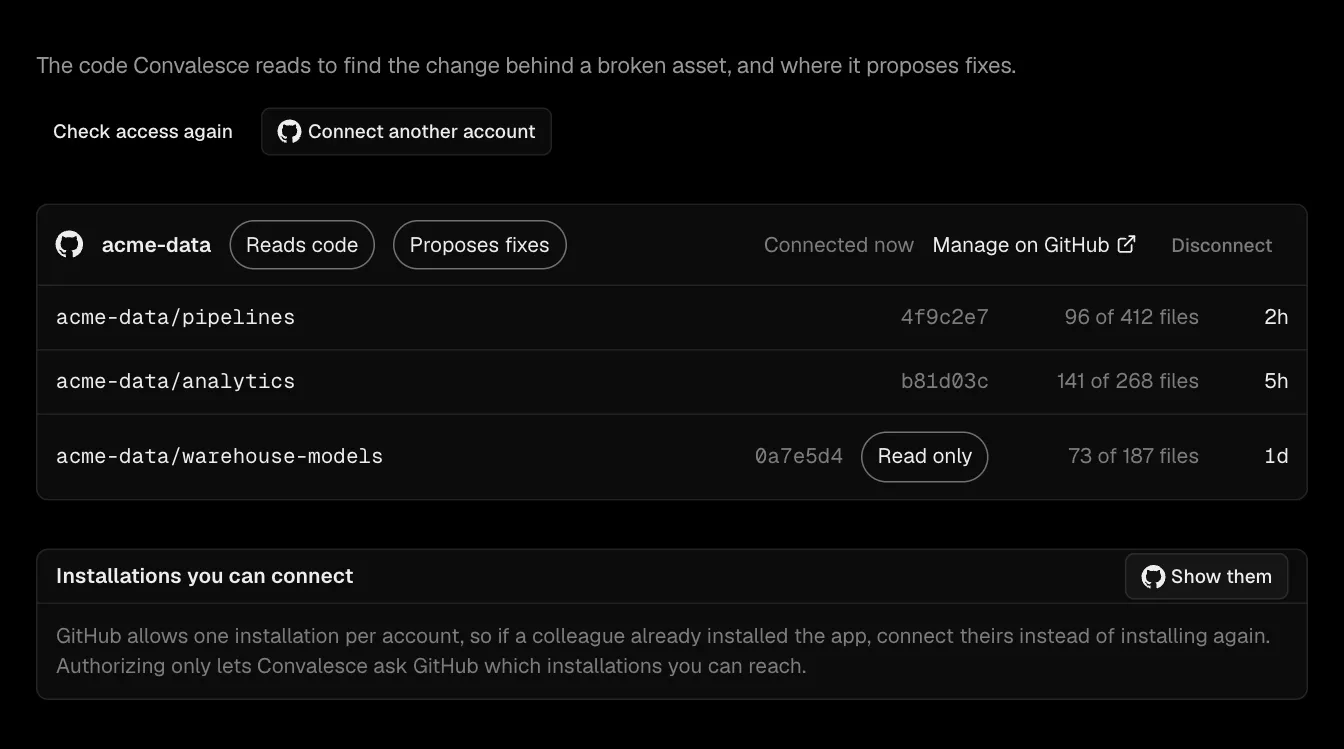
- Finish on GitHub. You come back to Repositories, and the account is listed with what Convalesce does there: Reads code, and Proposes fixes where it can write.
Each repository appears in the list once GitHub confirms that you can reach it and its code has been read. The list shows the commit the code was read at.
When a colleague already installed the app
GitHub allows one installation per account. If the app is already installed on your organisation, connect that installation:
- On Repositories, find Installations you can connect and press Show them. GitHub asks you to authorize, which lets Convalesce ask GitHub which installations you can reach.
- Press Bind to this workspace beside the installation.
More than one account
Press Connect another account and repeat the steps. Each account is listed on its own.
Who sees which repository
A workspace holds only the repositories that somebody in it can reach on GitHub. Two workspaces on the same GitHub account each see their own repositories.
Fixes are proposed in a repository when somebody in the workspace can write to it on GitHub. Write access is granted on GitHub, in the repository's Settings under Collaborators & teams. GitHub's guides: Managing teams and people with access to your repository for a repository in an organisation, and Inviting collaborators to a personal repository for one in a personal account. Press Check access again on Repositories after it changes.
What Convalesce does on GitHub
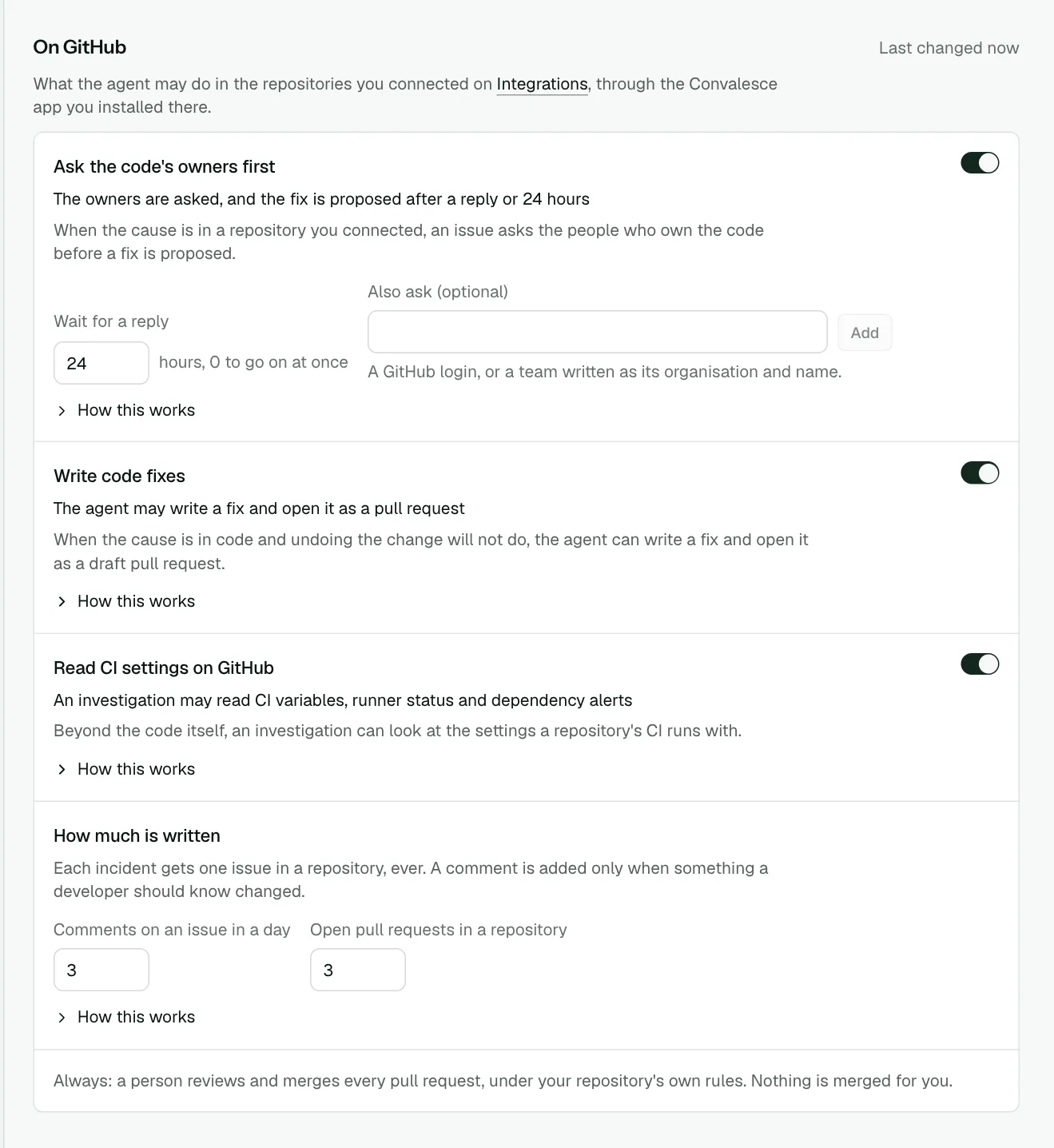
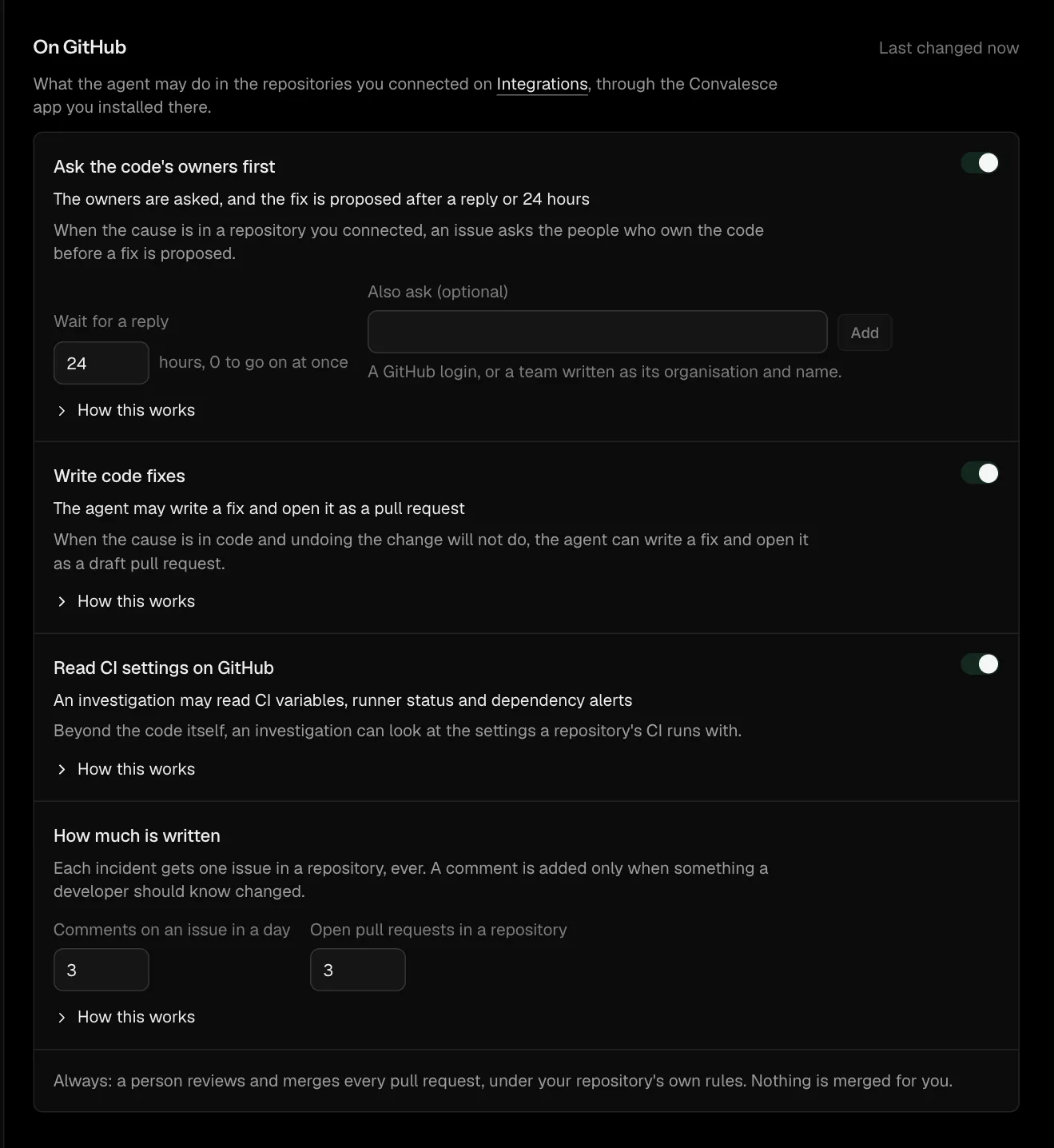
You choose this on Settings, under On GitHub. Every change is saved from the bar at the foot of the page.
| Setting | What it does |
|---|---|
| Ask the code's owners first | When the cause is in a connected repository, an issue asks the people who own the code before a fix is proposed. It says what failed, the error, what Convalesce believes and what it ruled out, and tags up to five people: the author of the commit and the file's code owners, or the owners of the pipeline file. You can name more people and teams under Also ask. |
| Write code fixes | When the cause is in code and undoing the change will not do, Convalesce writes a fix and opens it as a draft pull request. It tests the fix against the repository's own CI and follows the repository's coding guidelines. |
| Read CI settings on GitHub | An investigation can also read CI variables, runner status and dependency alerts. This helps when a failure comes from how CI is set up. A value that looks like a credential is hidden before it is read. |
| How much is written | Two limits: Comments on an issue in a day (3 to start with) and Open pull requests in a repository (3 to start with). |
One issue per incident
Each incident gets one issue in a repository. Every look at the incident, every fix proposed and every time it fails again is written into that issue, and a comment is added only when something a developer should know changed. The issue closes, with one comment, when the incident resolves, and opens again if the incident comes back.
Convalesce writes only to issues and pull requests it opened, and labels them convalesce. A reply on the issue showing that the finding is wrong sends the incident back to be investigated again.
Before a pull request is opened
On Settings, under In the platform, choose whether a fix waits for a yes in the console or opens as a pull request and is approved by the review on it.
Disconnect
On Repositories, press Disconnect beside the account. Its code index in this workspace is deleted. The app stays installed on GitHub; uninstall it there to revoke access.
Troubleshooting
- A repository is missing from the list. Add it to the app's repositories on GitHub: press Manage on GitHub beside the account, and under Repository access choose the repository and press Save. GitHub's guide: Modifying repository access. Then press Check access again.
- A repository shows that no fix is proposed. Somebody in the workspace needs write access to it on GitHub. Grant it there, as GitHub's guide Inviting a team or person shows, then press Check access again.
- "GitHub did not answer." Press Show them to authorize again.
- CI settings are not read. Accept the app's updated permissions on GitHub: open the installation on GitHub and approve the request shown there. GitHub's guide: Approving updated permissions for a GitHub App.